
Flutter
Make the most of this cutting-edge technology by developing apps quickly! Our Flutter solutions have amazing features that can be used to create sleek, high-performance apps that can scale seamlessly across platforms.



We aim to build applications that excel in all aspects. We consider customer satisfaction as the best award we could receive. In that journey, we have been recognized multiple times for the exceptional products we deliver.
Faster work process

Customer Review on Google
Successful projects accross the world
We are a team of highly dedicated mobile app developers that build cutting-edge mobile applications with the latest technologies.
About us
We cater to dedicated and tailored app development to help companies expand and achieve new heights. We deliver great features focusing on the latest technological advancement.

Our expertise in hybrid application development in Kerala, comes by integrating our agile methodology. We are the leading experts in hybrid application development.

Our rank booster packages reap maximum results for ranking mobile apps higher in the highly competitive niche. We get ahead with a proper ASO strategy crafted under our years of ASO experience.

Our landing page creation in a faster mode connects seamlessly with popular marketing platforms. We build efficient landing pages that crush your revenue goals.
We are a team of highly dedicated mobile app developers that build cutting-edge mobile applications with the latest technologies.
View all Services
Make the most of this cutting-edge technology by developing apps quickly! Our Flutter solutions have amazing features that can be used to create sleek, high-performance apps that can scale seamlessly across platforms.

Explore the endless possibilities of mobile app development with our Figma services. Design compelling apps and refine your tech skills, all while leveraging cutting-edge tools to make a meaningful impact in the industry. Appzoc ensures a seamless user experience.

From startups to enterprises, we specialize in creating Android app development services that drive growth. Our team at Appzoc focuses on developing apps that provide an outstanding experience across all Android devices and wearables.

Node.js, for its high scalability, simplifies the mobile application process and is widely used for real-time applications with many open-source libraries and frameworks. The server-side and client-side switches are easy with Node.js. Node.js developers can constantly publish new code making the app possible as and when needed.
We are a team of highly dedicated mobile app developers that build cutting-edge mobile applications with the latest technologies.
View all Technologies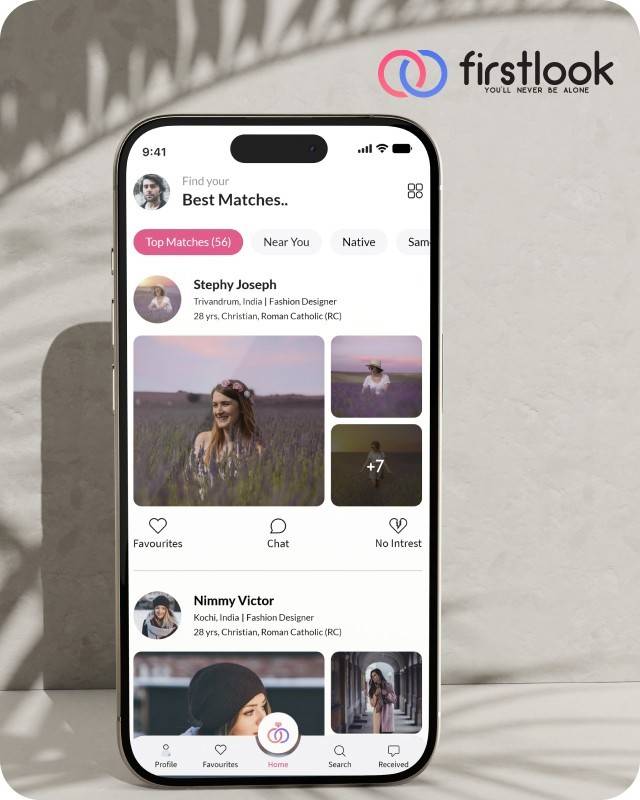
FirstLook Matrimony is a modern matchmaking app that helps you find your perfect life partner with personalized matches, easy chat options, and a secure platform built on trust.

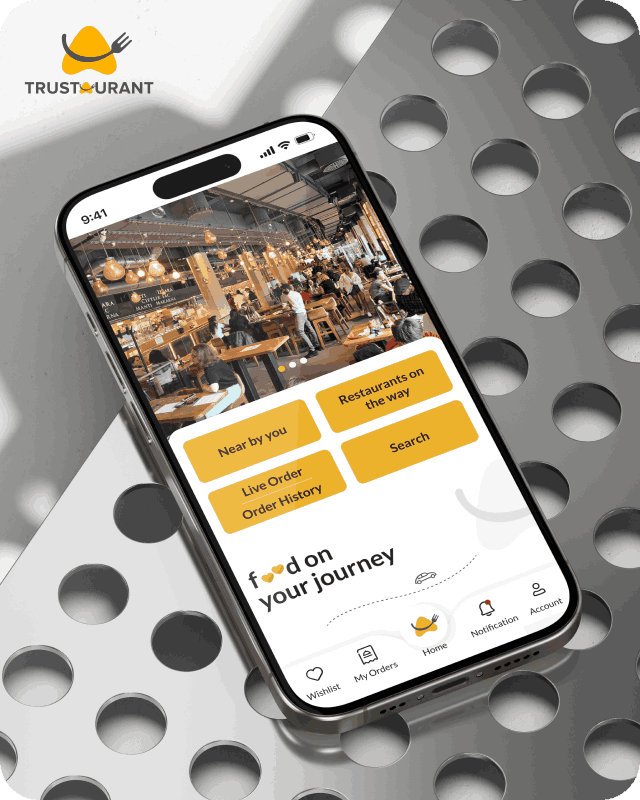
Trustaurant is a travel-friendly food app that helps you discover and order from trusted restaurants nearby or along your journey, all in real-time.
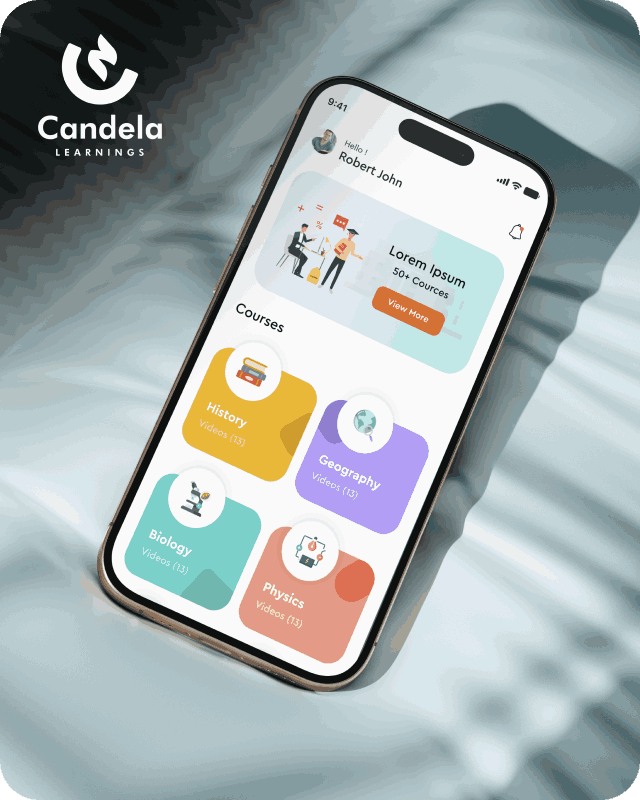
Candela Learnings is an engaging educational app offering interactive video courses in subjects like History, Geography, Biology, and Physics—all in one place.
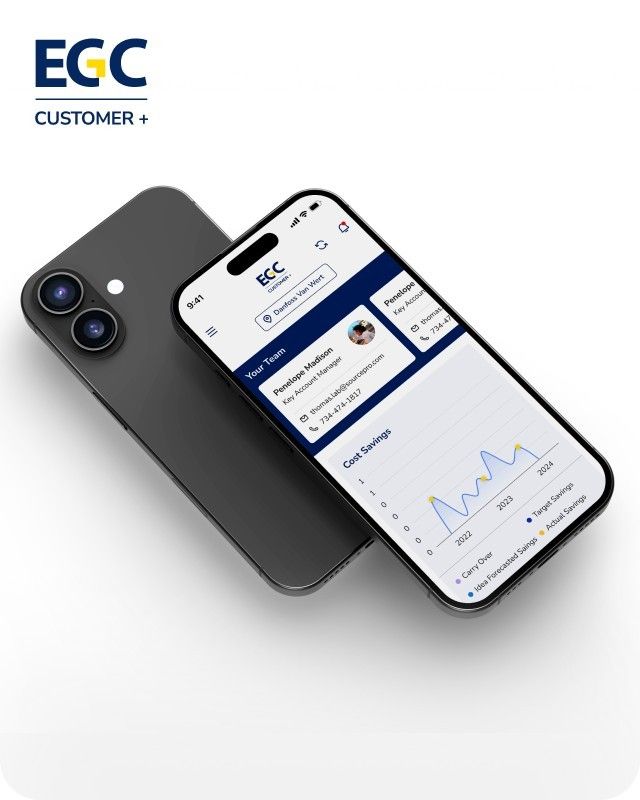
EGC Customer+ is a smart, user-friendly app designed to help you track cost savings, manage key contacts, and stay in control of your account performance—all in one place.
We are a team of highly dedicated mobile app developers that build cutting-edge mobile applications with the latest technologies.
View all WorksWe are a team of highly dedicated mobile app developers that build cutting-edge mobile applications with the latest technologies.
View more openings

What if, by any chance, you downloaded a fitness app that, on its first run only, requested access to your location, camera, and contacts? Maybe you would be a bit reluctant to give so many permissions at once, but finally, you allow access. Nevertheless, some days later, you come across the news saying that the app has experienced a data breach. Without hesitation, you remove that application from your device. This is the type of predicament that users are in. 61% of users have removed an app from their device due to privacy concerns, so you are not the only one. The explanation for this kind of reaction is not that users are paranoid, but that their brain’s survival mechanism is being activated. Can apps ever regain the trust they have lost in a world where trust is lost just by one slip?
Indeed, users’ suspicion of apps is grounded in human psychology, which always seeks control even in situations of uncertainty. Worries about privacy are leading the pack: Pew Research discovered that 60% of people refuse to install apps that ask for too much personal information, while 43% uninstall apps they have already installed for the same reason. Unexpected UX changes can cause cognitive dissonance as well—badly designed new-user flows or slow app functioning can make users feel that the app is not reliable, thus their brain’s threat detection system gets activated. On top of this, there have been several security breaches, which have resulted in this being amplified; for example, apps for women’s health and dating being considered the least trustworthy because of data mishandling.
The users feel that they are being scammed when they are provided with very general privacy statements, which, of course, leads to the psychological principle of reciprocity being violated—the principle according to which users expect to be engaged in fair exchanges. Businesses are suffering a lot because of it: there are a great number of users dropping off (even up to 70% during their first session), retention rates are extremely low (less than 5% on day 30), and there are few conversions. The commonly given piece of advice, such as “just put a trust badge on”, that is supposed to work, is actually a failure—this is a superficial thing if the main problems are still there.
Before you can start earning user trust through your applications, you must cultivate secure, trustworthy app development practices from the start, instead of tacky repairs later on. Following the best practices is one way to go. Disable sensitive logging before release, employ AES-GCM encryption instead of weak ECB modes, and enforce server-side authentication to prevent authentication bypass. As of NIST 2.0, risk assessments must also include app shielding to counter runtime threats, alongside penetration testing. Ignoring the above security practices invites threats to ruin your users’ confidence in your applications.
Mobile privacy UX changes the user’s feeling of fear into his/her loyalty through giving clear choices. Give up the buried policies; just-in-time prompts relaying the reason for the permission, like “Location helps to personalise workouts—deny anytime”, can be used. GSMA guidelines stress “Privacy by Design”: default to protective settings, create intuitive controls, and do not overwhelm the user. It is proven that having simpler flows (biometrics over passwords) helps to lower the user friction, and thus the user completion rates become higher. The harsh truth is as follows: an aggressive permission pop-up? Users uninstall the application. A thoughtful design allows for 20-30% more permission grants.
App credibility design relies on the brain’s power to use mental shortcuts. Visual signals such as a clean layout and a familiar pattern help to reduce the user’s cognitive load—users tend to trust that which is predictable. Social proofs shine during the onboarding process: “Join 1M users” or small pieces of text like “Your data stays on-device.” The most important thing is the app’s stability—no crashes thanks to the optimised performance. Monitoring trust through different metrics is important: retention curves, permission grant rates (target >80%), conversion lifts, and NPS surveys with the question “How secure do you feel?” Actionable steps:
They are not tricks; instead, they are psychological anchors which help to turn sceptics into advocates.
There is no denying that Apps can build unbreakable trust if they focus on core psychological design principles in a secure, transparent environment. So don’t chase half-measures if you want retention that won’t leave. Appzoc specialises in unbreakable trust design principles. Check out – https://www.appzoc.com/ for OWASP cleared builds and UX design based on psychology. To unlock sustainable growth, use Appzoc to audit the app; you won’t regret it. Don’t let your success exit the app through the front door.