
Flutter
Make the most of this cutting-edge technology by developing apps quickly! Our Flutter solutions have amazing features that can be used to create sleek, high-performance apps that can scale seamlessly across platforms.



We aim to build applications that excel in all aspects. We consider customer satisfaction as the best award we could receive. In that journey, we have been recognized multiple times for the exceptional products we deliver.
Faster work process

Customer Review on Google
Successful projects accross the world
We are a team of highly dedicated mobile app developers that build cutting-edge mobile applications with the latest technologies.
About us
We cater to dedicated and tailored app development to help companies expand and achieve new heights. We deliver great features focusing on the latest technological advancement.

Our expertise in hybrid application development in Kerala, comes by integrating our agile methodology. We are the leading experts in hybrid application development.

Our rank booster packages reap maximum results for ranking mobile apps higher in the highly competitive niche. We get ahead with a proper ASO strategy crafted under our years of ASO experience.

Our landing page creation in a faster mode connects seamlessly with popular marketing platforms. We build efficient landing pages that crush your revenue goals.
We are a team of highly dedicated mobile app developers that build cutting-edge mobile applications with the latest technologies.
View all Services
Make the most of this cutting-edge technology by developing apps quickly! Our Flutter solutions have amazing features that can be used to create sleek, high-performance apps that can scale seamlessly across platforms.

Explore the endless possibilities of mobile app development with our Figma services. Design compelling apps and refine your tech skills, all while leveraging cutting-edge tools to make a meaningful impact in the industry. Appzoc ensures a seamless user experience.

From startups to enterprises, we specialize in creating Android app development services that drive growth. Our team at Appzoc focuses on developing apps that provide an outstanding experience across all Android devices and wearables.
Node.js, for its high scalability, simplifies the mobile application process and is widely used for real-time applications with many open-source libraries and frameworks. The server-side and client-side switches are easy with Node.js. Node.js developers can constantly publish new code making the app possible as and when needed.
We are a team of highly dedicated mobile app developers that build cutting-edge mobile applications with the latest technologies.
View all Technologies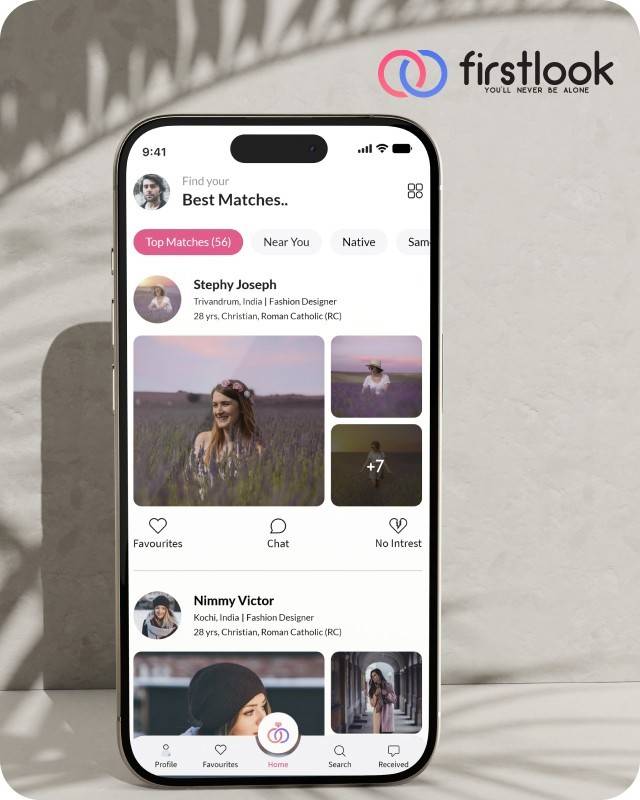
FirstLook Matrimony is a modern matchmaking app that helps you find your perfect life partner with personalized matches, easy chat options, and a secure platform built on trust.

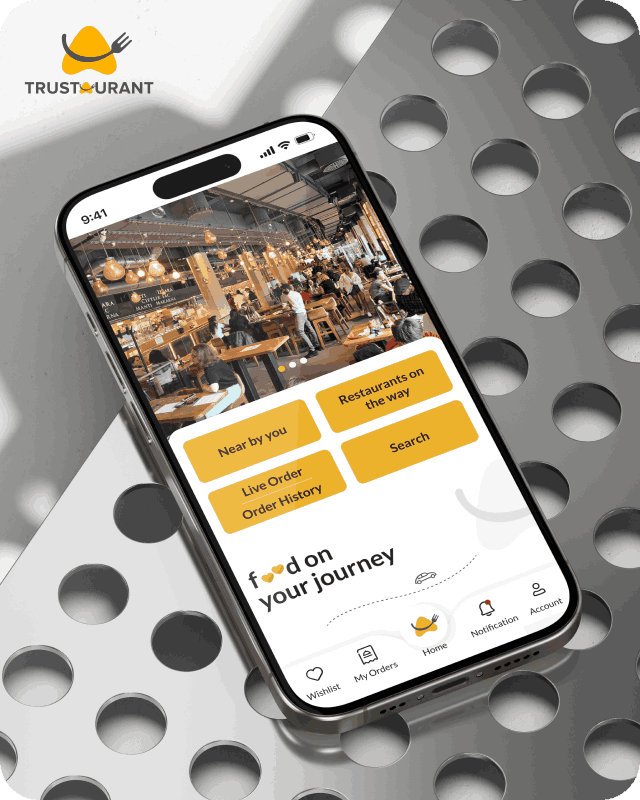
Trustaurant is a travel-friendly food app that helps you discover and order from trusted restaurants nearby or along your journey, all in real-time.
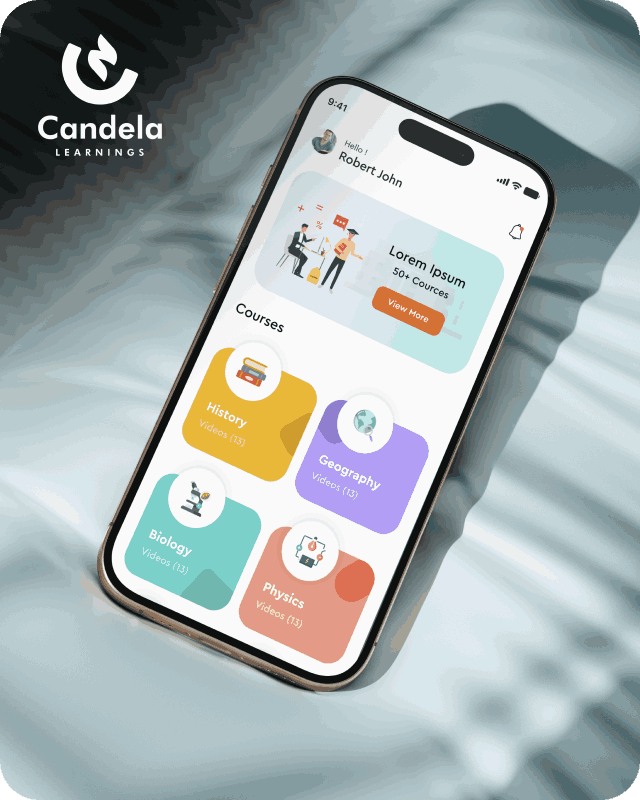
Candela Learnings is an engaging educational app offering interactive video courses in subjects like History, Geography, Biology, and Physics—all in one place.
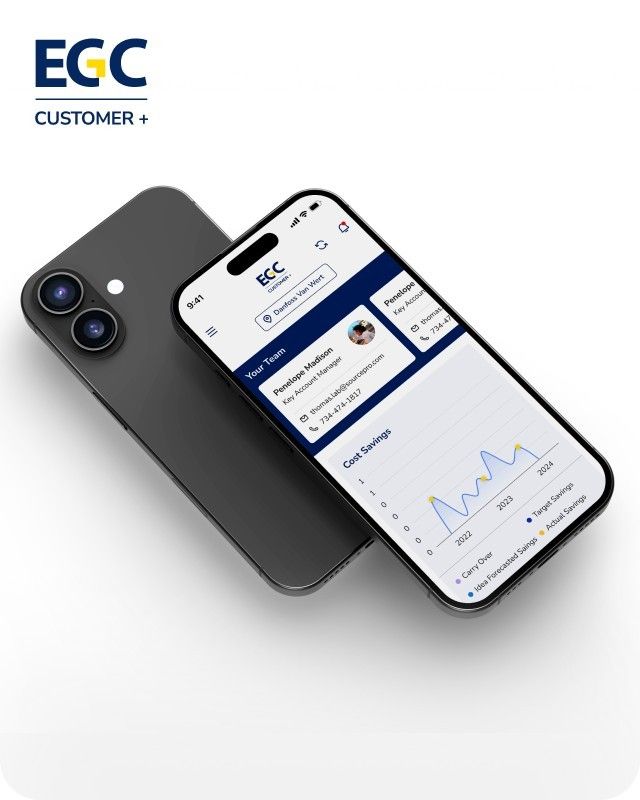
EGC Customer+ is a smart, user-friendly app designed to help you track cost savings, manage key contacts, and stay in control of your account performance—all in one place.
We are a team of highly dedicated mobile app developers that build cutting-edge mobile applications with the latest technologies.
View all WorksWe are a team of highly dedicated mobile app developers that build cutting-edge mobile applications with the latest technologies.
View more openings

Think about the last app you deleted. It likely wasn’t broken—you just stopped using it. It just felt… dumb. It made you repeat yourself. It showed you things you didn’t care about. It answered your questions with FAQ links instead of actual answers.
That’s the gap AI integration in apps is closing right now—and developers who figure this out early are building products users actually stick with.
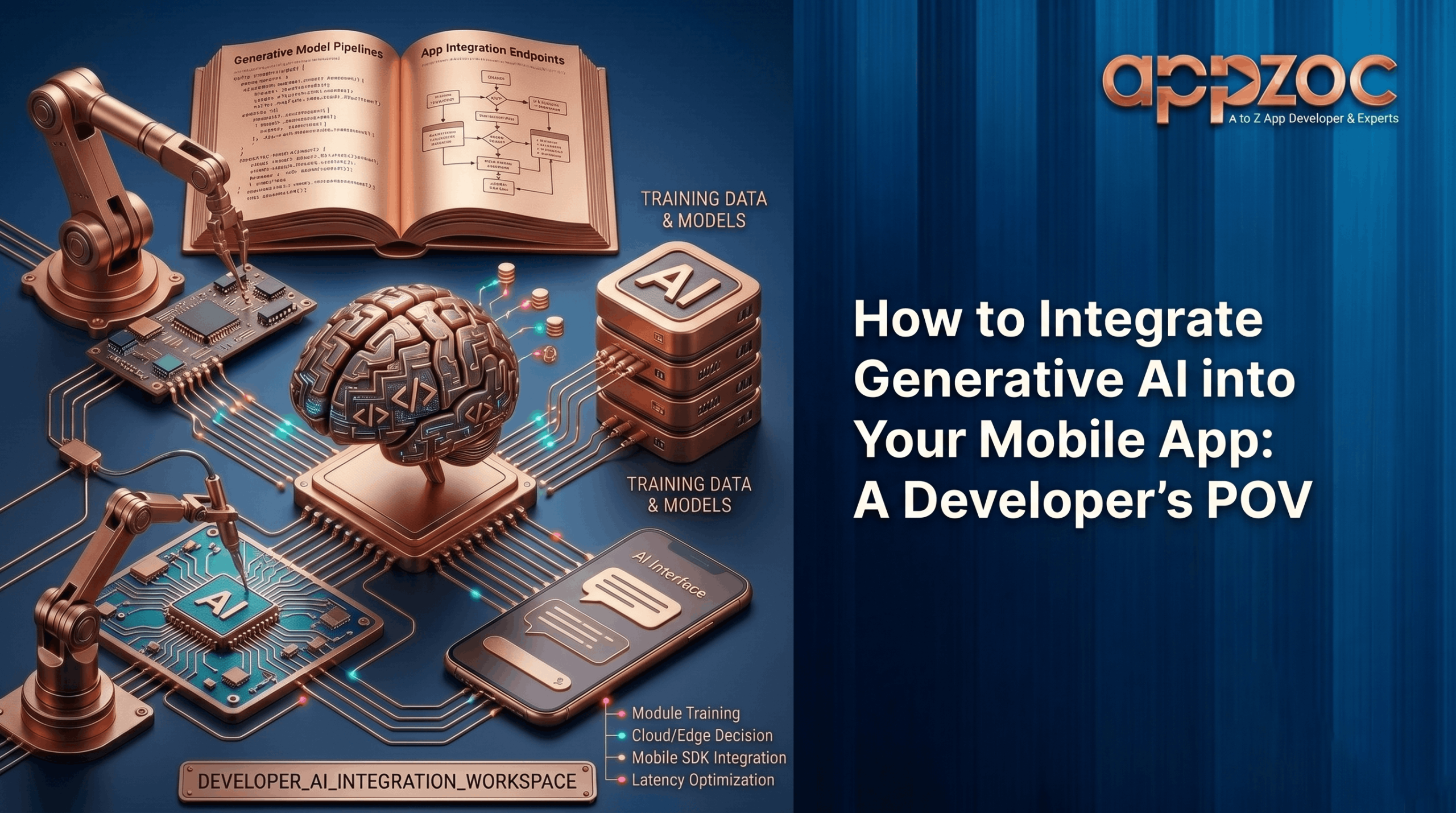
Not AI in theory—just a developer, a code editor, and the attempt to build something truly intelligent. What tools do you pick? Where do you start? What trips people up? Let’s get into it.
Generative AI, at its core, creates text, code, and images from large datasets. For mobile developers, the most useful tools are Large Language Models (LLMs). Think GPT-4, Gemini, Claude.
What these models do well in an app context:
Access to all of this comes through LLM APIs — external endpoints you call like any other API, except instead of fetching data, you’re getting back generated intelligence.
Some developers still wonder if this is worth the complexity. Here’s a straight answer: yes, but only if it solves a real problem for your users.
What your users gain:
What the business gains:
What developers gain:
This is where most teams slip—and why AI features get dropped in months. Before using any API, define the exact user problem. “Add AI to our app” is not a use case. “Users can’t find relevant products through our current search” — that is. The specificity of your problem determines the quality of your solution.
Not all models are the same. Choose based on what your app actually needs. Before deciding, evaluate a few key factors:
Common options include OpenAI, Anthropic’s Claude, and Google Gemini. For more control, consider open-weight models like Llama.
This is where most of the practical intelligence in your app lives — not in the model itself, but in the instructions you give it. A mediocre prompt produces mediocre results from a great model. A well-crafted prompt does the opposite.
Good prompts share a few traits:
Treat your prompts like production code. Version them, test them, and review them when behavior changes.
Here’s a limitation every developer hits quickly: LLMs only know what they were trained on. Your product catalog, your documentation, your customer history — the model knows none of it by default.
The solution is Retrieval-Augmented Generation. The idea is simple: combine retrieved data with generation:
The result is answers that are grounded in your actual data — not guessed at. This dramatically reduces hallucination problems. Pinecone, Weaviate, and Qdrant are widely used in production and common in large-scale deployments.
Never call LLM APIs directly from the mobile client. Always route through your server. The reasons are practical:
The flow is: user input → your server → vector DB lookup (if needed) → LLM API call → response back to client.
Mobile has constraints that a web app doesn’t. Battery life, network quality, screen size, user attention spans — all of it matters.
A solid AI integration touches mobile development, backend architecture, prompt engineering, data infrastructure, and model evaluation — all at once. Teams that try to wing it across all of those domains at the same time tend to build things that work in demos and fall apart in production.
Working with a mobile application development company bangalore that has actual AI integration experience shortens that gap considerably. If you’re evaluating mobile app developers in Bangalore, the local talent pool has become genuinely strong in this area over the past couple of years.
For teams that don’t want to build all of this from scratch, working with experienced partners can speed things up significantly. Appzoc is one of the best app development company in bangalore that has been doing this work across real client products — not proof-of-concept builds. The team knows where the complexity lives and how to ship AI features that hold up under real user behavior.
Pick one feature. One real problem your users have. Build the simplest possible version of an AI solution for it, measure whether it helps, and iterate from there. The teams that get this right don’t start big — they start focused.
The infrastructure exists. LLM APIs are accessible. Vector databases are easier to set up than they were two years ago. Prompt engineering is a learnable skill. Latency optimization is a known set of patterns. None of this requires starting from zero.
Ready to start building?
The team at Appzoc works with companies at every stage — from the first AI feature to full AI-native mobile products. Reach out through www.appzoc.com and have a real conversation about what you’re trying to build.