
Flutter
Make the most of this cutting-edge technology by developing apps quickly! Our Flutter solutions have amazing features that can be used to create sleek, high-performance apps that can scale seamlessly across platforms.



We aim to build applications that excel in all aspects. We consider customer satisfaction as the best award we could receive. In that journey, we have been recognized multiple times for the exceptional products we deliver.
Faster work process

Customer Review on Google
Successful projects accross the world
We are a team of highly dedicated mobile app developers that build cutting-edge mobile applications with the latest technologies.
About us
We cater to dedicated and tailored app development to help companies expand and achieve new heights. We deliver great features focusing on the latest technological advancement.

Our expertise in hybrid application development in Kerala, comes by integrating our agile methodology. We are the leading experts in hybrid application development.

Our rank booster packages reap maximum results for ranking mobile apps higher in the highly competitive niche. We get ahead with a proper ASO strategy crafted under our years of ASO experience.

Our landing page creation in a faster mode connects seamlessly with popular marketing platforms. We build efficient landing pages that crush your revenue goals.
We are a team of highly dedicated mobile app developers that build cutting-edge mobile applications with the latest technologies.
View all Services
Make the most of this cutting-edge technology by developing apps quickly! Our Flutter solutions have amazing features that can be used to create sleek, high-performance apps that can scale seamlessly across platforms.

Explore the endless possibilities of mobile app development with our Figma services. Design compelling apps and refine your tech skills, all while leveraging cutting-edge tools to make a meaningful impact in the industry. Appzoc ensures a seamless user experience.

From startups to enterprises, we specialize in creating Android app development services that drive growth. Our team at Appzoc focuses on developing apps that provide an outstanding experience across all Android devices and wearables.

Node.js, for its high scalability, simplifies the mobile application process and is widely used for real-time applications with many open-source libraries and frameworks. The server-side and client-side switches are easy with Node.js. Node.js developers can constantly publish new code making the app possible as and when needed.
We are a team of highly dedicated mobile app developers that build cutting-edge mobile applications with the latest technologies.
View all Technologies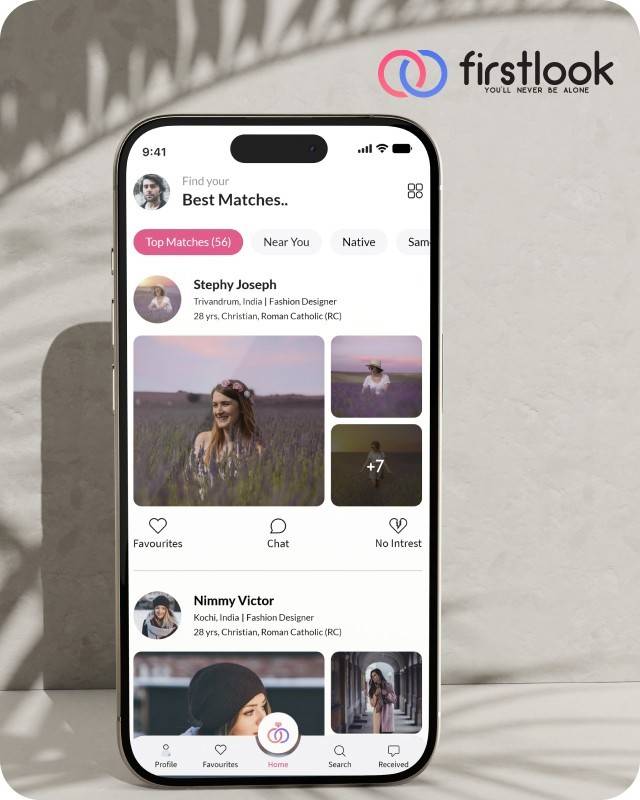
FirstLook Matrimony is a modern matchmaking app that helps you find your perfect life partner with personalized matches, easy chat options, and a secure platform built on trust.

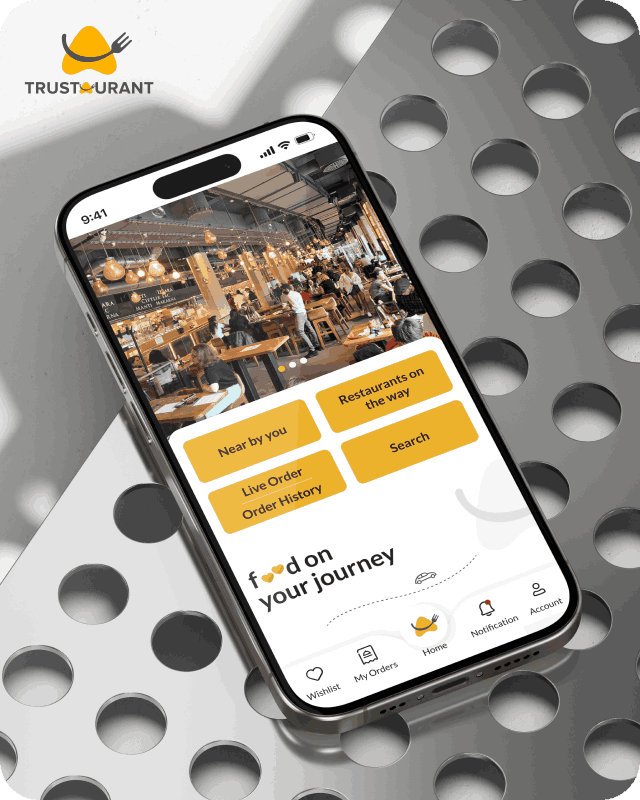
Trustaurant is a travel-friendly food app that helps you discover and order from trusted restaurants nearby or along your journey, all in real-time.
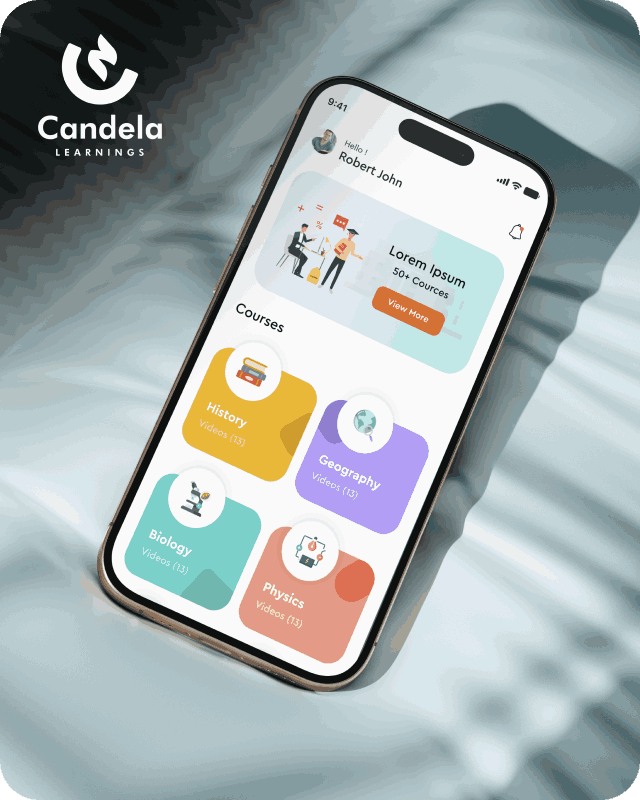
Candela Learnings is an engaging educational app offering interactive video courses in subjects like History, Geography, Biology, and Physics—all in one place.
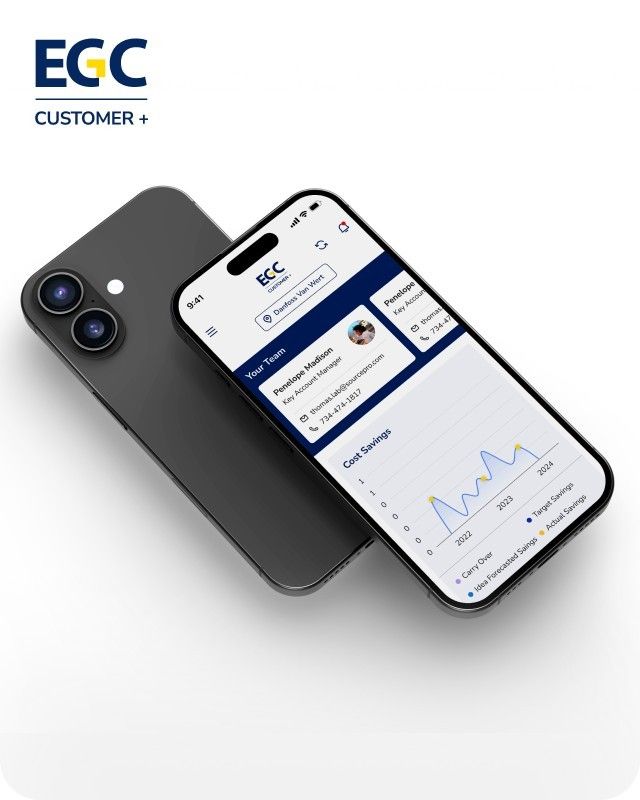
EGC Customer+ is a smart, user-friendly app designed to help you track cost savings, manage key contacts, and stay in control of your account performance—all in one place.
We are a team of highly dedicated mobile app developers that build cutting-edge mobile applications with the latest technologies.
View all WorksWe are a team of highly dedicated mobile app developers that build cutting-edge mobile applications with the latest technologies.
View more openings

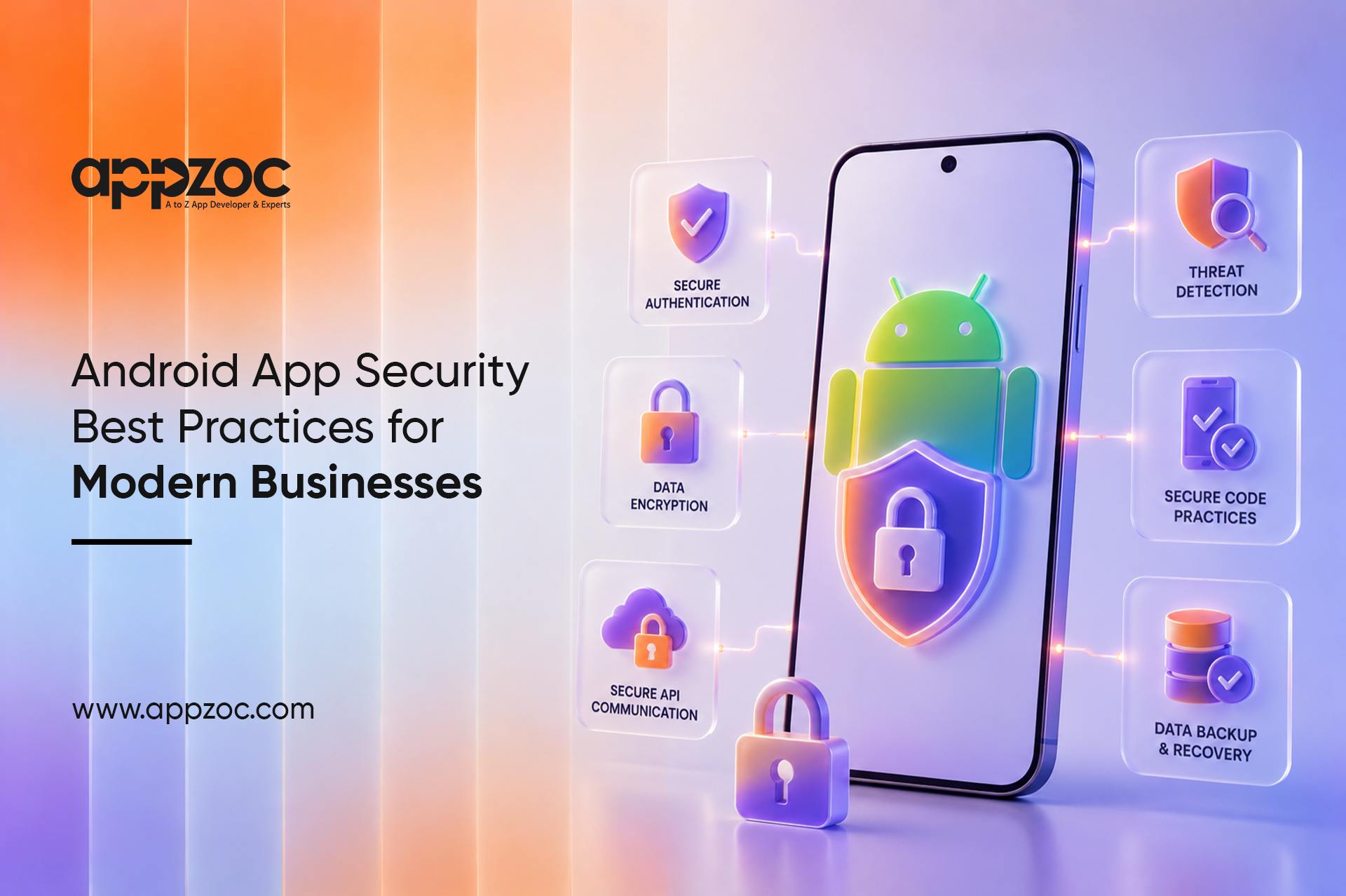
Most people use their phones to shop, bank, and manage personal accounts. Android powers most smartphones worldwide, making it a common target for cyberattacks. Strong Android App Security is essential for businesses that collect and store user data.
Mobile threats continue to grow as attackers target weak points in apps. A security breach can lead to financial losses, legal issues, and damage to customer trust and brand reputation.
Following Android App Security Best Practices is an important part of Mobile App Security for Businesses, helping protect customer data, reduce risks, and maintain compliance.
Effective Android application security starts with protecting the sensitive information users share through mobile apps.
People hand over a lot of personal information when they use an app. Names, addresses, card numbers, health details. They do this because they trust the business behind the app to keep it safe. That trust needs to be backed up by actual security measures, not just good intentions.
An app that feels safe keeps users coming back. One that has had a breach, or even one that simply asks for too many permissions without explanation, loses people fast. Users talk, reviews spread, and a reputation for poor security is hard to shake.
Privacy regulations now exist in most major markets. GDPR, CCPA, and similar privacy laws require businesses to protect customer data. Failing to comply can lead to legal and financial risks.
A password by itself is not enough anymore. Adding a second verification step blocks most unauthorized attempts before they go anywhere. Biometric login works well because it is both secure and quick. Sessions should expire after inactivity and clear on logout.
Everything moving between the app and your servers should go over TLS. Data sitting on the device needs encryption too. AES-256 is the standard. Personal and financial information should never be stored in a readable format. Strong encryption is a key part of mobile app data protection.
A lot of breaches happen not in the app but in what the app connects to. Secure APIs with proper authentication, input validation, and rate limits to prevent attacks.
Build security into development from the start and include it in code reviews. Use tools that automatically flag common vulnerabilities. Catching an issue during development costs a fraction of what it costs after launch. Secure Android app development helps identify and fix vulnerabilities before release.
Android apps can be decompiled fairly easily. Anything hardcoded in the app, API keys, passwords, business logic, is at risk. Use ProGuard or R8 to obfuscate the code. Store sensitive data securely on the server, not within the app.
Old libraries with known vulnerabilities are a favourite target. Keep third-party components updated and apply security patches promptly.
Request only the permissions your app needs, and ask for them when required. This helps build user trust and improves privacy. These Android cybersecurity measures help improve privacy and user trust.
Testing once before going live is not a security strategy. Run assessments throughout the build process. Bring in professionals for penetration testing at key stages. They will find things automated tools miss, and finding them before launch matters a great deal. Regular Android app security testing helps identify and address potential vulnerabilities.
Knowing something is wrong quickly makes a significant difference. Set up monitoring that flags unusual activity, repeated failed logins, strange API calls, data requests at odd times. Create an incident response plan before issues arise.
Cloud misconfigurations have caused some of the largest data exposures in recent years. Do not set access controls once and walk away. Review them regularly, apply least-privilege access to all service accounts, and encrypt data before it ever reaches cloud storage.
Business mobile app security requires strong protection across user data, payment systems, and internal applications.
Enhances Customer Trust and Loyalty
Strong security builds user confidence, encouraging greater engagement and long-term loyalty.
Reduces Financial and Reputational Risks
Preventing security issues helps avoid costly breaches, legal penalties, and reputational damage.
Improves Business Continuity
Secure systems are more reliable, helping businesses maintain operations and recover quickly from disruptions.
Applications that safeguard user data, meet evolving compliance standards, and perform reliably under scrutiny do more than pass review; they earn lasting trust. That trust translates directly into stronger customer loyalty, healthier partnerships, and a more resilient brand. By treating security as a foundation rather than a formality, businesses protect themselves against costly breaches and rejections while positioning themselves for sustainable, long-term growth. In short, secure apps don’t just launch successfully, they build strong, credible businesses that endure.
Businesses looking for an Android app development company in Bangalore or the best mobile app development company in Bangalore can partner with Appzoc to build secure, scalable Android applications with security integrated throughout development and deployment.
Get in touch with Appzoc today to build a secure Android app that protects user data, strengthens trust, and supports long-term business growth.