
Flutter
Make the most of this cutting-edge technology by developing apps quickly! Our Flutter solutions have amazing features that can be used to create sleek, high-performance apps that can scale seamlessly across platforms.



We aim to build applications that excel in all aspects. We consider customer satisfaction as the best award we could receive. In that journey, we have been recognized multiple times for the exceptional products we deliver.
Faster work process

Customer Review on Google
Successful projects accross the world
We are a team of highly dedicated mobile app developers that build cutting-edge mobile applications with the latest technologies.
About us
We cater to dedicated and tailored app development to help companies expand and achieve new heights. We deliver great features focusing on the latest technological advancement.

Our expertise in hybrid application development in Kerala, comes by integrating our agile methodology. We are the leading experts in hybrid application development.

Our rank booster packages reap maximum results for ranking mobile apps higher in the highly competitive niche. We get ahead with a proper ASO strategy crafted under our years of ASO experience.

Our landing page creation in a faster mode connects seamlessly with popular marketing platforms. We build efficient landing pages that crush your revenue goals.
We are a team of highly dedicated mobile app developers that build cutting-edge mobile applications with the latest technologies.
View all Services
Make the most of this cutting-edge technology by developing apps quickly! Our Flutter solutions have amazing features that can be used to create sleek, high-performance apps that can scale seamlessly across platforms.

Explore the endless possibilities of mobile app development with our Figma services. Design compelling apps and refine your tech skills, all while leveraging cutting-edge tools to make a meaningful impact in the industry. Appzoc ensures a seamless user experience.

From startups to enterprises, we specialize in creating Android app development services that drive growth. Our team at Appzoc focuses on developing apps that provide an outstanding experience across all Android devices and wearables.

Node.js, for its high scalability, simplifies the mobile application process and is widely used for real-time applications with many open-source libraries and frameworks. The server-side and client-side switches are easy with Node.js. Node.js developers can constantly publish new code making the app possible as and when needed.
We are a team of highly dedicated mobile app developers that build cutting-edge mobile applications with the latest technologies.
View all Technologies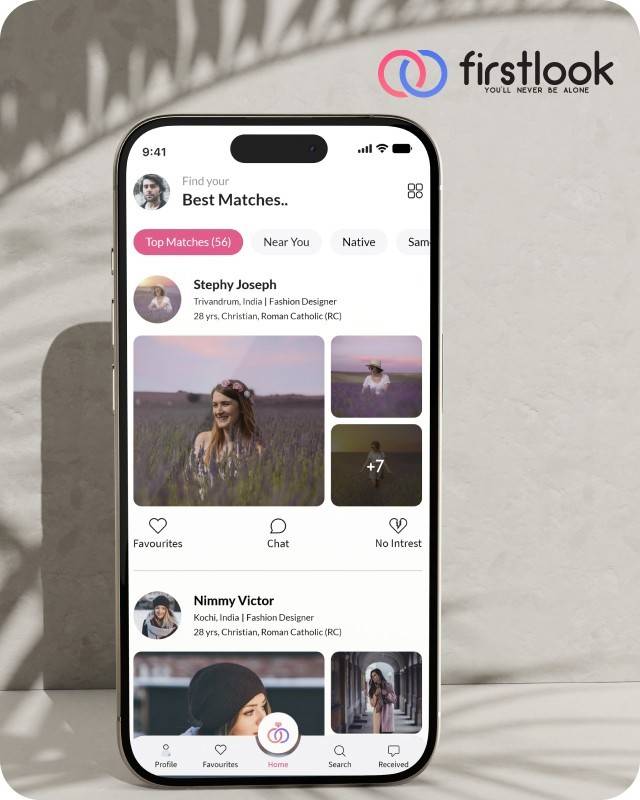
FirstLook Matrimony is a modern matchmaking app that helps you find your perfect life partner with personalized matches, easy chat options, and a secure platform built on trust.

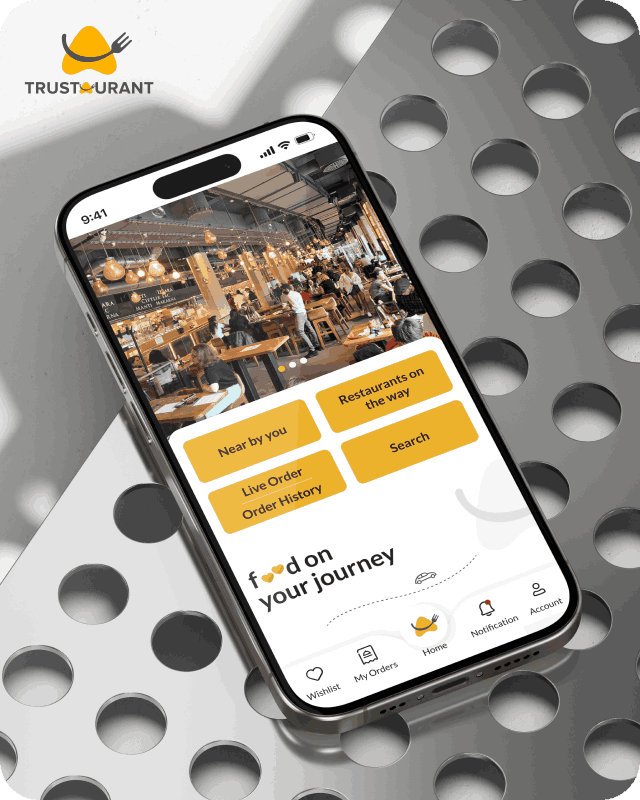
Trustaurant is a travel-friendly food app that helps you discover and order from trusted restaurants nearby or along your journey, all in real-time.
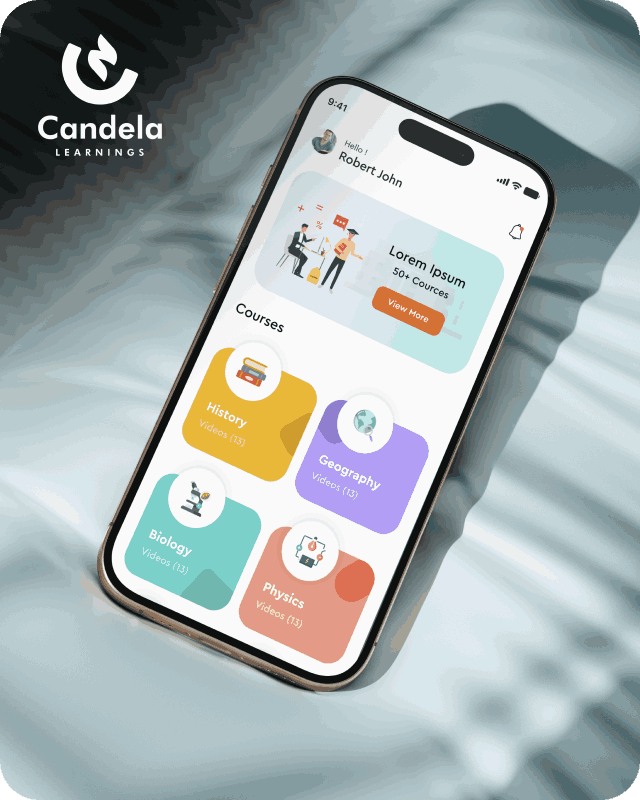
Candela Learnings is an engaging educational app offering interactive video courses in subjects like History, Geography, Biology, and Physics—all in one place.
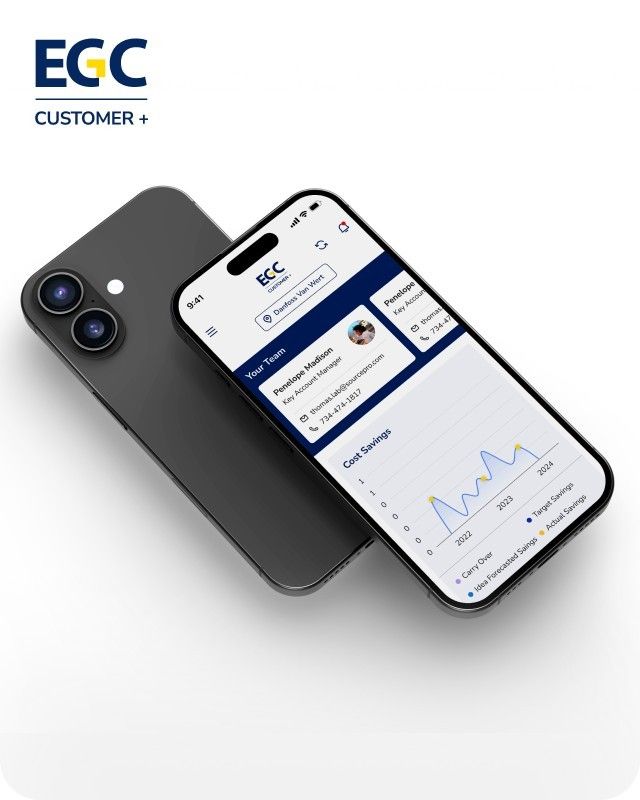
EGC Customer+ is a smart, user-friendly app designed to help you track cost savings, manage key contacts, and stay in control of your account performance—all in one place.
We are a team of highly dedicated mobile app developers that build cutting-edge mobile applications with the latest technologies.
View all WorksWe are a team of highly dedicated mobile app developers that build cutting-edge mobile applications with the latest technologies.
View more openings

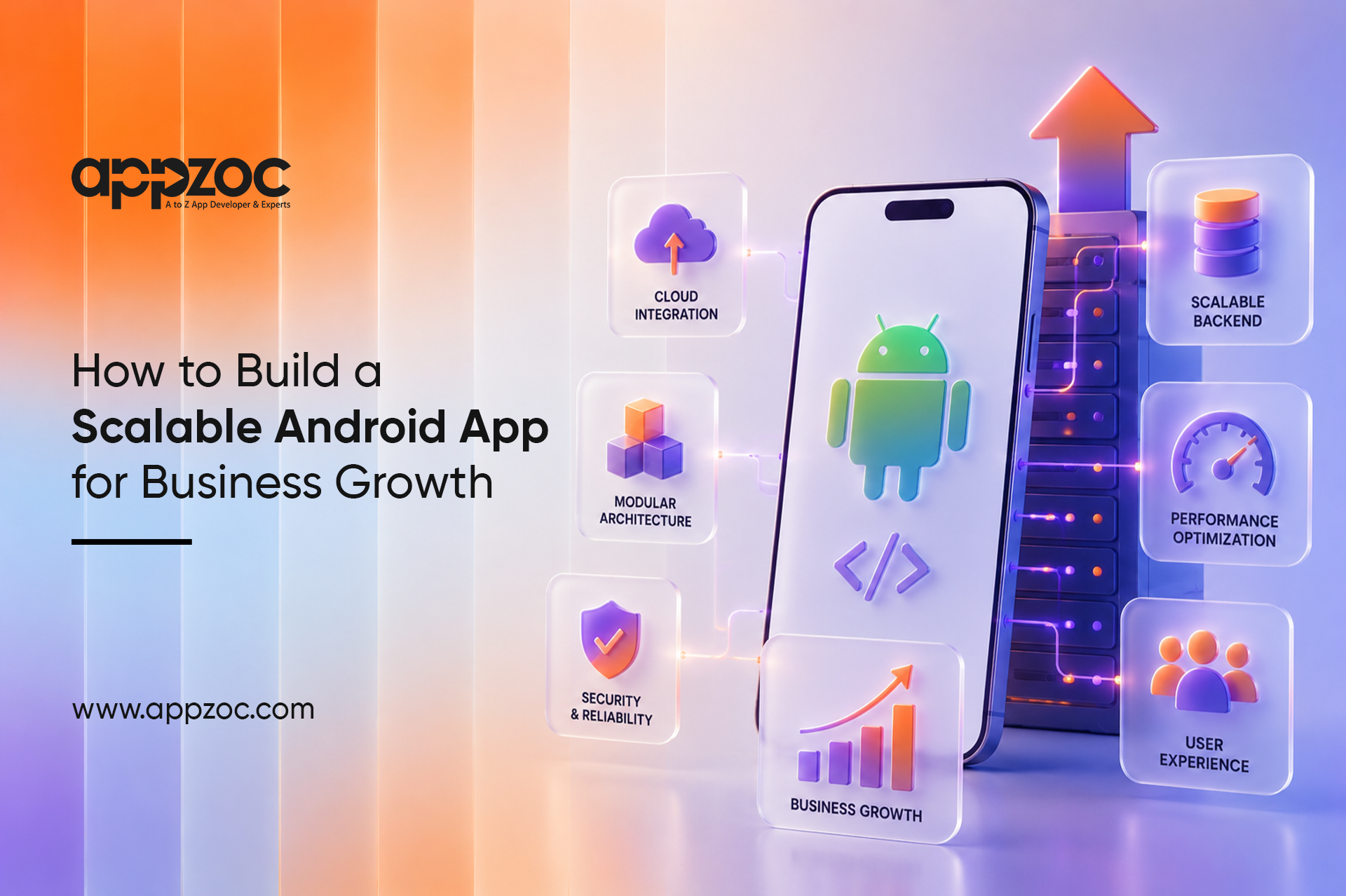
Most Android apps are built for today’s needs. But businesses grow and change. User numbers increase, new features are added, and business requirements evolve. An app that works well at launch can become difficult to maintain and scale over time. Scalable Android app development prevents that situation. Successful business mobile app development starts with a scalable foundation that stays reliable and cost-effective as it grows.
A scalable app supports growing users, data, and features with a strong internal architecture. Android app scalability is achieved by separating the user interface, app logic, and data storage. When these stay separate, updating one part does not break another. When they are tangled together, even routine maintenance becomes risky.
Before a project begins, the development team needs clarity on where the business is heading. How large will the user base be in three years? What integrations will the app require? What is the expected usage load at busy periods? Decisions made with these answers in hand are much stronger than decisions made without them.
For companies investing in Android app development for business, getting this right from the beginning produces results that compound over time. Lower support costs, faster delivery of new features, and a codebase that any competent developer can navigate without weeks of preparation.
Maintain app speed, ensure device compatibility, integrate cloud services early, and use analytics for continuous improvement. Build security into every layer of the application. Connections to external platforms should be designed to remain stable when those platforms release updates.
Pushing scalability planning to a later phase turns a design task into a recovery project. Technology selected for its current popularity rather than its proven lifespan creates maintenance difficulties that surface within a few years. It is a long-term business asset built for growth and future innovation. Ignoring future feature requirements forces teams to redo decisions that better early thinking would have made unnecessary.
An app under heavy traffic during a product launch or campaign needs to stay up. Revenue depends on it. Modular architecture keeps the cost of each new release predictable. Products that perform reliably retain their users, and retaining users is consistently cheaper than recovering those who left. A well-organised codebase shortens the time between a business decision and a delivered update, which is a meaningful advantage when timing matters.
What is decided at the beginning of a project sets the limits of what that project can become. A scalable Android app is not just a piece of software. It is a long-term business asset that supports business growth and future innovation. These best practices also support enterprise Android application development by making applications easier to scale and maintain.
For businesses choosing a android app development company then partner with Appzoc, an android development company in Bangalore with a proven record of delivering apps that perform through real commercial growth offers a lasting advantage. Appzoc works with businesses from early planning through to long-term post-launch support.
Ready to build a scalable Android app? Connect with Appzoc to discuss your project.
What is scalable Android app development?
Create apps that can handle more users, data, and features as your business grows.
Why does scalability matter for business growth?
An app should grow with your business. One built with expansion in mind keeps delivering value at every stage.
What should I look for in an Android development partner?
Experience with architecture, a history of delivering products that held up under real commercial conditions, and the ability to explain technical decisions clearly to non-technical stakeholders.