
Flutter
Make the most of this cutting-edge technology by developing apps quickly! Our Flutter solutions have amazing features that can be used to create sleek, high-performance apps that can scale seamlessly across platforms.



We aim to build applications that excel in all aspects. We consider customer satisfaction as the best award we could receive. In that journey, we have been recognized multiple times for the exceptional products we deliver.
Faster work process

Customer Review on Google
Successful projects accross the world
We are a team of highly dedicated mobile app developers that build cutting-edge mobile applications with the latest technologies.
About us
We cater to dedicated and tailored app development to help companies expand and achieve new heights. We deliver great features focusing on the latest technological advancement.

Our expertise in hybrid application development in Kerala, comes by integrating our agile methodology. We are the leading experts in hybrid application development.

Our rank booster packages reap maximum results for ranking mobile apps higher in the highly competitive niche. We get ahead with a proper ASO strategy crafted under our years of ASO experience.

Our landing page creation in a faster mode connects seamlessly with popular marketing platforms. We build efficient landing pages that crush your revenue goals.
We are a team of highly dedicated mobile app developers that build cutting-edge mobile applications with the latest technologies.
View all Services
Make the most of this cutting-edge technology by developing apps quickly! Our Flutter solutions have amazing features that can be used to create sleek, high-performance apps that can scale seamlessly across platforms.

Explore the endless possibilities of mobile app development with our Figma services. Design compelling apps and refine your tech skills, all while leveraging cutting-edge tools to make a meaningful impact in the industry. Appzoc ensures a seamless user experience.

From startups to enterprises, we specialize in creating Android app development services that drive growth. Our team at Appzoc focuses on developing apps that provide an outstanding experience across all Android devices and wearables.

Node.js, for its high scalability, simplifies the mobile application process and is widely used for real-time applications with many open-source libraries and frameworks. The server-side and client-side switches are easy with Node.js. Node.js developers can constantly publish new code making the app possible as and when needed.
We are a team of highly dedicated mobile app developers that build cutting-edge mobile applications with the latest technologies.
View all Technologies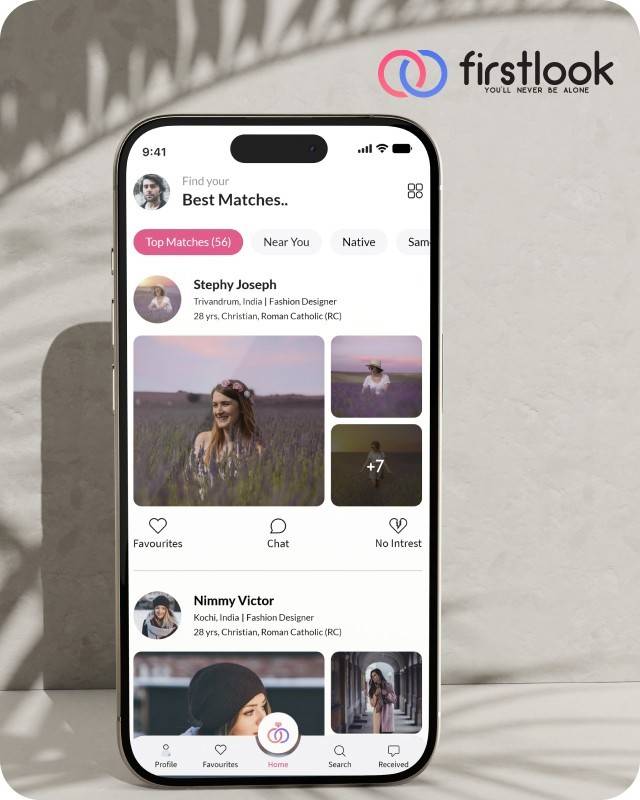
FirstLook Matrimony is a modern matchmaking app that helps you find your perfect life partner with personalized matches, easy chat options, and a secure platform built on trust.

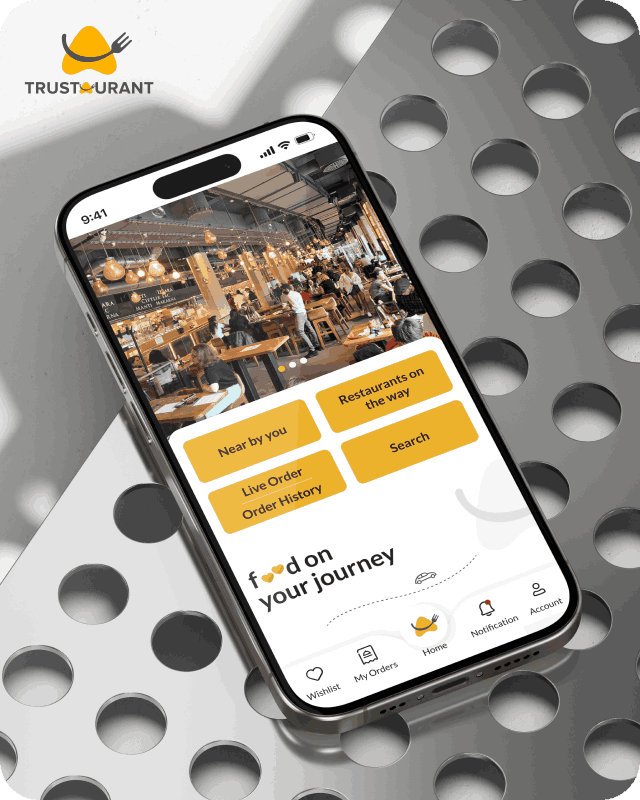
Trustaurant is a travel-friendly food app that helps you discover and order from trusted restaurants nearby or along your journey, all in real-time.
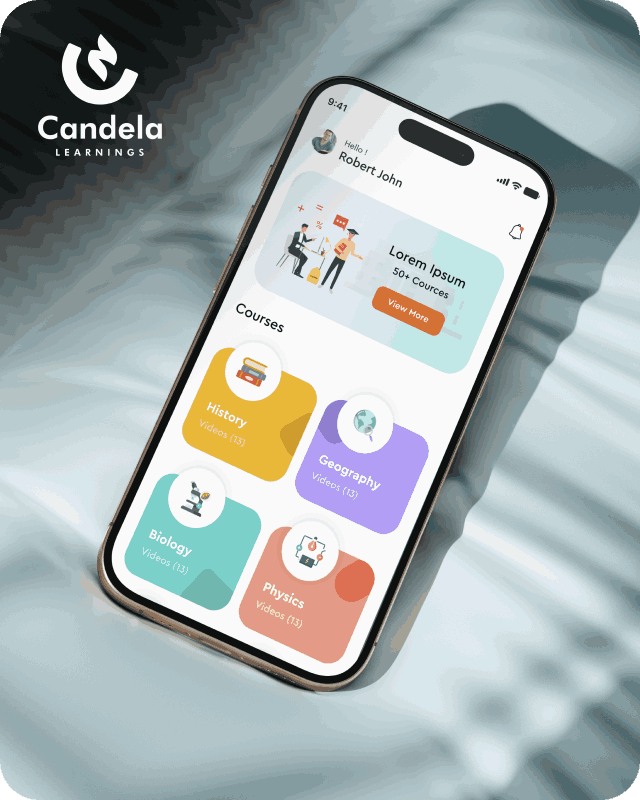
Candela Learnings is an engaging educational app offering interactive video courses in subjects like History, Geography, Biology, and Physics—all in one place.
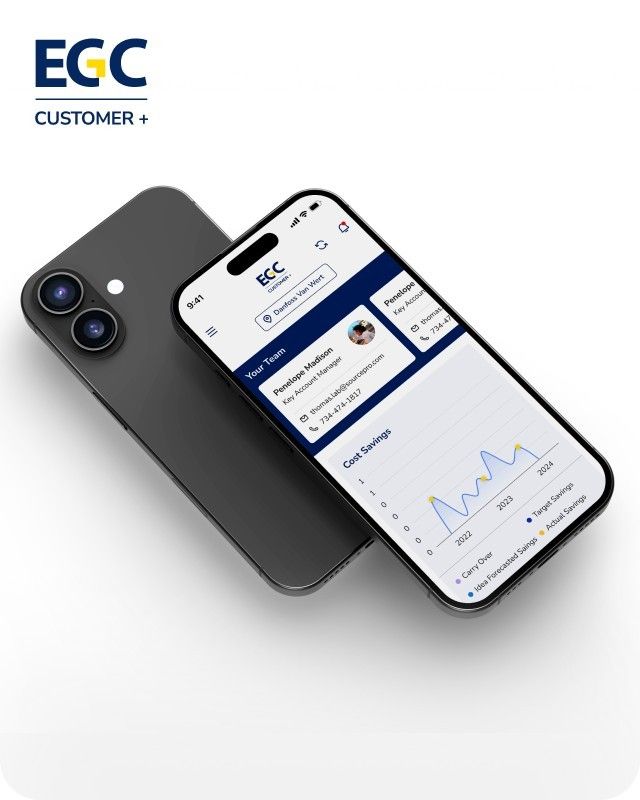
EGC Customer+ is a smart, user-friendly app designed to help you track cost savings, manage key contacts, and stay in control of your account performance—all in one place.
We are a team of highly dedicated mobile app developers that build cutting-edge mobile applications with the latest technologies.
View all WorksWe are a team of highly dedicated mobile app developers that build cutting-edge mobile applications with the latest technologies.
View more openings

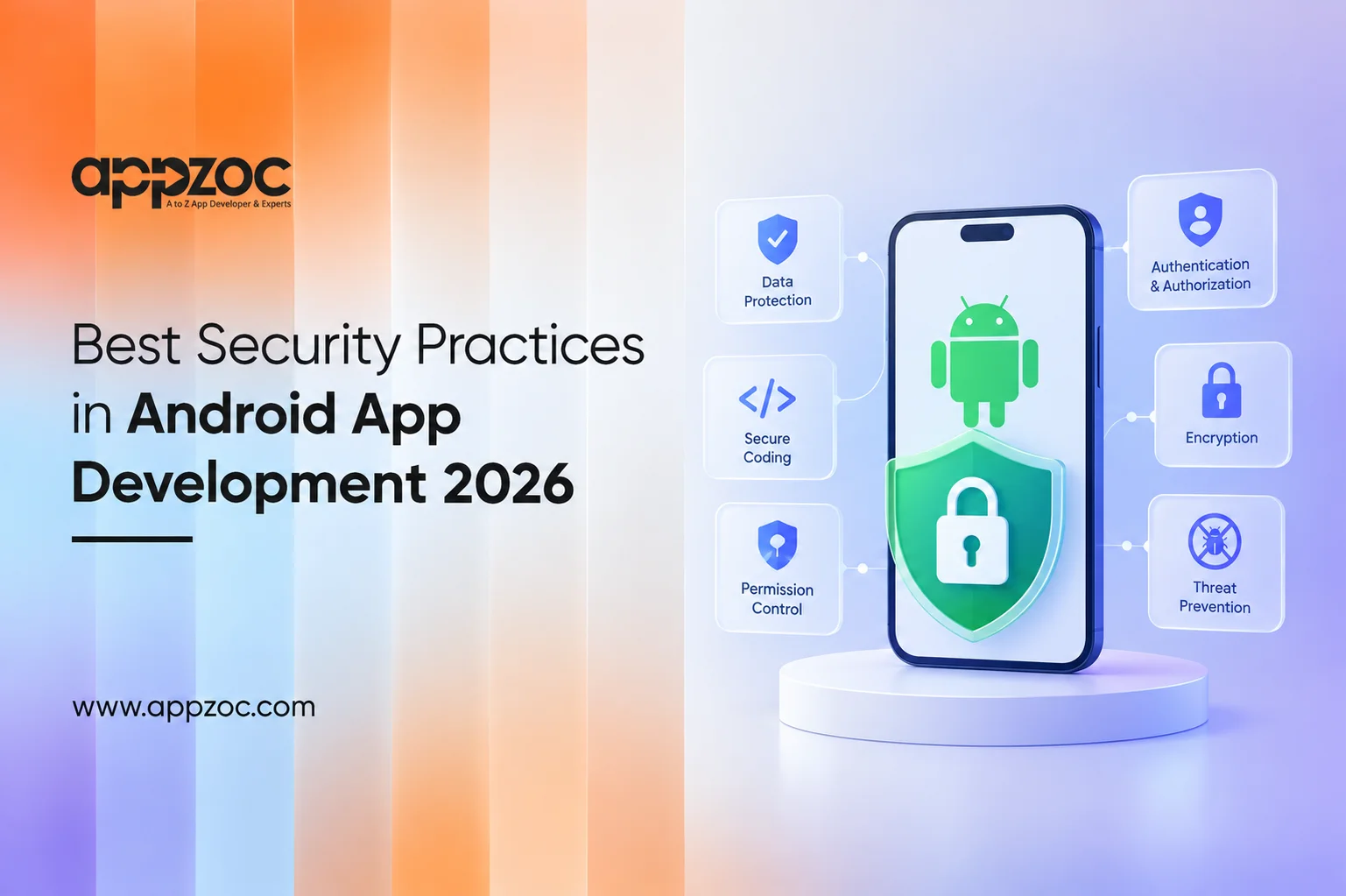
An Android app can perform well during testing and still introduce security risks after launch. A leaked token, poorly secured API, excessive permissions, or an unsafe WebView can expose data that users expect to be protected.
Security should not be treated as something to add after development is complete. At that stage, addressing architectural issues can be expensive and disruptive.
Build security into the application from the beginning. Request only the permissions the app actually needs, protect sensitive data, secure network communication, use strong authentication methods, review third-party libraries, and test the app together with its backend. For apps handling payments, personal information, or other sensitive operations, controls such as Play Integrity can provide an additional layer of protection. OWASP’s Mobile Application Security Verification Standard (MASVS) provides a useful baseline for areas such as secure storage, authentication, network communication, platform interaction, code security, resilience, and privacy.
So, what should developers focus on when building an Android app in 2026? The following areas are a good place to start.
Security problems often result from several smaller weaknesses rather than a single major flaw.
Some of the most common risks include:
Securing the APK alone is not enough. Developers also need to consider how sensitive data is handled on the server, how authentication and authorization are enforced, how the application communicates with backend services, how data is stored on the device, and which third-party services and libraries are included.
Start with a simple question – does the application really need this permission or piece of data?
If it does not, remove it. Collecting less data reduces the amount of sensitive information that could be exposed in the event of a security incident and can also simplify privacy management.
Passwords, tokens, personal information, and other sensitive data should not be stored insecurely in files, databases, shared preferences, or logs.
Android provides platform security features and cryptographic APIs that can be used to protect sensitive information. Developers should use established platform mechanisms rather than creating their own security solutions.
Use HTTPS and TLS for communication with backend services. Android provides guidance and platform features for securing network traffic.
However, a secure connection does not make the backend secure by itself. The server should authenticate and authorize every request, validate input, enforce business rules, and verify that the requested operation is permitted. A request should not be trusted simply because it came from the Android application.
Passwords can create challenges for both users and development teams. Android’s Credential Manager supports credentials such as passwords and passkeys, along with federated sign-in options.
Passkeys use public-key cryptography. The private key remains with the user’s credential provider, while the service stores the corresponding public key. For applications handling sensitive information or high-value actions, passkeys can provide a strong alternative to traditional password-based authentication.
If an application needs WebView, its capabilities should be restricted to what the application actually requires. Limit the content and domains it can access, avoid enabling JavaScript when it is unnecessary, and do not expose JavaScript interfaces to untrusted content.
Android’s security guidance specifically warns against using JavaScript interfaces with untrusted content and recommends safer approaches where applicable.
The Play Integrity API can help developers identify potentially compromised apps and devices and assess whether certain requests come from a trustworthy environment. It should be used as one part of a broader security strategy, not as a replacement for authentication, authorization, or secure backend design. For high-value actions, the backend can use Play Integrity results as an additional signal when deciding how to handle a request. Developers can refer to the Play Integrity API documentation for implementation guidance.
Third-party libraries and SDKs are an important part of an Android application’s security surface. Keep dependencies updated, remove components that are no longer needed, and monitor relevant security advisories. Security testing should cover both the mobile application and the backend services it communicates with.
The OWASP Mobile Application Security Verification Standard (MASVS) provides a useful baseline for reviewing areas such as secure storage, cryptography, authentication, network communication, platform interaction, code security, resilience, and privacy. It can help development teams identify security requirements and areas that need further testing.
Before release, ask:
If several of these questions cannot be answered confidently, the application may need further security review before release.
Security also depends on the development team’s approach to architecture, implementation, testing, and ongoing maintenance. An experienced mobile app development team should be able to explain how the application handles API security, authentication, data protection, testing, and post-launch security updates rather than treating security as a checklist completed just before release.
Businesses looking for an Android app development company in Kerala can consider Appzoc for Android application development. The company works with businesses on native Android applications, including architecture, UI/UX Design, testing, and ongoing maintenance.
A secure Android app is not created by adding an encryption library or running a security scan just before launch.
Security decisions should begin with the application’s architecture. Before development starts, teams should identify what data the app will store, how that data will be accessed, how users will authenticate, which backend services will be involved, and how the application will be monitored and maintained after launch.
Businesses planning an Android application, should consider these decisions alongside with the user experience, performance, scalability, and business requirements. A strong security approach starts during planning & continues throughout development and maintenance.