
Flutter
Make the most of this cutting-edge technology by developing apps quickly! Our Flutter solutions have amazing features that can be used to create sleek, high-performance apps that can scale seamlessly across platforms.



We aim to build applications that excel in all aspects. We consider customer satisfaction as the best award we could receive. In that journey, we have been recognized multiple times for the exceptional products we deliver.
Faster work process

Customer Review on Google
Successful projects accross the world
We are a team of highly dedicated mobile app developers that build cutting-edge mobile applications with the latest technologies.
About us
We cater to dedicated and tailored app development to help companies expand and achieve new heights. We deliver great features focusing on the latest technological advancement.

Our expertise in hybrid application development in Kerala, comes by integrating our agile methodology. We are the leading experts in hybrid application development.

Our rank booster packages reap maximum results for ranking mobile apps higher in the highly competitive niche. We get ahead with a proper ASO strategy crafted under our years of ASO experience.

Our landing page creation in a faster mode connects seamlessly with popular marketing platforms. We build efficient landing pages that crush your revenue goals.
We are a team of highly dedicated mobile app developers that build cutting-edge mobile applications with the latest technologies.
View all Services
Make the most of this cutting-edge technology by developing apps quickly! Our Flutter solutions have amazing features that can be used to create sleek, high-performance apps that can scale seamlessly across platforms.

Explore the endless possibilities of mobile app development with our Figma services. Design compelling apps and refine your tech skills, all while leveraging cutting-edge tools to make a meaningful impact in the industry. Appzoc ensures a seamless user experience.

From startups to enterprises, we specialize in creating Android app development services that drive growth. Our team at Appzoc focuses on developing apps that provide an outstanding experience across all Android devices and wearables.

Node.js, for its high scalability, simplifies the mobile application process and is widely used for real-time applications with many open-source libraries and frameworks. The server-side and client-side switches are easy with Node.js. Node.js developers can constantly publish new code making the app possible as and when needed.
We are a team of highly dedicated mobile app developers that build cutting-edge mobile applications with the latest technologies.
View all Technologies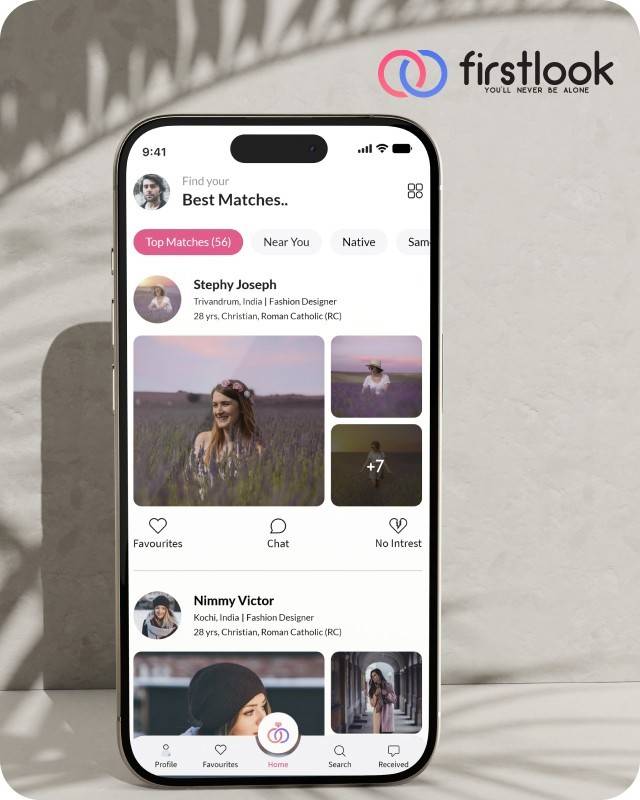
FirstLook Matrimony is a modern matchmaking app that helps you find your perfect life partner with personalized matches, easy chat options, and a secure platform built on trust.


Trustaurant is a travel-friendly food app that helps you discover and order from trusted restaurants nearby or along your journey, all in real-time.
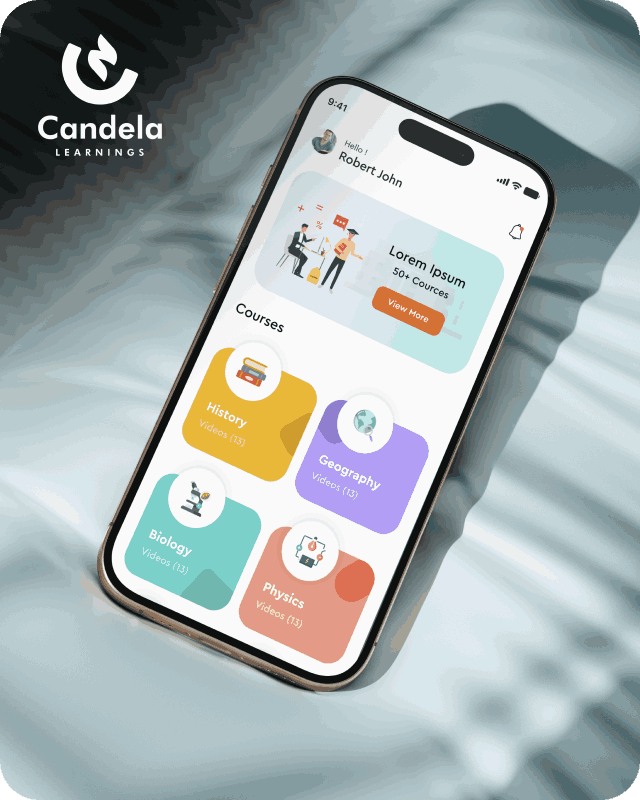
Candela Learnings is an engaging educational app offering interactive video courses in subjects like History, Geography, Biology, and Physics—all in one place.
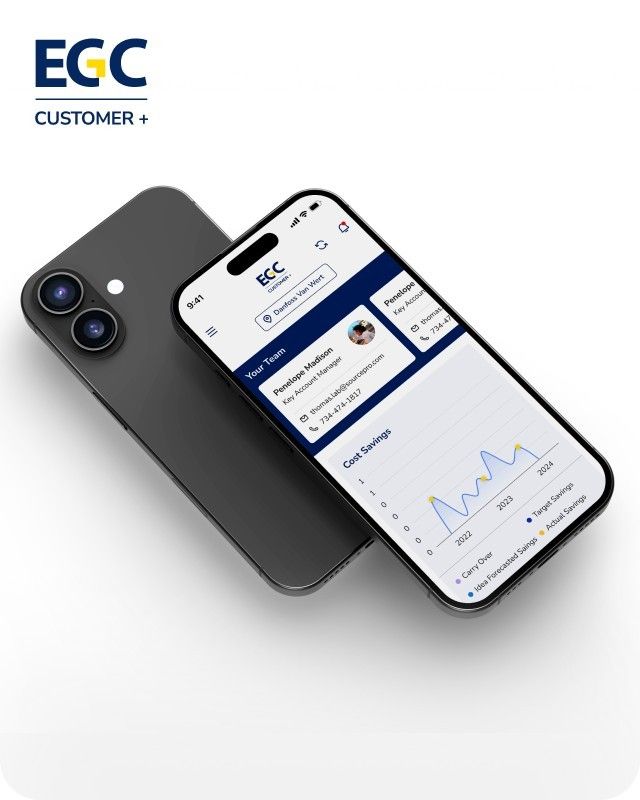
EGC Customer+ is a smart, user-friendly app designed to help you track cost savings, manage key contacts, and stay in control of your account performance—all in one place.
We are a team of highly dedicated mobile app developers that build cutting-edge mobile applications with the latest technologies.
View all WorksWe are a team of highly dedicated mobile app developers that build cutting-edge mobile applications with the latest technologies.
View more openings

A React Native upgrade can fail at the toolchain level before it reaches your code. You bump the version, and the build fails on a Node check, a Gradle flag, or a TypeScript error in a file nobody has opened for a year. React Native 0.87 follows that pattern. It adds several features while raising the minimum requirements for every project.
Five checks cover the React Native 0.87 breaking changes that can affect your build, types, runtime code, and iOS code. Run them in this order: Node.js 22.13 or higher, the two AGP 9 flags in gradle.properties, deep imports that now cause type errors, calls to the removed InteractionManager, and bare header imports in native iOS code. The sections below explain how to address each issue.
If you are running 0.84.x, that version is now unsupported. The release post also states that 0.87 would reach Expo projects through expo@canary releases.
One more release matters. The legacy TypeScript opt-out will remain available through 0.88 and is planned for removal in the following release. Teams should use this period to complete the migration.
ViewInstance and TextInputInstance.
metro.config.mts. YAML configuration files and .es6 files are no longer supported.
npx react-native spm --deintegrate once to remove the existing CocoaPods integration and set up Swift Package Manager. After a fresh clone or in CI, run npx react-native spm before building. This removes the need for Ruby, Bundler, and CocoaPods for the Swift Package Manager setup.
The release post marks Swift Package Manager support as experimental and recommends keeping it out of production for now. CocoaPods remains the default. A community library must include a Package.swift file to work with Swift Package Manager. If it does not, you can generate one with npx react-native spm scaffold. Test the setup on a separate branch before using it in your main project.
compileSdk and buildTools must be set to 37.compileSdk 34 or higher.react-native/Libraries/* now cause type errors. Update these imports to use supported public APIs. If you cannot migrate immediately, you can set customConditions in tsconfig.json. This opt-out affects TypeScript analysis in your own project, while apps and libraries can migrate independently. Replace *Properties aliases, such as ViewProperties, with the corresponding *Props types.InteractionManager has been removed, so use requestIdleCallback instead. The animated prop on Modal, the backgroundColor and translucent props on StatusBar, and boolean values for keyboardShouldPersistTaps have also been removed. useColorScheme() now returns a color scheme name or null and no longer returns 'unspecified'. ImageBackground is deprecated but has not been removed. Consider using a View with an absolutely positioned Image instead.#import <RCTAppDelegate.h> to #import <React/RCTAppDelegate.h>.rn-get-polyfills package has been removed, so use @react-native/js-polyfills instead. Connecting the standalone react-devtools package over WebSocket is no longer supported. Use React Native DevTools instead. You should also check your Jest setup. The old fallback for the Jest preset has been removed, so install @react-native/jest-preset as a package.
Before changing your app code, check your dependencies and use the React Native Upgrade Helper to review the file differences between versions. Libraries add support on their own schedules, so check the compatibility requirements for your major dependencies before upgrading.
React Native upgrades can affect both the JavaScript codebase and the native Android and iOS projects. Before moving to 0.87, it helps to check the current React Native version, dependencies, build tools, and native configurations.