Flutter
Make the most of this cutting-edge technology by developing apps quickly! Our Flutter solutions have amazing features that can be used to create sleek, high-performance apps that can scale seamlessly across platforms.



We aim to build applications that excel in all aspects. We consider customer satisfaction as the best award we could receive. In that journey, we have been recognized multiple times for the exceptional products we deliver.
Faster work process

Customer Review on Google
Successful projects accross the world
We are a team of highly dedicated mobile app developers that build cutting-edge mobile applications with the latest technologies.
About us
We cater to dedicated and tailored app development to help companies expand and achieve new heights. We deliver great features focusing on the latest technological advancement.

Our expertise in hybrid application development in Kerala, comes by integrating our agile methodology. We are the leading experts in hybrid application development.

Our rank booster packages reap maximum results for ranking mobile apps higher in the highly competitive niche. We get ahead with a proper ASO strategy crafted under our years of ASO experience.

Our landing page creation in a faster mode connects seamlessly with popular marketing platforms. We build efficient landing pages that crush your revenue goals.
We are a team of highly dedicated mobile app developers that build cutting-edge mobile applications with the latest technologies.
View all Services
Make the most of this cutting-edge technology by developing apps quickly! Our Flutter solutions have amazing features that can be used to create sleek, high-performance apps that can scale seamlessly across platforms.

Explore the endless possibilities of mobile app development with our Figma services. Design compelling apps and refine your tech skills, all while leveraging cutting-edge tools to make a meaningful impact in the industry. Appzoc ensures a seamless user experience.

From startups to enterprises, we specialize in creating Android app development services that drive growth. Our team at Appzoc focuses on developing apps that provide an outstanding experience across all Android devices and wearables.
Node.js, for its high scalability, simplifies the mobile application process and is widely used for real-time applications with many open-source libraries and frameworks. The server-side and client-side switches are easy with Node.js. Node.js developers can constantly publish new code making the app possible as and when needed.
We are a team of highly dedicated mobile app developers that build cutting-edge mobile applications with the latest technologies.
View all Technologies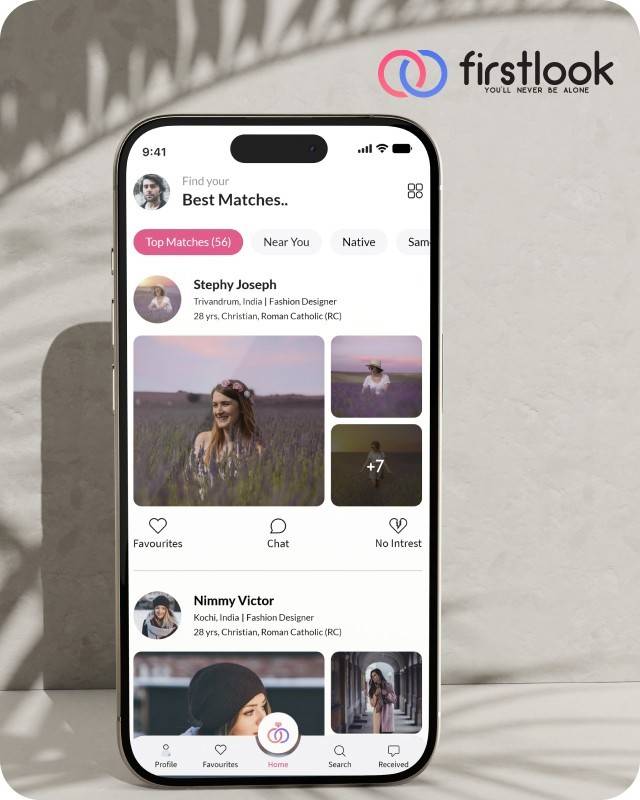
FirstLook Matrimony is a modern matchmaking app that helps you find your perfect life partner with personalized matches, easy chat options, and a secure platform built on trust.

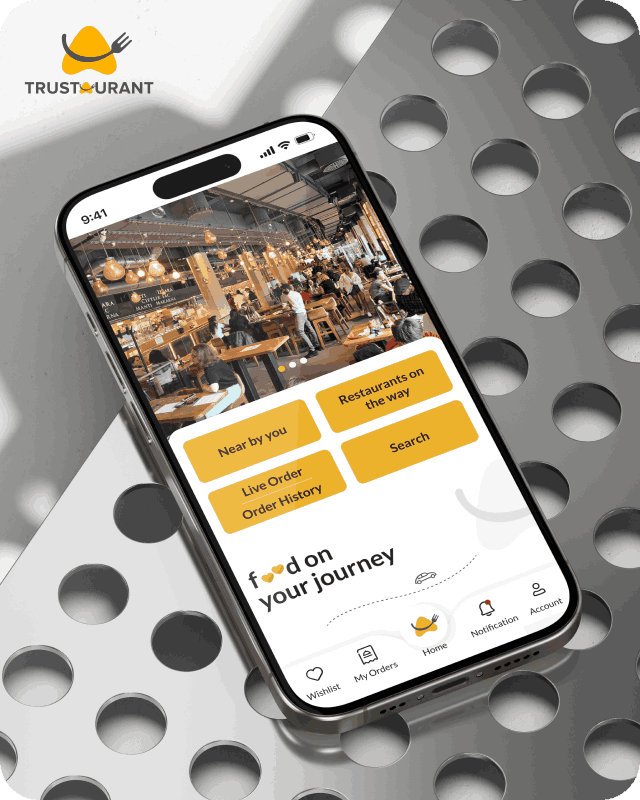
Trustaurant is a travel-friendly food app that helps you discover and order from trusted restaurants nearby or along your journey, all in real-time.
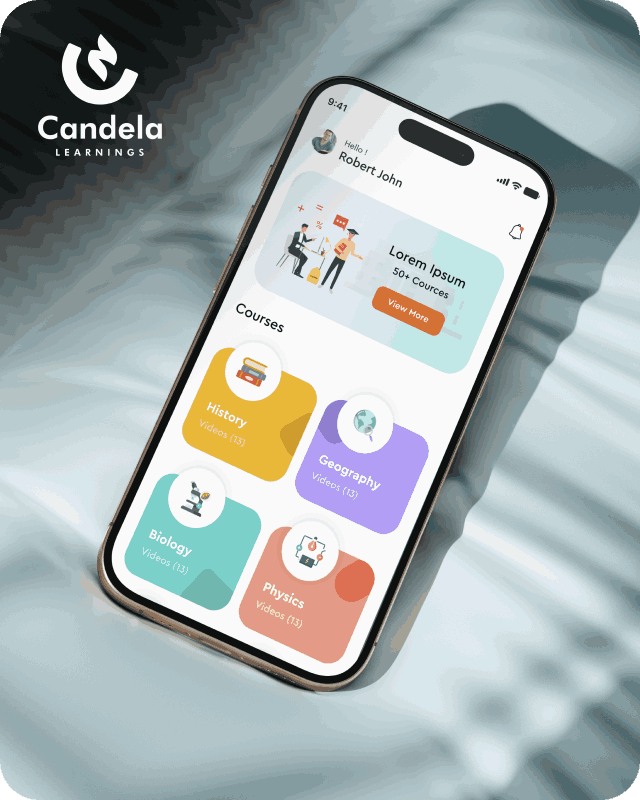
Candela Learnings is an engaging educational app offering interactive video courses in subjects like History, Geography, Biology, and Physics—all in one place.
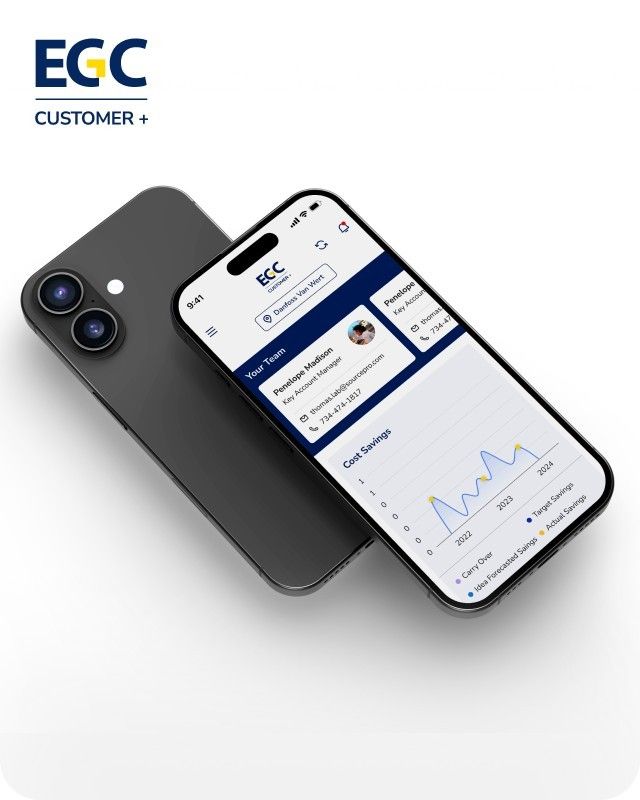
EGC Customer+ is a smart, user-friendly app designed to help you track cost savings, manage key contacts, and stay in control of your account performance—all in one place.
We are a team of highly dedicated mobile app developers that build cutting-edge mobile applications with the latest technologies.
View all WorksWe are a team of highly dedicated mobile app developers that build cutting-edge mobile applications with the latest technologies.
View more openings

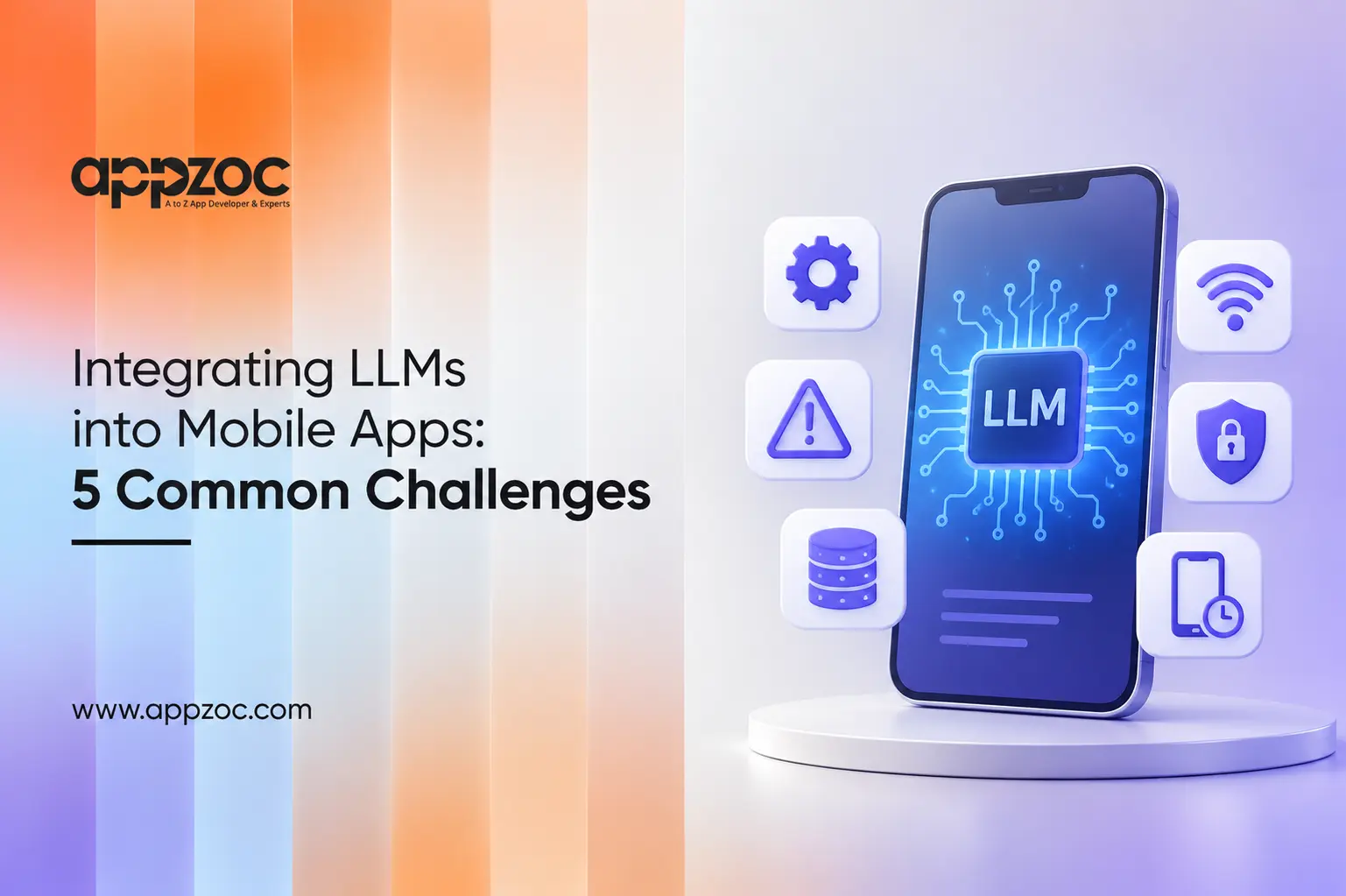
An LLM feature may work perfectly in a demo. But what happens when a customer opens the app on a train with a weak internet connection? The response takes too long, the screen freezes, or the app stops working.
This is one of the challenges developers face when adding Large Language Models (LLMs) to mobile apps.
A successful integration requires more than connecting an app to an LLM API. Developers must also consider response time, API costs, data privacy, incorrect answers, and app store requirements.
Let’s look at five common LLM integration challenges and how development teams can address them.
LLMs generate responses one token at a time. Depending on the model, prompt length, network connection, and device, users may have to wait several seconds for an answer.
A blank screen with a loading spinner can make users think the app is not working. This can lead them to close the app before receiving a response.
For example, Google’s May 2025 figures reported text generation speeds of around 11 tokens per second for Gemini Nano on a Pixel 9 Pro.
Developers can improve the experience by:
What developers should check: How long does the user wait before seeing the first part of the response?
Every request to a cloud-based LLM can add to the running cost of an app. The final expense depends on the provider, model, input and output tokens, and number of requests.
For an app with thousands of active users, frequent requests can increase monthly API expenses.
OWASP includes unbounded consumption in its 2025 Top 10 for LLM Applications. This risk covers excessive model usage that can increase costs and affect service availability.
Developers can control usage by:
What developers should check: How many requests can one user make, and what happens when the usage limit is reached?
Mobile apps may collect personal information such as names, email addresses, contact details, medical notes, and payment information.
When an app sends a prompt to a cloud-based LLM, some of this information may also reach the model provider. This creates privacy and security concerns, especially when users do not know where their data is going.
Developers should decide which information the app needs to send and which details should remain on the device.
On-device models offer another option. Apple’s Foundation Models framework gives developers access to Apple’s on-device language model through native Swift APIs. Android’s ML Kit GenAI APIs use Gemini Nano to process supported tasks on compatible devices without sending the input to a cloud model for inference.
However, on-device models have device and feature requirements. Developers should plan an alternative for phones that do not support them.
Important steps include:
What developers should check: What information leaves the phone, which service receives it, and how is that information handled?
LLMs can generate answers that sound convincing but contain incorrect information. This is a serious concern when users depend on an app for financial, medical, legal, or business-related information.
Another risk is prompt injection. This happens when a user or untrusted content attempts to change the model’s instructions and make it behave in an unintended way.
OWASP lists prompt injection as the top risk in its 2025 Top 10 for LLM Applications.
Developers should not assume that every model response is safe or accurate. They can reduce these risks by:
What developers should check: What happens if the model gives a wrong answer or receives a malicious prompt?
Many mobile apps depend on cloud-based LLM APIs. If the user loses internet access, the API request may fail. Provider outages, server errors, and changes to model versions can also affect the feature.
Developers should make sure that an LLM failure does not stop users from using the rest of the app.
Some practical steps include:
What developers should check: Can users continue using the main features of the app when the LLM service is unavailable?
Technical development is only one part of launching an LLM-powered mobile app. Developers must also check Apple’s App Store Review Guidelines and Google Play’s developer policies.
Apple updated section 5.1.2(i) of its App Store Review Guidelines on November 13, 2025. The revised guideline specifically states that apps must disclose when personal data is shared with third parties, including third-party AI services, and obtain explicit permission before sharing it.
Developers should make this information clear to users before sending their personal data to an external AI service.
Google Play requires apps that generate AI content to include an in-app reporting or flagging option. This allows users to report offensive content directly from the app.
Developers must also follow Google’s existing policies on restricted content and user safety.
These requirements should be considered during development and testing, rather than after the app is ready for release.
An app store optimization company can help with keyword research, app descriptions, screenshots, and store listings. However, these activities cannot replace technical checks and policy compliance. Address review requirements before planning the launch.
Connecting an LLM API to a mobile app is only the starting point. The feature also depends on the app’s interface, backend, API security, testing process, and ongoing maintenance.
A development team should test the feature on physical devices, different network conditions, and supported operating system versions. It should also monitor API usage, check response quality, and update the integration when model providers change their services.
Appzoc provides mobile app development services in Kerala, including native iOS app development using Swift, native Android development, UI/UX design, backend and API development, quality testing, and app maintenance.
These services cover several areas involved in building and maintaining LLM-powered mobile applications. Appzoc can help businesses plan the app architecture, connect AI services, test the user experience, and maintain the application after launch.
LLM integration can add useful features to mobile apps, but developers must plan for more than model performance. Response time, API costs, data privacy, answer quality, network failures, and app store policies all need attention.
Addressing these five challenges during the planning and development stages can help businesses avoid common problems after launch.
Planning to add LLM features to your mobile app? Contact Appzoc at info@appzoc.com to discuss your mobile app development requirements and request a complimentary consultation.