Flutter
Make the most of this cutting-edge technology by developing apps quickly! Our Flutter solutions have amazing features that can be used to create sleek, high-performance apps that can scale seamlessly across platforms.



We aim to build applications that excel in all aspects. We consider customer satisfaction as the best award we could receive. In that journey, we have been recognized multiple times for the exceptional products we deliver.
Faster work process

Customer Review on Google
Successful projects accross the world
We are a team of highly dedicated mobile app developers that build cutting-edge mobile applications with the latest technologies.
About us
We cater to dedicated and tailored app development to help companies expand and achieve new heights. We deliver great features focusing on the latest technological advancement.

Our expertise in hybrid application development in Kerala, comes by integrating our agile methodology. We are the leading experts in hybrid application development.

Our rank booster packages reap maximum results for ranking mobile apps higher in the highly competitive niche. We get ahead with a proper ASO strategy crafted under our years of ASO experience.

Our landing page creation in a faster mode connects seamlessly with popular marketing platforms. We build efficient landing pages that crush your revenue goals.
We are a team of highly dedicated mobile app developers that build cutting-edge mobile applications with the latest technologies.
View all Services
Make the most of this cutting-edge technology by developing apps quickly! Our Flutter solutions have amazing features that can be used to create sleek, high-performance apps that can scale seamlessly across platforms.

Explore the endless possibilities of mobile app development with our Figma services. Design compelling apps and refine your tech skills, all while leveraging cutting-edge tools to make a meaningful impact in the industry. Appzoc ensures a seamless user experience.

From startups to enterprises, we specialize in creating Android app development services that drive growth. Our team at Appzoc focuses on developing apps that provide an outstanding experience across all Android devices and wearables.

Node.js, for its high scalability, simplifies the mobile application process and is widely used for real-time applications with many open-source libraries and frameworks. The server-side and client-side switches are easy with Node.js. Node.js developers can constantly publish new code making the app possible as and when needed.
We are a team of highly dedicated mobile app developers that build cutting-edge mobile applications with the latest technologies.
View all Technologies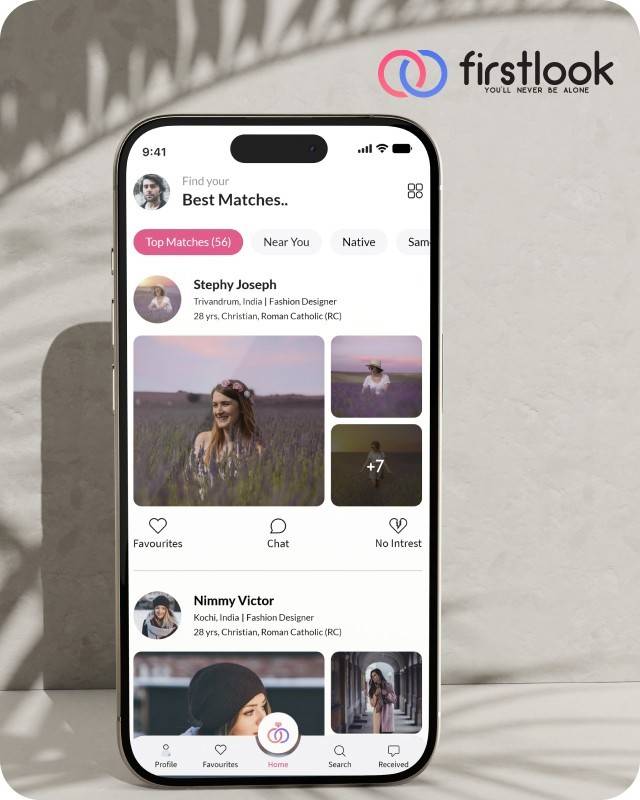
FirstLook Matrimony is a modern matchmaking app that helps you find your perfect life partner with personalized matches, easy chat options, and a secure platform built on trust.

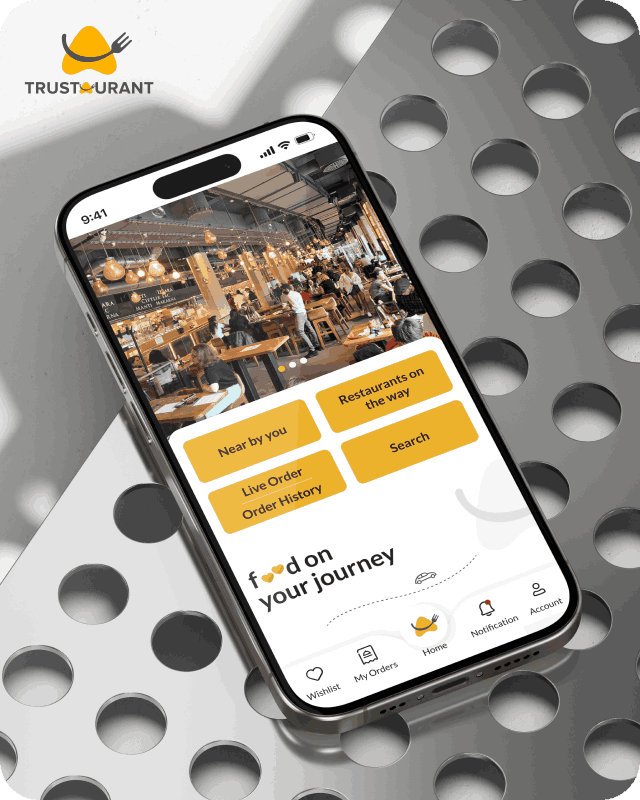
Trustaurant is a travel-friendly food app that helps you discover and order from trusted restaurants nearby or along your journey, all in real-time.
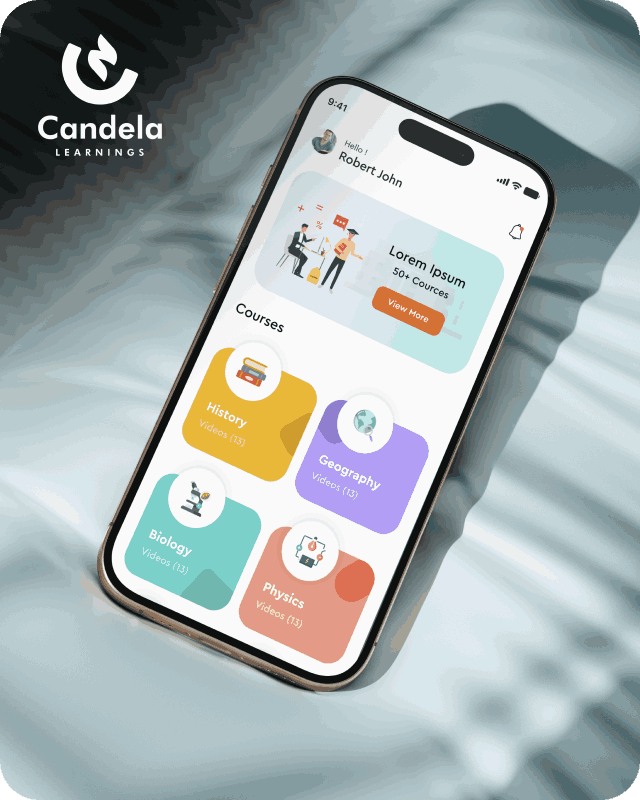
Candela Learnings is an engaging educational app offering interactive video courses in subjects like History, Geography, Biology, and Physics—all in one place.
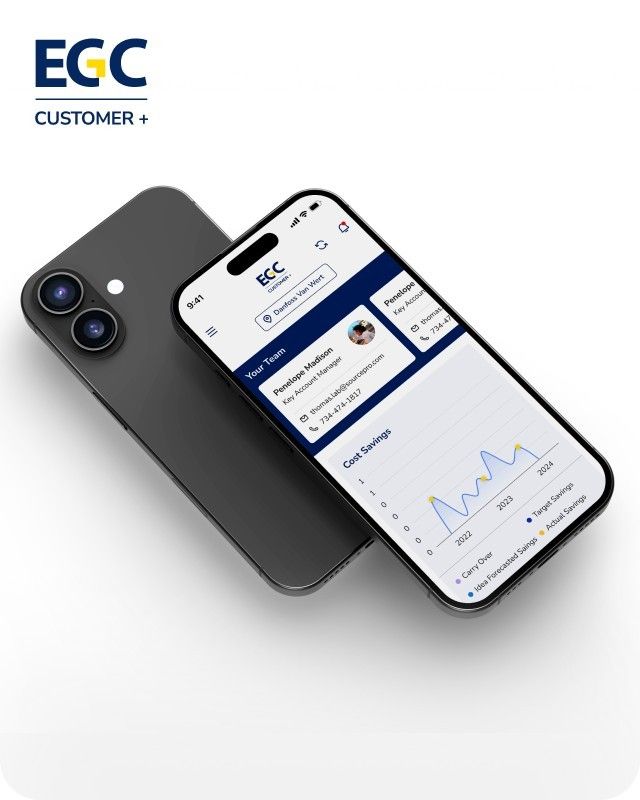
EGC Customer+ is a smart, user-friendly app designed to help you track cost savings, manage key contacts, and stay in control of your account performance—all in one place.
We are a team of highly dedicated mobile app developers that build cutting-edge mobile applications with the latest technologies.
View all WorksWe are a team of highly dedicated mobile app developers that build cutting-edge mobile applications with the latest technologies.
View more openings

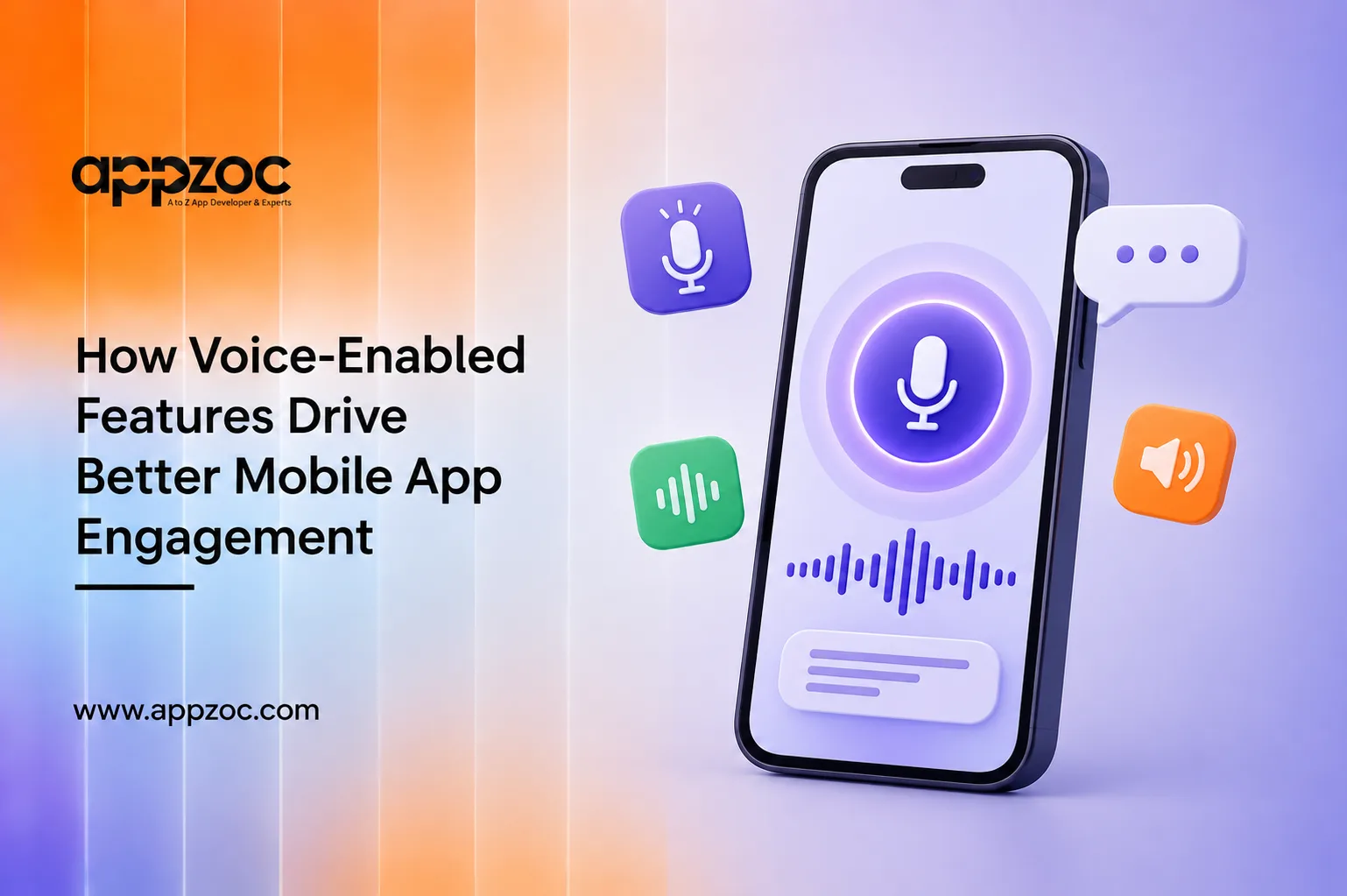
People now use voice for many tasks they once handled by typing. They ask Google Assistant for directions, tell Siri to set a timer, or dictate messages instead of typing them. Voice interaction is no longer a new feature; it has become a natural part of how people use their phones. Mobile apps that overlook voice capabilities may be making simple tasks more time-consuming than they need to be.
Mobile applications with voice functionality enable people to carry out tasks through voice commands rather than clicking buttons, swiping screens, and tapping keys. At its simplest, that means a voice search bar. At the other end, it’s a full voice user interface (VUI) that understands intent, keeps context across a conversation, and responds without the user ever touching the screen.
Each tap requires a small decision. Voice reduces this effort by allowing users to say what they want instead of navigating through multiple menus. This can make tasks quicker and reduce the chances of users abandoning them midway.
Typing requires visual attention, motor control, and the ability to interact with a screen. Voice features can make apps easier to use for people with visual or motor impairments, as well as users who cannot conveniently use their hands.
Voice search can skip multiple steps and take users directly to relevant results. However, this depends on how accurately the app’s voice recognition system understands different accents, speech patterns, and queries.
Speaking is a natural way for people to communicate. Allowing users to interact with an app through voice can make the experience feel more intuitive, especially when voice is used alongside traditional touch-based navigation.
When tasks can be completed more quickly, users may be more likely to repeat them. For example, reordering a frequently purchased item through a simple voice command can be easier than going through several screens and taps.
Voice-enabled systems can become more useful when they take previous interactions and user preferences into account. For example, if a returning user asks for their usual order, the app can use their previous choices to make the process faster and more convenient.
Voice assistants used to only handle simple commands, like ‘set a timer’ or ‘call mom.’ That’s no longer where things stand. The shift is from command-based voice to conversational voice, where an app doesn’t just match a fixed list of phrases. It listens, understands context, and handles follow-up questions. All of this is driven by the same language models that fuel conversational AI in other applications. The apps adopting this early are not necessarily the ones with the most voice functionality. They’re the ones where the assistant understands a follow-up question without the user repeating themselves.
At this point, the use of voice technology in mobile apps turns from a UX choice to an engineering choice. The permissions, wake word detection, and privacy layer aren’t things a plugin can provide; they require proper architecture.
Adding voice capabilities to a mobile app requires more than simply integrating speech recognition. Appzoc is a top mobile app development company in Kerala, helps businesses build voice-enabled features that are designed around real user needs, from voice search and navigation to voice commands and hands-free interactions.
Also Read: Best AI Tools for Mobile App Developers
Knowing where voice features add value, and where they don’t is important when developing, redesigning, or improving a mobile application. Appzoc has experience developing mobile apps across various industries, with a focus on choosing features that improve the overall user experience rather than adding technology for its own sake.
Contact us for a consultation to explore where voice features can make your mobile app more useful, accessible, and easier to use.