Flutter
Make the most of this cutting-edge technology by developing apps quickly! Our Flutter solutions have amazing features that can be used to create sleek, high-performance apps that can scale seamlessly across platforms.



We aim to build applications that excel in all aspects. We consider customer satisfaction as the best award we could receive. In that journey, we have been recognized multiple times for the exceptional products we deliver.
Faster work process

Customer Review on Google
Successful projects accross the world
We are a team of highly dedicated mobile app developers that build cutting-edge mobile applications with the latest technologies.
About us
We cater to dedicated and tailored app development to help companies expand and achieve new heights. We deliver great features focusing on the latest technological advancement.

Our expertise in hybrid application development in Kerala, comes by integrating our agile methodology. We are the leading experts in hybrid application development.

Our rank booster packages reap maximum results for ranking mobile apps higher in the highly competitive niche. We get ahead with a proper ASO strategy crafted under our years of ASO experience.

Our landing page creation in a faster mode connects seamlessly with popular marketing platforms. We build efficient landing pages that crush your revenue goals.
We are a team of highly dedicated mobile app developers that build cutting-edge mobile applications with the latest technologies.
View all Services
Make the most of this cutting-edge technology by developing apps quickly! Our Flutter solutions have amazing features that can be used to create sleek, high-performance apps that can scale seamlessly across platforms.

Explore the endless possibilities of mobile app development with our Figma services. Design compelling apps and refine your tech skills, all while leveraging cutting-edge tools to make a meaningful impact in the industry. Appzoc ensures a seamless user experience.

From startups to enterprises, we specialize in creating Android app development services that drive growth. Our team at Appzoc focuses on developing apps that provide an outstanding experience across all Android devices and wearables.

Node.js, for its high scalability, simplifies the mobile application process and is widely used for real-time applications with many open-source libraries and frameworks. The server-side and client-side switches are easy with Node.js. Node.js developers can constantly publish new code making the app possible as and when needed.
We are a team of highly dedicated mobile app developers that build cutting-edge mobile applications with the latest technologies.
View all Technologies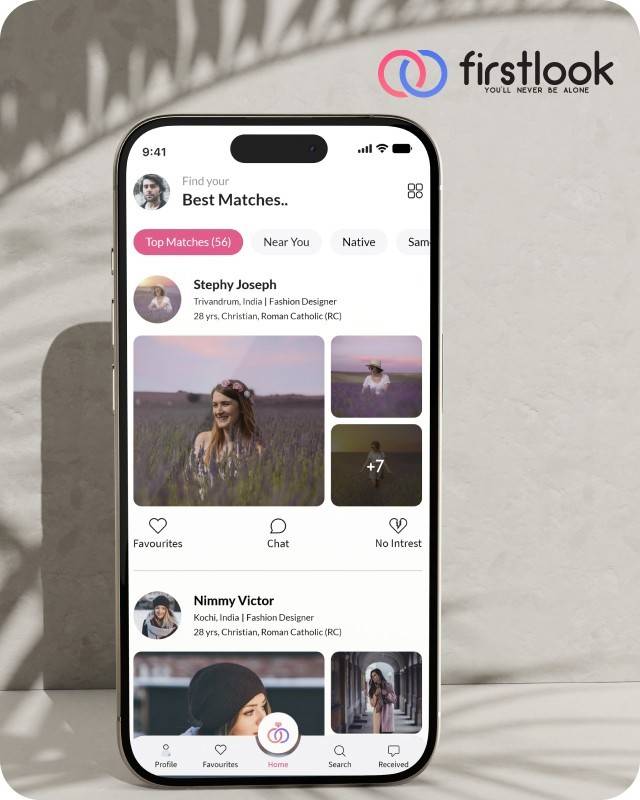
FirstLook Matrimony is a modern matchmaking app that helps you find your perfect life partner with personalized matches, easy chat options, and a secure platform built on trust.

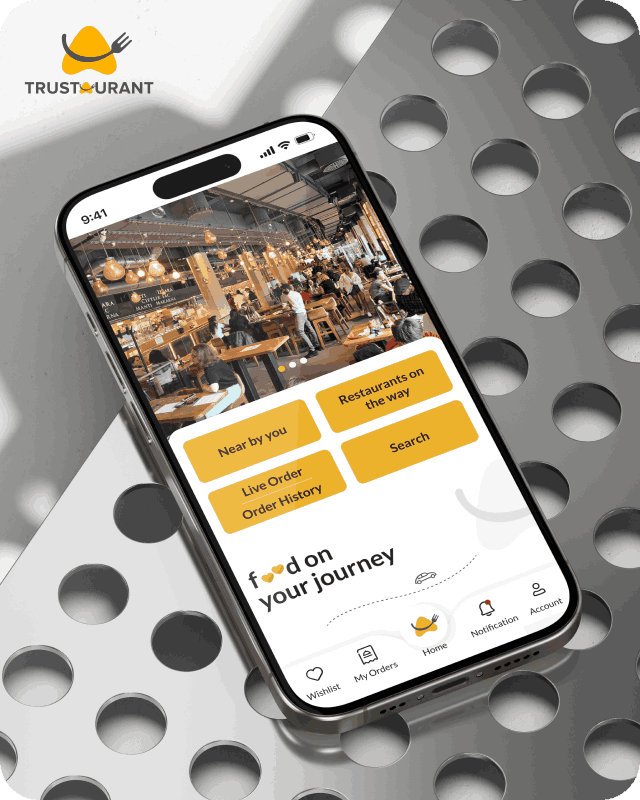
Trustaurant is a travel-friendly food app that helps you discover and order from trusted restaurants nearby or along your journey, all in real-time.
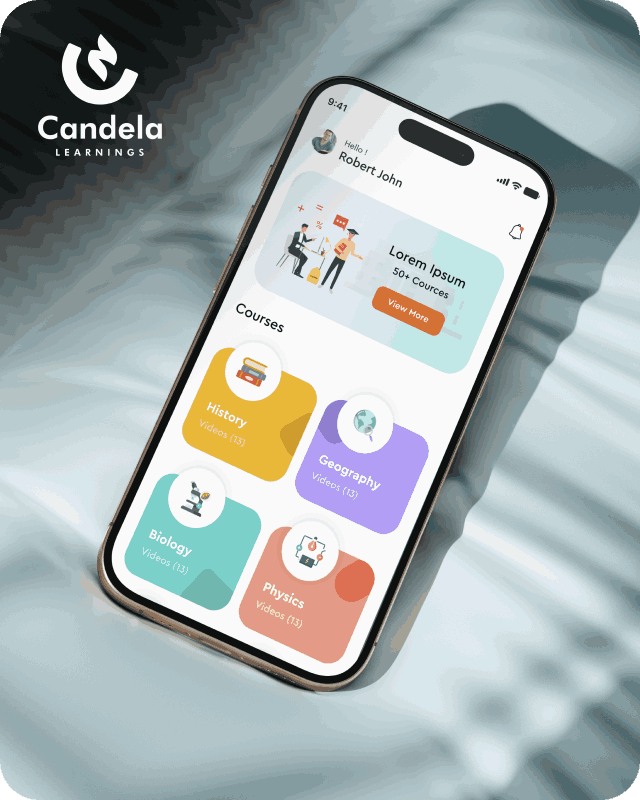
Candela Learnings is an engaging educational app offering interactive video courses in subjects like History, Geography, Biology, and Physics—all in one place.
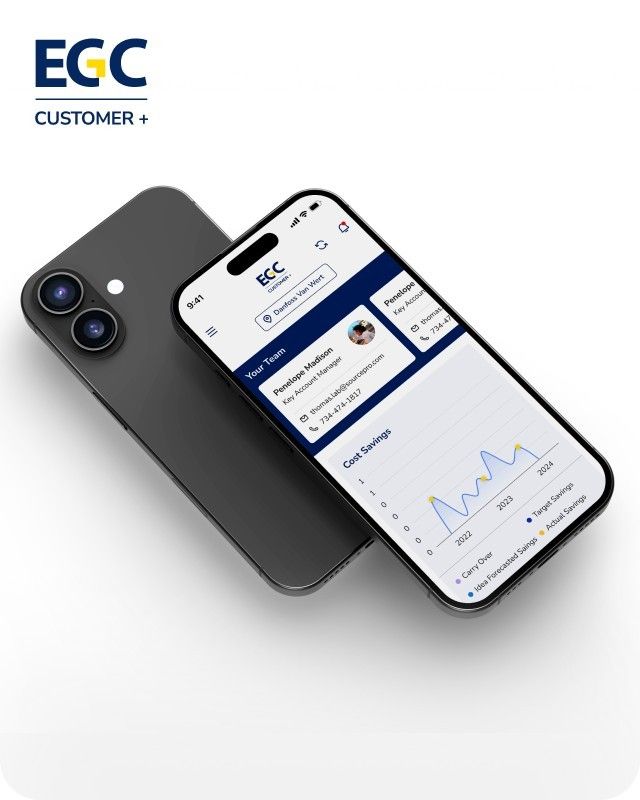
EGC Customer+ is a smart, user-friendly app designed to help you track cost savings, manage key contacts, and stay in control of your account performance—all in one place.
We are a team of highly dedicated mobile app developers that build cutting-edge mobile applications with the latest technologies.
View all WorksWe are a team of highly dedicated mobile app developers that build cutting-edge mobile applications with the latest technologies.
View more openings

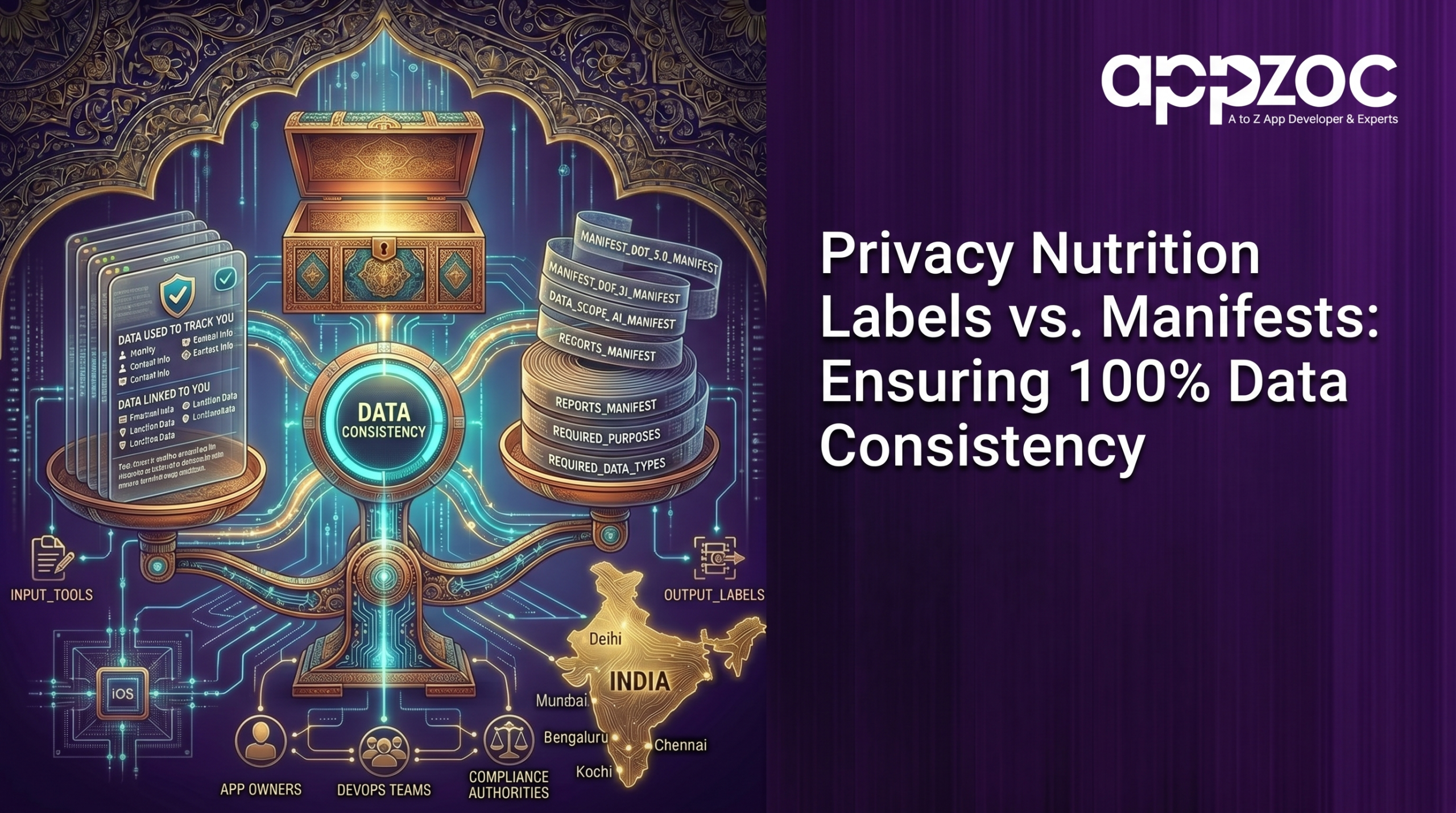
Your app’s privacy nutrition label is what users read before downloading. Your privacy manifest is what Apple’s system checks after you submit. These two documents are supposed to say the same thing – and in most apps, they don’t.
This blog breaks down exactly where labels and manifests differ, where they must align, and the step-by-step process to make sure yours are telling the same story – before Apple, a regulator, or your users catch the gap first.
Imagine you put up a sign outside your restaurant: “No MSG. All natural.”
And then your kitchen uses MSG in literally everything.
That’s not a hypothetical. That’s how most apps handle privacy disclosures right now – by accident, not design. The sign (nutrition label) says one thing. What’s actually happening inside (the manifest) says another. Nobody coordinated the two. And users are downloading apps based on a sign that nobody verified.
This is the consistency problem. It’s not dramatic. It’s not malicious in most cases. It’s just a process failure at the intersection of user-facing privacy and backend code – and it is getting apps rejected, users misled, and developers exposed to regulatory risk they never saw coming.
Let’s fix it. Starting with understanding what these two things actually are – and why they’re not the same.
Every new or updated app on the App Store must display one label before a user downloads it.
The label covers:
Fourteen data type categories exist within it: location, contact info, health, financial, browsing history, purchases, and more.
So the label is your public statement. It is what a user in Bangalore, or anywhere else, reads before trusting your app with their data.
Privacy manifests are a different creature entirely.
A manifest has four core components:
Every SDK you use needs its own manifest, too. The manifest report is what you’re supposed to use when filling in your App Store Connect label.
The label and the manifest are created by different people, at different times, using different tools, with no automated link between them.
The label is filled in by whoever handles App Store submissions – often a product manager or a non-technical team member.
The three specific friction points where consistency breaks:
Here is the actual workflow that closes the gap.
Step 1: Generate the Xcode privacy report before touching App Store Connect
Xcode 15 produces a consolidated privacy report in PDF format from all manifests in your project. This is your source of truth. Before anyone opens App Store Connect to update the label, this report needs to be in front of them. The NSPrivacyCollectedDataTypes in your manifest and the data types declared in your label must match line for line.
If your manifest says you collect location data linked to the user for app functionality, your label must say the same.
Step 2: Make SDK manifest review a gate, not a suggestion
Before any third-party SDK gets merged into your codebase, someone checks whether it has a privacy manifest and what it declares.
If an SDK doesn’t have a manifest and it collects data, you have a disclosure gap. Either the SDK vendor provides one, or you document the collection yourself and update the label accordingly.
Step 3: Lock the label update to the release checklist
Compare with the current App Store label. Update if any new data types, tracking domains, or API access reasons were added.
This is not a big task. It’s a fifteen-minute review. The cost of skipping it is an App Store rejection, a user complaint, or a data regulator asking questions you can’t answer cleanly.
Step 4: Align data linkage declarations precisely
If any persistent identifier – user ID, device ID, advertising ID – is attached to the data at any point in the pipeline, it is linked data.
Most developers underreport here not because they’re hiding anything, but because the distinction isn’t obvious when you’re deep in a sprint.
Step 5: Treat the transparency report PDF as a living document
Your privacy report isn’t a one-time submission artefact. Run it after every sprint that touches data collection. File it. Version it. When Apple, a regulator, or a major enterprise client asks you to demonstrate your app’s data practices – and they will ask -you hand them the PDF.
The reason consistency fails isn’t legal. It isn’t a policy. Its development process.
Teams building apps in fast-moving environments – whether that’s a startup doing app development Bangalore or a scale-up in Kochi – ship fast and document later.
The fix isn’t slower shipping. It’s building the manifest-to-label review into the same rhythm as the release itself.
A privacy nutrition label is a promise to your user. A privacy manifest is the technical evidence behind that promise. When both say the same thing, you’ve earned user trust and met every platform requirement. When they diverge, you’ve created a liability – one that users increasingly know to look for, and that regulators are increasingly paid to find.
100% consistency isn’t a luxury. It’s the minimum standard for any app that takes its users seriously.
At Appzoc, we build apps where compliance isn’t a last-minute checkbox -it’s built into the development cycle from day one. From structuring privacy manifests correctly to keeping your App Store metadata aligned with what your code actually does, we’ve shipped 500+ apps with exactly this discipline in place.
If your current app’s label and manifest haven’t been compared recently -or ever – that’s worth fixing before your next App Store submission forces the conversation.
Talk to the Appzoc team at appzoc. Bring your app. We’ll tell you exactly where your privacy disclosures stand.