Flutter
Make the most of this cutting-edge technology by developing apps quickly! Our Flutter solutions have amazing features that can be used to create sleek, high-performance apps that can scale seamlessly across platforms.



We aim to build applications that excel in all aspects. We consider customer satisfaction as the best award we could receive. In that journey, we have been recognized multiple times for the exceptional products we deliver.
Faster work process

Customer Review on Google
Successful projects accross the world
We are a team of highly dedicated mobile app developers that build cutting-edge mobile applications with the latest technologies.
About us
We cater to dedicated and tailored app development to help companies expand and achieve new heights. We deliver great features focusing on the latest technological advancement.

Our expertise in hybrid application development in Kerala, comes by integrating our agile methodology. We are the leading experts in hybrid application development.

Our rank booster packages reap maximum results for ranking mobile apps higher in the highly competitive niche. We get ahead with a proper ASO strategy crafted under our years of ASO experience.

Our landing page creation in a faster mode connects seamlessly with popular marketing platforms. We build efficient landing pages that crush your revenue goals.
We are a team of highly dedicated mobile app developers that build cutting-edge mobile applications with the latest technologies.
View all Services
Make the most of this cutting-edge technology by developing apps quickly! Our Flutter solutions have amazing features that can be used to create sleek, high-performance apps that can scale seamlessly across platforms.

Explore the endless possibilities of mobile app development with our Figma services. Design compelling apps and refine your tech skills, all while leveraging cutting-edge tools to make a meaningful impact in the industry. Appzoc ensures a seamless user experience.

From startups to enterprises, we specialize in creating Android app development services that drive growth. Our team at Appzoc focuses on developing apps that provide an outstanding experience across all Android devices and wearables.
Node.js, for its high scalability, simplifies the mobile application process and is widely used for real-time applications with many open-source libraries and frameworks. The server-side and client-side switches are easy with Node.js. Node.js developers can constantly publish new code making the app possible as and when needed.
We are a team of highly dedicated mobile app developers that build cutting-edge mobile applications with the latest technologies.
View all Technologies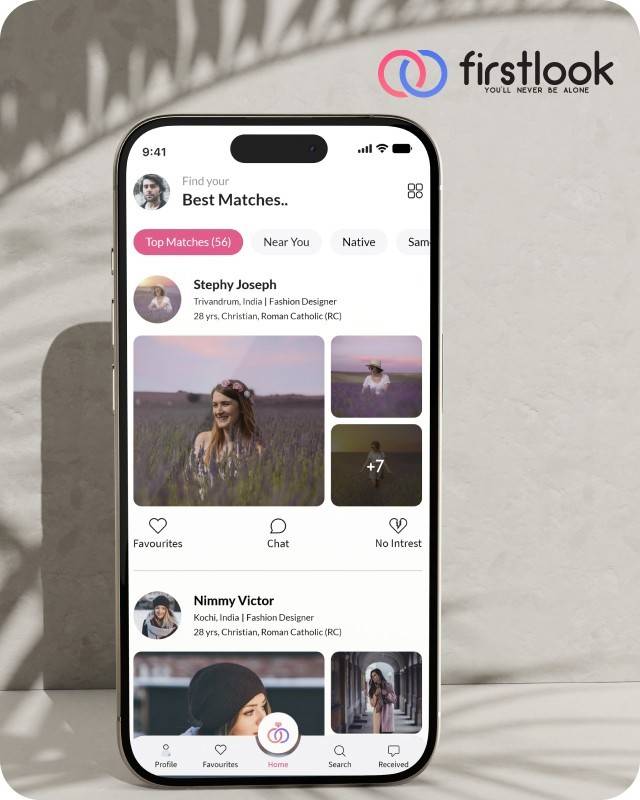
FirstLook Matrimony is a modern matchmaking app that helps you find your perfect life partner with personalized matches, easy chat options, and a secure platform built on trust.


Trustaurant is a travel-friendly food app that helps you discover and order from trusted restaurants nearby or along your journey, all in real-time.
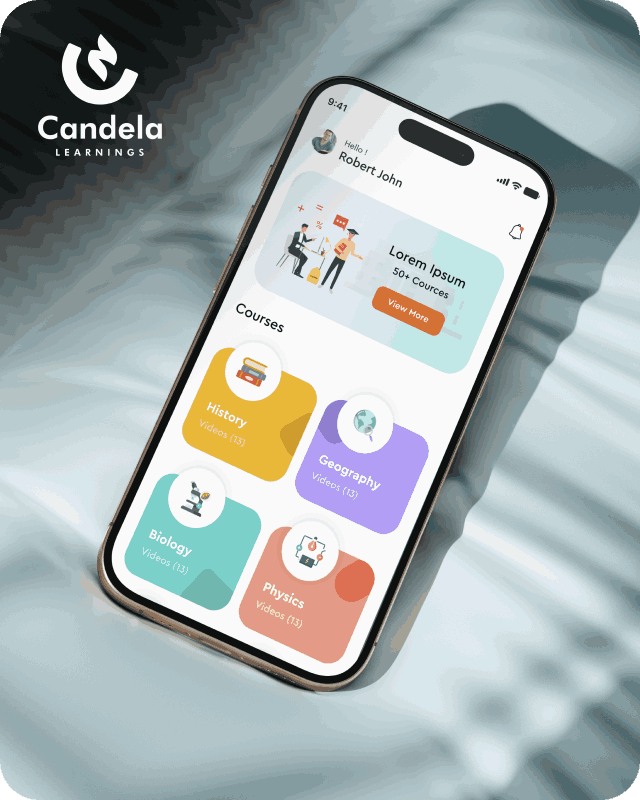
Candela Learnings is an engaging educational app offering interactive video courses in subjects like History, Geography, Biology, and Physics—all in one place.
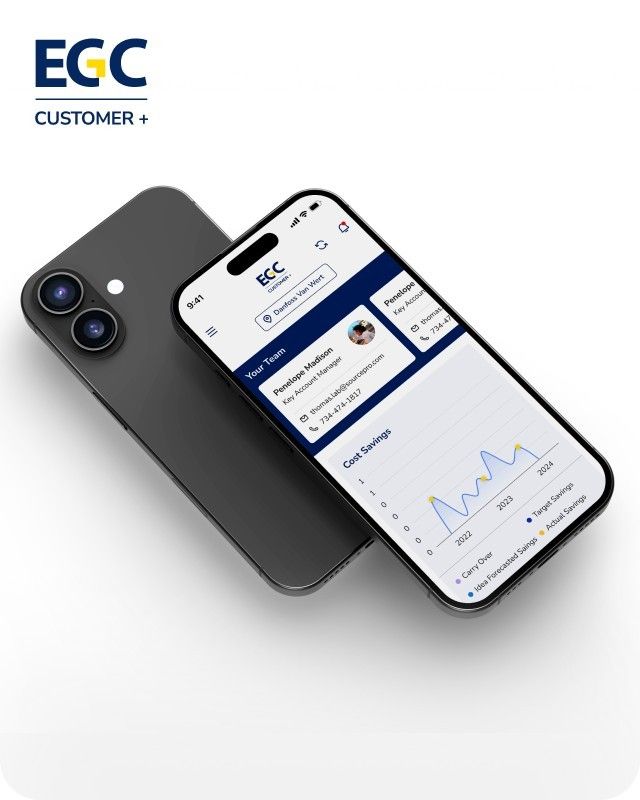
EGC Customer+ is a smart, user-friendly app designed to help you track cost savings, manage key contacts, and stay in control of your account performance—all in one place.
We are a team of highly dedicated mobile app developers that build cutting-edge mobile applications with the latest technologies.
View all WorksWe are a team of highly dedicated mobile app developers that build cutting-edge mobile applications with the latest technologies.
View more openings

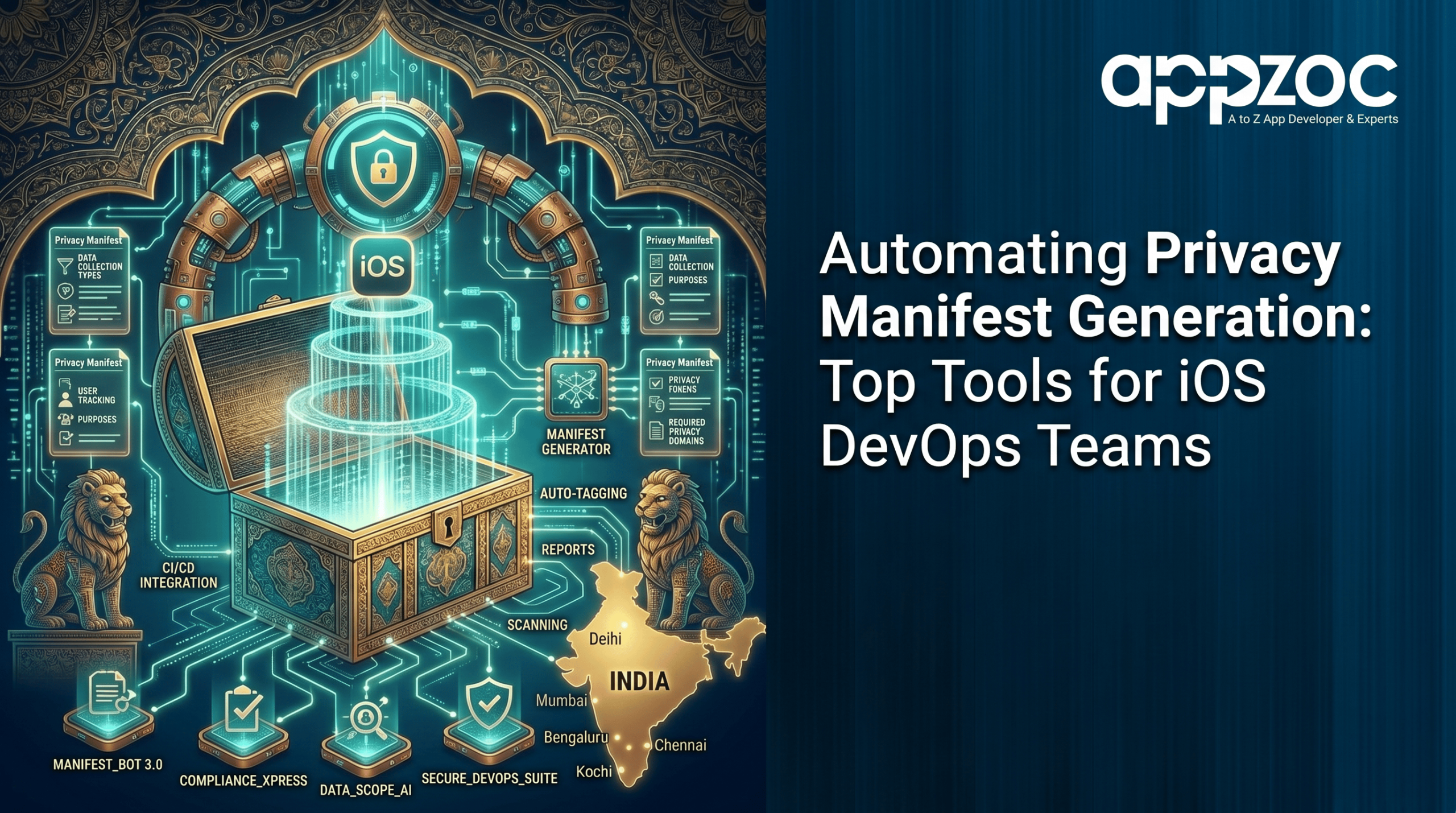
If you develop iOS apps, Apple’s privacy manifest requirements are important to understand. Since Xcode 15, apps and third party SDKs submitted to the App Store must meet these requirements. Missing or incorrect information can lead to App Store rejection.
For teams managing a single app with occasional updates, handling this manually may be manageable. For teams juggling multiple apps, frequent updates and growing dependency lists, doing it manually is a problem waiting to happen. Privacy manifest automation fixes that, and this post covers the tools worth knowing about.
Before getting into tools, it helps to be clear on what the manifest actually needs to contain. There are four things Apple wants declared:
The part that catches teams off guard is that this file needs to stay current. Adding new features or updates may require manifest changes.
Most teams start by handling the manifest manually. Someone writes the initial file, it gets reviewed before submission, and everyone moves on. That works until it doesn’t.
Common problems that come up:
Every one of these situations leads to either a rejected build or a compliance gap. Neither is a good outcome. This is the exact problem that privacy manifest automation is built to prevent.
If your team already uses Fastlane, its plugin system makes it easy to add custom actions to your build process:
The community has been releasing open-source Fastlane actions specifically for privacy manifest work, so check the plugin index and GitHub before writing something from scratch. The biggest practical benefit here is that Fastlane is probably already embedded in your workflow, so you’re extending something familiar rather than introducing something new.
Swift scripts can automate privacy manifest generation without requiring additional tooling.
A typical Swift script approach works like this:
The main appeal is that your iOS developers are the ones maintaining the script. There’s no language shift when something needs fixing. The tradeoff is that you own it fully. When Apple changes requirements or new SDKs enter your project, someone on the team needs to keep the script current.
A number of dedicated tools have appeared specifically to solve the privacy manifest problem. PrivacyManifest is an open source tool that helps manage privacy manifests by scanning your Xcode project and identifying areas that may need attention.
These tools work well for:
Most of these tools support command line use, making CI/CD integration straightforward. Choose a tool that is actively maintained and supports the latest Apple requirements.
For teams that want something simple without adding new dependencies, a shell script attached to a custom Xcode build phase is a lightweight option worth considering. It won’t generate your manifest, but it will validate it on every single build.
This approach handles:
Used with automated tools, it helps detect issues early and ensures continuous validation with minimal effort.
The goal across all of these tools is the same. You want manifest validation to be automatic, not something that depends on someone remembering to check before a submission.
A practical pipeline structure looks like this:
These tools integrate easily with CI/CD platforms and can send alerts through Slack, pull requests, or build reports.
Teams handling app development bangalore are increasingly building for clients with apps on the global App Store. Apple’s requirements apply regardless of where the development happens, and submission rejections affect client relationships directly. Having privacy manifest automation built into your standard process is a straightforward way to reduce that risk and show clients that compliance is handled at the infrastructure level, not as an afterthought before release.
A rejected submission under deadline pressure is one of the more stressful things an iOS team deals with. If the reason for that rejection is an incomplete privacy manifest, it’s also one of the more avoidable ones.
Pick one tool from this post that fits your current setup and get it running in your pipeline this sprint. If full generation feels like too much to take on right now, start with validation. The important shift is treating the privacy manifest as part of your build process rather than a pre-submission checklist item.
Need help implementing privacy manifest automation? Contact Appzoc to discuss the right approach for your project.