
Flutter
Make the most of this cutting-edge technology by developing apps quickly! Our Flutter solutions have amazing features that can be used to create sleek, high-performance apps that can scale seamlessly across platforms.



We aim to build applications that excel in all aspects. We consider customer satisfaction as the best award we could receive. In that journey, we have been recognized multiple times for the exceptional products we deliver.
Faster work process

Customer Review on Google
Successful projects accross the world
We are a team of highly dedicated mobile app developers that build cutting-edge mobile applications with the latest technologies.
About us
We cater to dedicated and tailored app development to help companies expand and achieve new heights. We deliver great features focusing on the latest technological advancement.

Our expertise in hybrid application development in Kerala, comes by integrating our agile methodology. We are the leading experts in hybrid application development.

Our rank booster packages reap maximum results for ranking mobile apps higher in the highly competitive niche. We get ahead with a proper ASO strategy crafted under our years of ASO experience.

Our landing page creation in a faster mode connects seamlessly with popular marketing platforms. We build efficient landing pages that crush your revenue goals.
We are a team of highly dedicated mobile app developers that build cutting-edge mobile applications with the latest technologies.
View all Services
Make the most of this cutting-edge technology by developing apps quickly! Our Flutter solutions have amazing features that can be used to create sleek, high-performance apps that can scale seamlessly across platforms.

Explore the endless possibilities of mobile app development with our Figma services. Design compelling apps and refine your tech skills, all while leveraging cutting-edge tools to make a meaningful impact in the industry. Appzoc ensures a seamless user experience.

From startups to enterprises, we specialize in creating Android app development services that drive growth. Our team at Appzoc focuses on developing apps that provide an outstanding experience across all Android devices and wearables.

Node.js, for its high scalability, simplifies the mobile application process and is widely used for real-time applications with many open-source libraries and frameworks. The server-side and client-side switches are easy with Node.js. Node.js developers can constantly publish new code making the app possible as and when needed.
We are a team of highly dedicated mobile app developers that build cutting-edge mobile applications with the latest technologies.
View all Technologies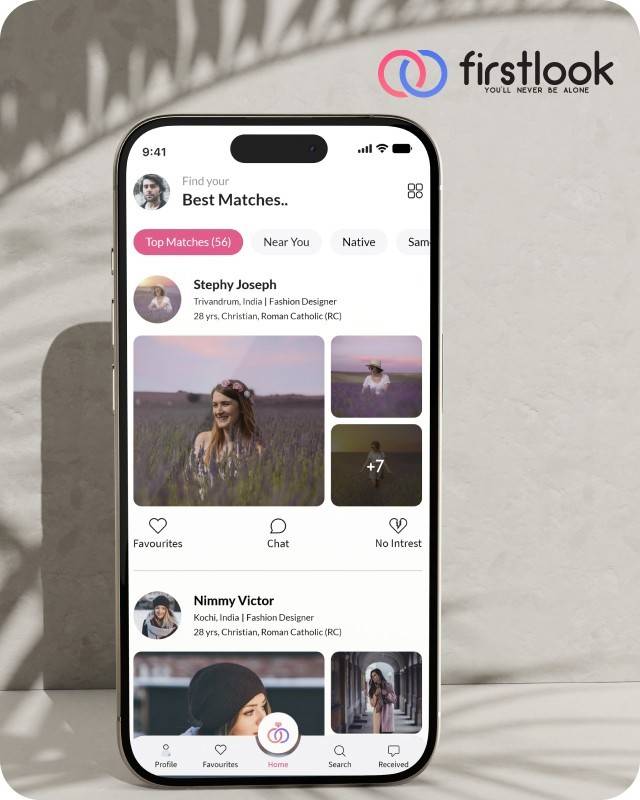
FirstLook Matrimony is a modern matchmaking app that helps you find your perfect life partner with personalized matches, easy chat options, and a secure platform built on trust.

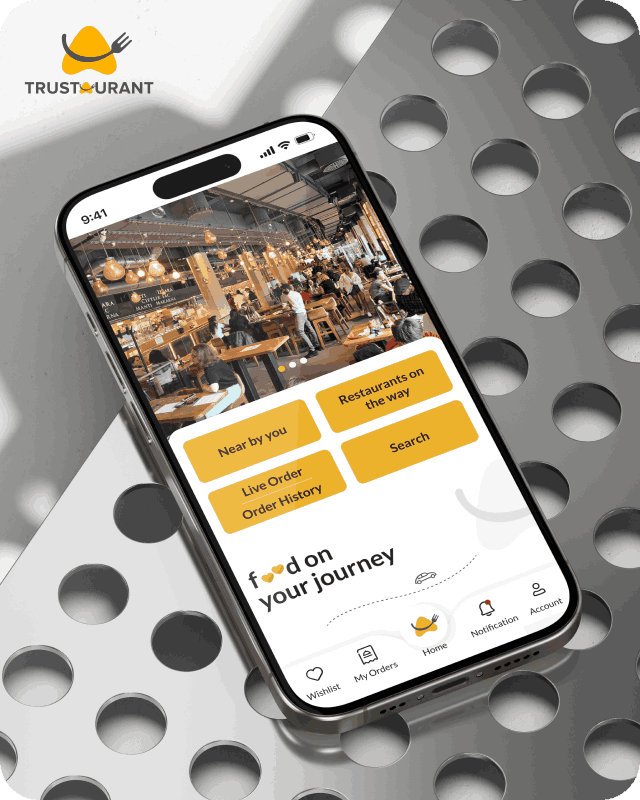
Trustaurant is a travel-friendly food app that helps you discover and order from trusted restaurants nearby or along your journey, all in real-time.
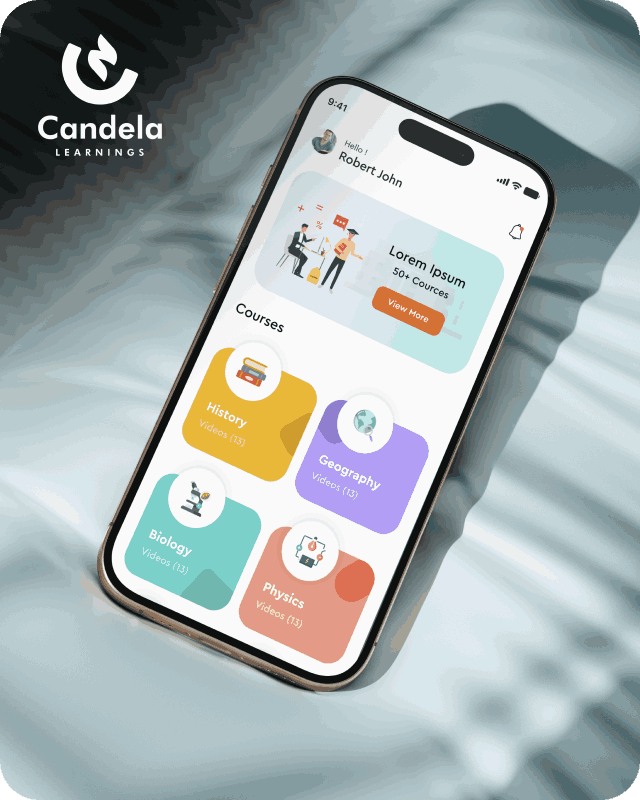
Candela Learnings is an engaging educational app offering interactive video courses in subjects like History, Geography, Biology, and Physics—all in one place.
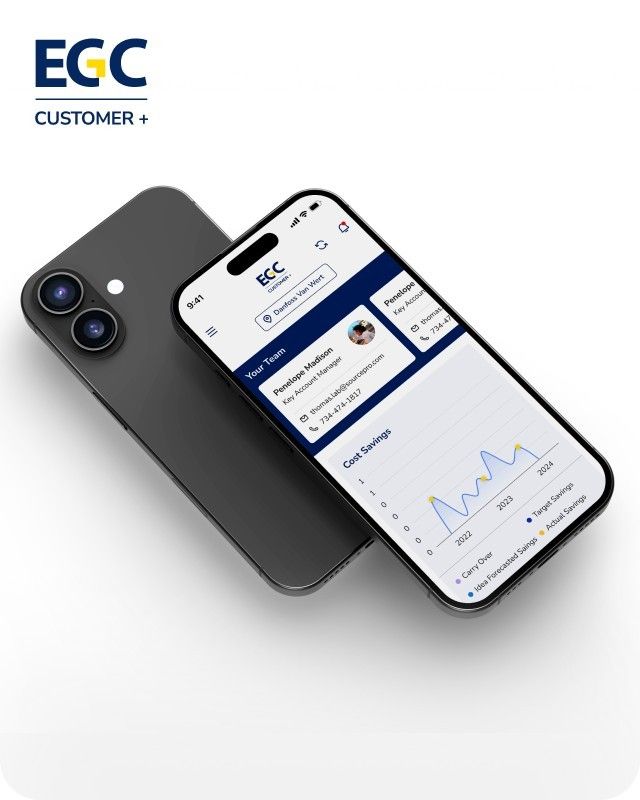
EGC Customer+ is a smart, user-friendly app designed to help you track cost savings, manage key contacts, and stay in control of your account performance—all in one place.
We are a team of highly dedicated mobile app developers that build cutting-edge mobile applications with the latest technologies.
View all WorksWe are a team of highly dedicated mobile app developers that build cutting-edge mobile applications with the latest technologies.
View more openings

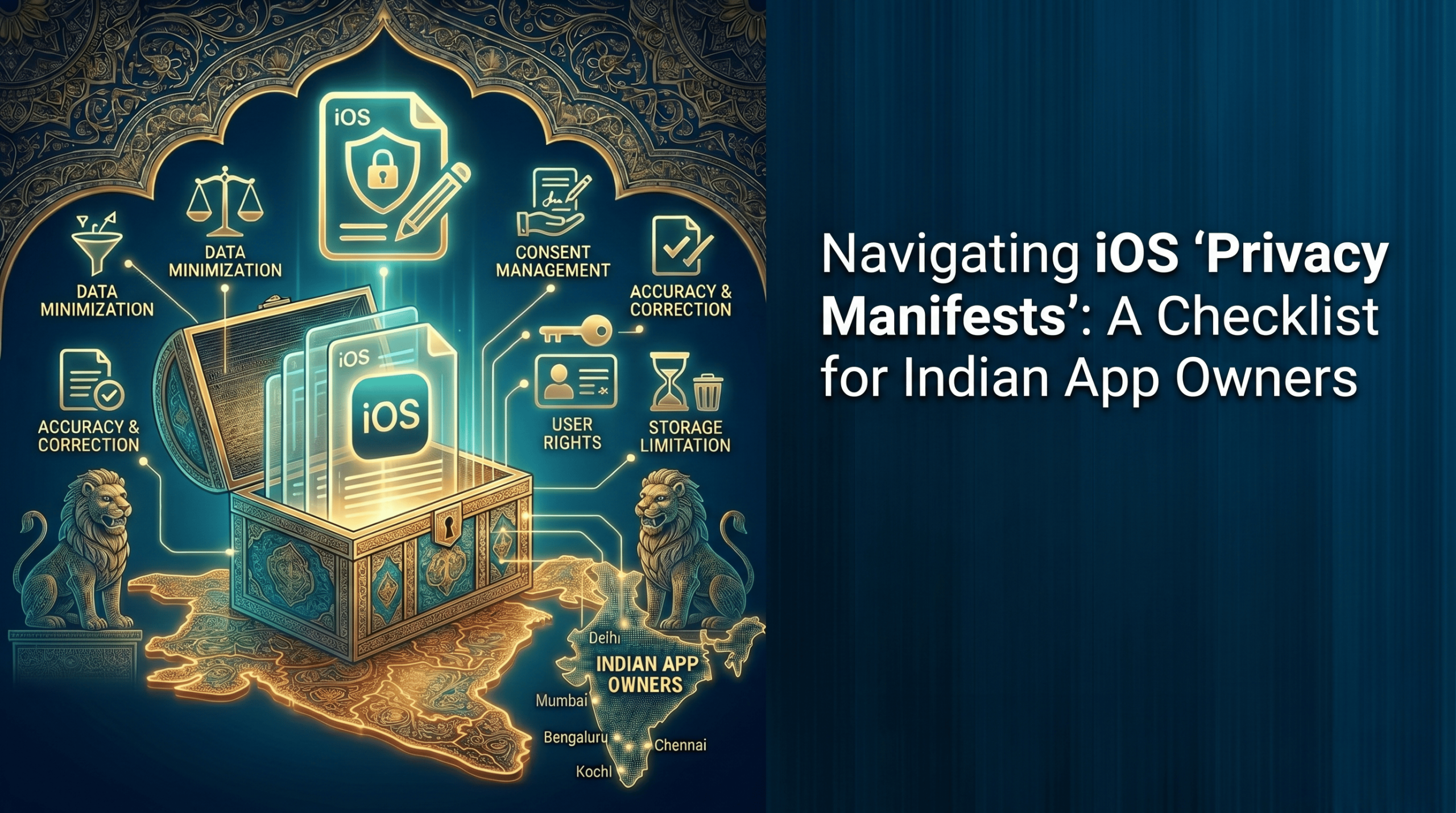
Imagine you’ve spent months building a polished iOS app. The UI is clean, the features work flawlessly, and you’re finally ready to push that update. You submit it to the App Store – and 24 hours later, it comes back rejected.
Not because of a bug. Not because of a guideline violation. But because of a small file you didn’t know you needed.
This is the reality hundreds of app owners faced when Apple began enforcing Privacy Manifests. And for Indian app owners navigating both Apple’s requirements and India’s freshly enforced Digital Personal Data Protection (DPDP) Act, the stakes have never been higher.
The good news? Compliance is entirely achievable – if you know exactly what to do. This checklist will walk you through every step.
There is a problem with the way apps are being used, in that silent compliance gaps are costing app owners. For years, the private disclosure of information in iOS apps has been generally self-reported. App Store Privacy Labels were completed manually by the developers, and Apple essentially believed them. Third-party SDKs – analytics tools, ad networks, crash reporters – ran in the background, largely unknown about what they were collecting.
Apple has altered the rules.
Apple introduced the iOS Privacy Manifest guide as part of a sweeping update to its privacy framework. The mandate is straightforward: every app and every third-party SDK that collects data or uses certain sensitive APIs must now include a structured declaration file – the PrivacyInfo.xcprivacy file – that tells Apple exactly what data is being touched and why.
The consequences of ignoring this are real:
That analytics library you dropped in? That crash reporting tool? If it doesn’t have its own Privacy Manifest, your app submission is at risk.
A Privacy Manifest is a property list file called PrivacyInfo.xcprivacy, which is embedded in your app’s bundle (or in an SDK’s framework). As you bundle your app for distribution, all the Privacy Manifests in your app and its included SDK are automatically consolidated together in a Privacy Report that directly populates your App Store Privacy Nutrition Label.
It declares three core things:
If your app uses any of these – and the UserDefaults API alone is used by a vast majority of iOS apps – you must declare why.
Work through each item below before your next App Store submission.
Open your project and scan for usage of the four required reason API categories.
Action: Run a search across your codebase for these API references and list every instance.
In Xcode 15 or later:
The default filename PrivacyInfo.xcprivacy must not be changed. Select your app’s target in the Targets list when creating the file.
Important: If you distribute a third-party SDK, create a separate Privacy Manifest inside that SDK’s target.
For each type of data your app or SDK collects, add a dictionary entry to the NSPrivacyCollectedDataTypes array. For each entry, specify the purpose.
Be thorough. Underdeclaring is just as problematic as not declaring at all.
For every Required Reason API your app uses, add it to the NSPrivacyAccessedAPITypes array and select an approved reason from Apple’s official list.
When your app has ad networks, analytics platforms, or any other service that can track users across apps and websites, add the websites to the manifest under NSPrivacyTrackingDomains. Keep in mind: If the user rejects the permission of ATT, iOS 17 will automatically deny connection to these domains. Plan your app’s behaviour accordingly.
This is the step most app owners overlook – and where the most App Store rejections are happening.
Go through every SDK, library, and package in your project and verify:
If the SDK is on Apple’s list of common third-party SDKs, then the SDK should also contain a digital signature. If your SDK doesn’t have a version that’s privacy manifest compliant yet, you will have to wait for their update (and see if there are open issues in their repository) or get another SDK that’s privacy manifest compliant.
Before submission, go to Product → Archive, then select your archive and click Generate Privacy Report. Xcode will compile all Privacy Manifests from your app and its dependencies into a single report.
Review it carefully. Any gap between this report and your App Store Privacy Label needs to be corrected before submission.
Here’s where Indian app owners have an additional layer of responsibility that goes beyond Apple’s requirements.
As per the Digital Personal Data Protection Act, with rules notified in November, 2025, the following are required:
There must be explicit, informed consent from users before information is collected.
The consent notice has to be clear about the types of data collected and their purpose.
Users can withdraw their consent and ask for the removal of their data.
If there is a significant number of users, then the app could be classified as a Significant Data Fiduciary, mandating a Data Protection Officer and regular audits.
✅Step 9: Maintain Your Manifest Up to Date
It takes ongoing work to achieve privacy compliance. Every time you: Install or upgrade an SDK. Add a feature that adds new data types. Add an analytics or advertising platform. You should review and update your Privacy Manifest before the next submission. Consider it an essential component of your release checklist, rather than an add-on.
Don’t navigate this alone. Appzoc is here to help!
Privacy Manifests affect all elements of your iOS App: the code you’ve written, the SDKs you’ve integrated, the App Store metadata, your legal consent flows, and more. Correctly doing so requires knowledge of the evolving guidelines of Apple, as well as technical expertise. We have been developing mobile applications for our clients in India and overseas on iOS and Android platforms at Appzoc.
As a trusted provider of iOS app development in Bangalore, WebCastle not only creates apps, but how to create apps that remain compliant, remain live, and remain trusted. From doing a full Privacy Manifest audit for current iOS apps to assisting in the creation of new apps from scratch with compliance in mind, we are here to help.