Flutter
Make the most of this cutting-edge technology by developing apps quickly! Our Flutter solutions have amazing features that can be used to create sleek, high-performance apps that can scale seamlessly across platforms.



We aim to build applications that excel in all aspects. We consider customer satisfaction as the best award we could receive. In that journey, we have been recognized multiple times for the exceptional products we deliver.
Faster work process

Customer Review on Google
Successful projects accross the world
We are a team of highly dedicated mobile app developers that build cutting-edge mobile applications with the latest technologies.
About us
We cater to dedicated and tailored app development to help companies expand and achieve new heights. We deliver great features focusing on the latest technological advancement.

Our expertise in hybrid application development in Kerala, comes by integrating our agile methodology. We are the leading experts in hybrid application development.

Our rank booster packages reap maximum results for ranking mobile apps higher in the highly competitive niche. We get ahead with a proper ASO strategy crafted under our years of ASO experience.

Our landing page creation in a faster mode connects seamlessly with popular marketing platforms. We build efficient landing pages that crush your revenue goals.
We are a team of highly dedicated mobile app developers that build cutting-edge mobile applications with the latest technologies.
View all Services
Make the most of this cutting-edge technology by developing apps quickly! Our Flutter solutions have amazing features that can be used to create sleek, high-performance apps that can scale seamlessly across platforms.

Explore the endless possibilities of mobile app development with our Figma services. Design compelling apps and refine your tech skills, all while leveraging cutting-edge tools to make a meaningful impact in the industry. Appzoc ensures a seamless user experience.

From startups to enterprises, we specialize in creating Android app development services that drive growth. Our team at Appzoc focuses on developing apps that provide an outstanding experience across all Android devices and wearables.

Node.js, for its high scalability, simplifies the mobile application process and is widely used for real-time applications with many open-source libraries and frameworks. The server-side and client-side switches are easy with Node.js. Node.js developers can constantly publish new code making the app possible as and when needed.
We are a team of highly dedicated mobile app developers that build cutting-edge mobile applications with the latest technologies.
View all Technologies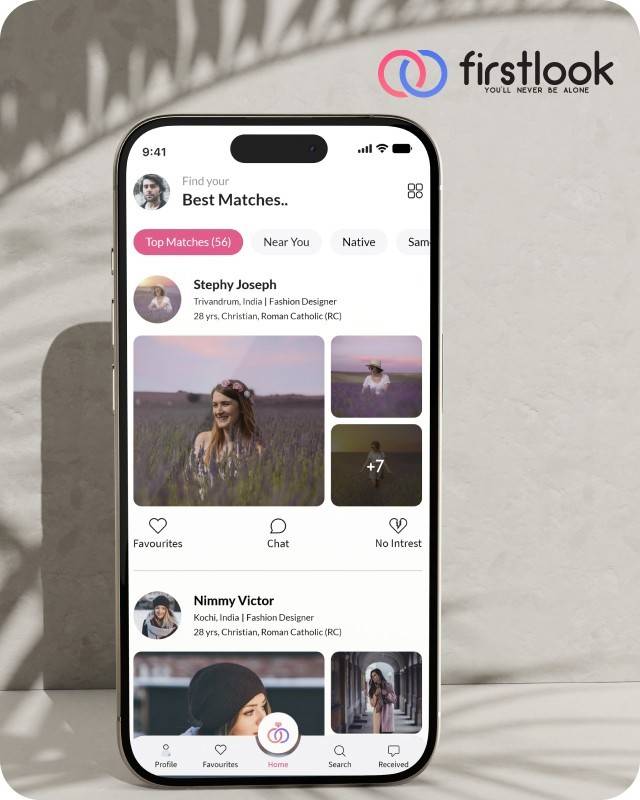
FirstLook Matrimony is a modern matchmaking app that helps you find your perfect life partner with personalized matches, easy chat options, and a secure platform built on trust.

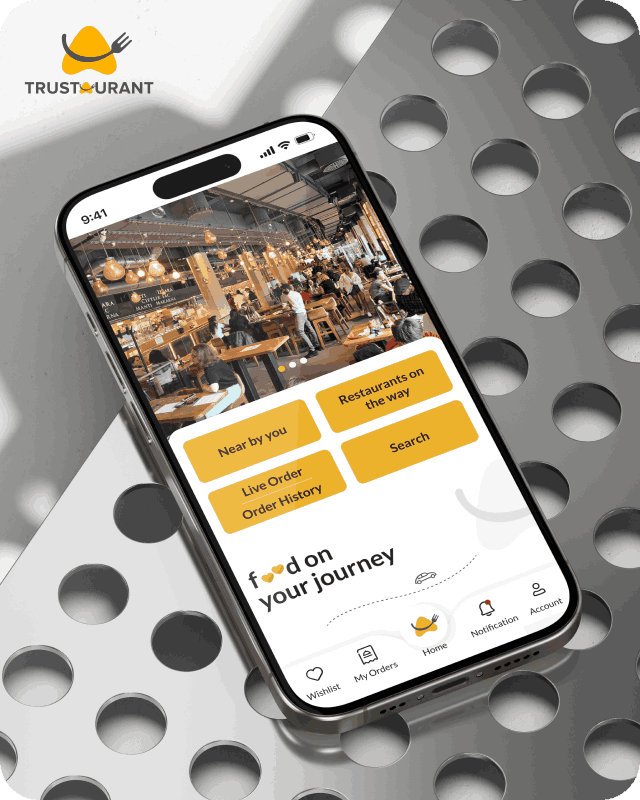
Trustaurant is a travel-friendly food app that helps you discover and order from trusted restaurants nearby or along your journey, all in real-time.
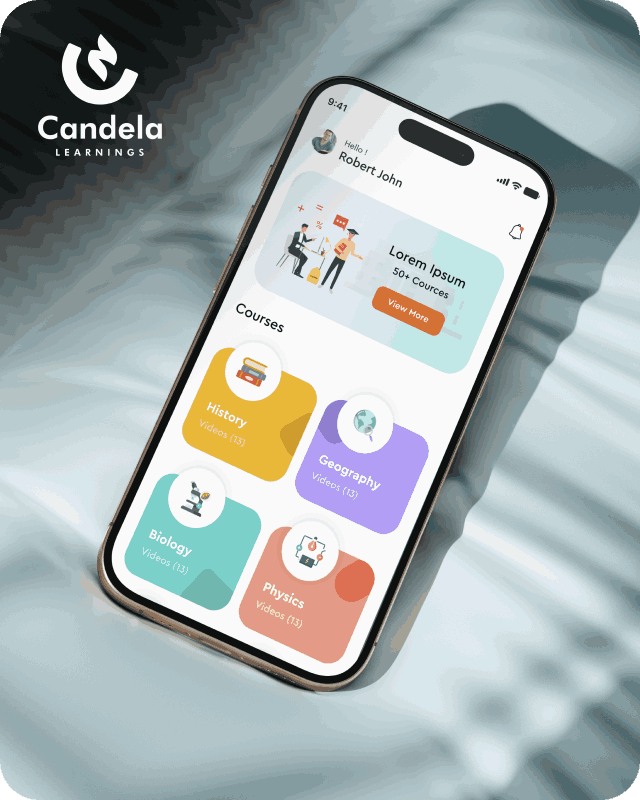
Candela Learnings is an engaging educational app offering interactive video courses in subjects like History, Geography, Biology, and Physics—all in one place.
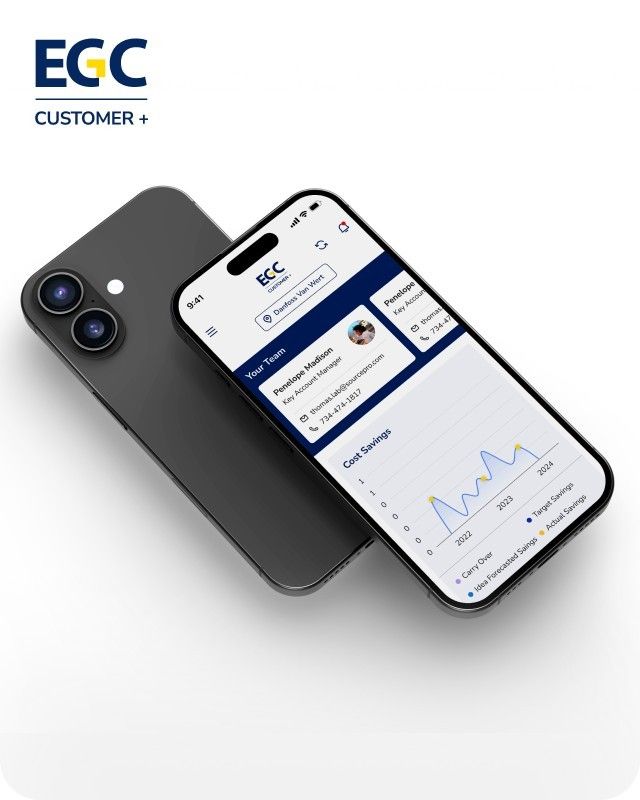
EGC Customer+ is a smart, user-friendly app designed to help you track cost savings, manage key contacts, and stay in control of your account performance—all in one place.
We are a team of highly dedicated mobile app developers that build cutting-edge mobile applications with the latest technologies.
View all WorksWe are a team of highly dedicated mobile app developers that build cutting-edge mobile applications with the latest technologies.
View more openings

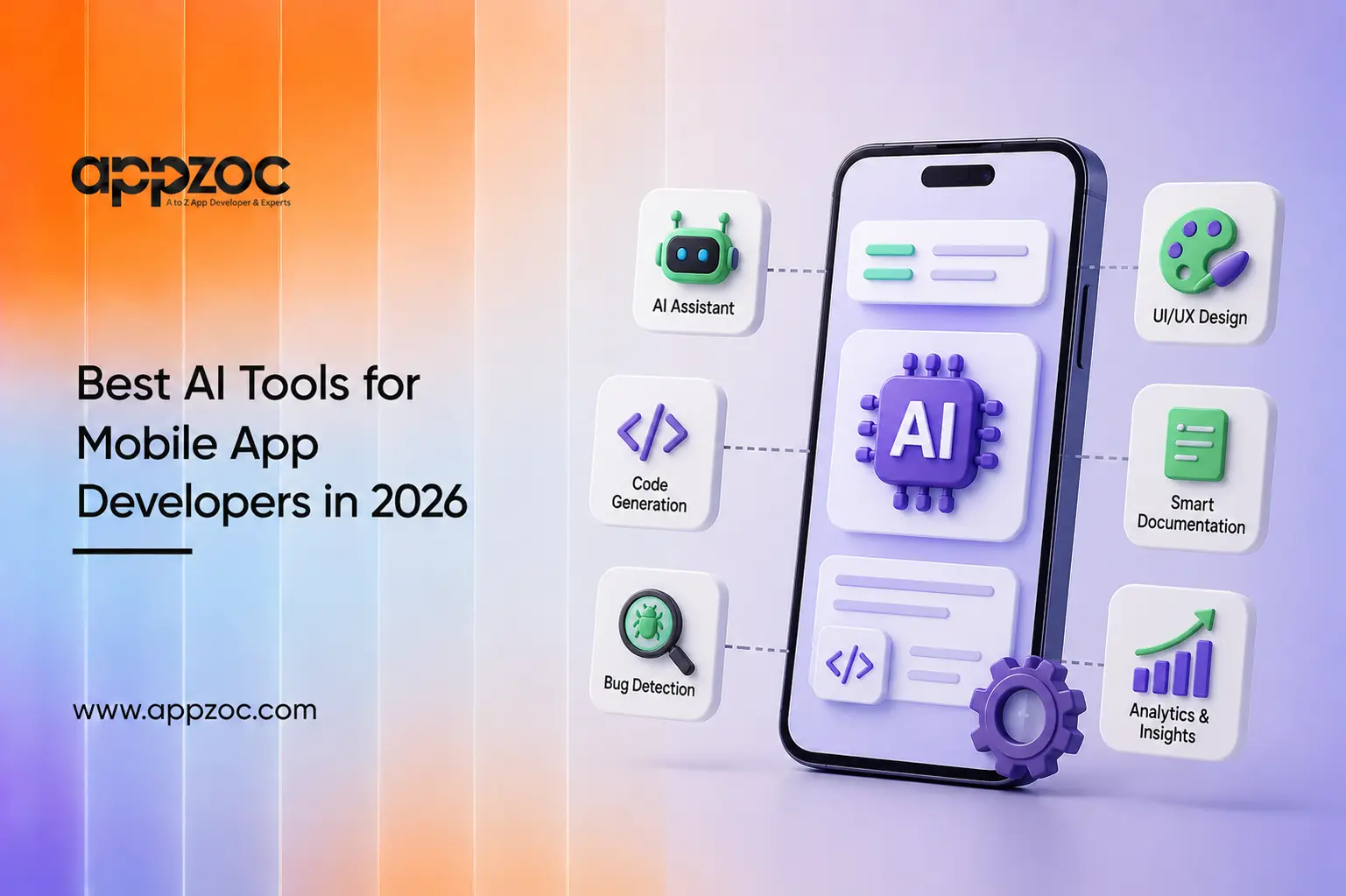
Mobile app developers face a common challenge today: there is a growing number of AI tools promising to write code, test applications, and speed up development. Choosing the right tools can be difficult, especially when each one addresses a different part of the development process.
AI coding assistants such as GitHub Copilot and Cursor can help developers generate code, work across codebases, and handle repetitive development tasks. GitHub Copilot now supports agent-driven development workflows, while Cursor provides codebase-aware AI agents for software development.
But AI-powered app development does not stop at generating the first draft. AI-generated code still needs to be reviewed by developers with strong architectural and security knowledge. AI testing tools can also reduce QA effort by helping teams identify visual changes and maintain automated tests. The goal is not to replace engineering expertise but to reduce repetitive work and give developers more time for important tasks such as designing data schemas, improving security, and handling complex application behavior.
One reason mobile app developers find AI tools useful is that they can reduce the effort involved in writing, testing, and maintaining software across different platforms.
AI tools for app development can address several time-consuming areas of the development process:
As development teams look for ways to reduce repetitive work and shorten development cycles, AI tools are becoming a useful part of the mobile development workflow.
The best AI tools for mobile app developers in 2026 can be grouped into several categories, including coding assistants, AI-powered app builders, on-device AI frameworks, and testing platforms. Each category addresses a different development challenge, so the right choice depends on the requirements of the project.
GitHub Copilot is an AI coding assistant that helps developers write and modify code and is increasingly supporting agent-driven development workflows. Developers can connect projects, delegate tasks, review changes, and work with AI throughout the development process.
Cursor is another AI-powered coding tool with codebase-level context. It can understand multiple files and help developers plan, modify, and review code across a project. This can be particularly useful for larger applications where multiple components are interconnected.
Claude and ChatGPT can also complement coding tools by helping developers with architecture discussions, debugging, documentation, code explanations, and problem-solving.
No-code and AI-powered builders can help teams create user interfaces and application logic using prompts or visual tools. They can be useful for prototypes, MVPs, internal applications, and simpler business solutions.
However, complex mobile applications may still require traditional development when they need extensive access to device hardware, advanced integrations, custom performance optimization, or sophisticated business logic.
On-device AI tools are useful when developers want to add AI capabilities to an existing mobile application rather than build an application from scratch.
Google’s ML Kit provides mobile-focused capabilities for tasks such as text recognition and image-related processing. Google’s LiteRT is also designed for running machine learning models on devices and has evolved as Google’s on-device AI framework.
For iOS applications, Apple’s Core ML provides tools for integrating machine learning models into apps. On-device processing can be particularly useful for applications that need to reduce dependence on external servers or process sensitive information locally.
AI-powered testing tools can help development teams identify problems that conventional testing may overlook.
For example, visual testing can detect changes in layouts, buttons, fonts, and other interface elements that may not be identified by functional tests alone. Other AI-powered testing platforms can help maintain automated tests when application interfaces change.
These tools can reduce the manual effort involved in regression testing and help teams identify issues before an application is released.
Don’t choose mobile app development tools simply because they are popular or frequently mentioned in industry articles. Choose tools based on the actual requirements of your project.
A simple utility app may require less review of AI-generated code. More complex applications, such as fintech or healthcare apps, require extensive developer oversight, particularly when they handle transactions or sensitive information.
Consider the platforms and frameworks your team already uses. For teams working with Flutter, React Native, Android, or iOS, choose tools that integrate well with the existing development environment and provide sufficient project context.
AI development tools can involve recurring subscription or usage costs. A small development team may benefit from a limited number of carefully selected tools, while larger teams may require enterprise-level solutions with additional security, collaboration, and administration features.
Identify where your team is spending the most time. If coding and repetitive development tasks are the main bottlenecks, an AI coding assistant may provide the most value. If testing and regression checks are consuming significant resources, AI-powered testing tools may be a better investment.
Avoid adopting multiple AI tools simply because they are available. Choose the tools that solve specific problems within your development workflow.
AI-generated code should be treated as a starting point rather than a finished product. Developers should review generated code for correctness, security, performance, and maintainability.
AI tools can speed up mobile app development, but they do not replace the judgment required to determine whether an application is useful, secure, and reliable.
Developers getting real value from AI mobile app development in 2026 are treating AI as a tool that improves the productivity of skilled engineers rather than as a replacement for engineering expertise. The best results come from combining AI-assisted development with strong architecture, testing, security practices, and human review.
If you’re planning a mobile app and looking for a team that understands how to select and integrate AI tools into a production-ready development workflow, talk to Appzoc, a mobile app development company in Kerala with in-house Android app developers focused on building secure and reliable applications for real-world users. Get in touch for a free consultation.