
Flutter
Make the most of this cutting-edge technology by developing apps quickly! Our Flutter solutions have amazing features that can be used to create sleek, high-performance apps that can scale seamlessly across platforms.



We aim to build applications that excel in all aspects. We consider customer satisfaction as the best award we could receive. In that journey, we have been recognized multiple times for the exceptional products we deliver.
Faster work process

Customer Review on Google
Successful projects accross the world
We are a team of highly dedicated mobile app developers that build cutting-edge mobile applications with the latest technologies.
About us
We cater to dedicated and tailored app development to help companies expand and achieve new heights. We deliver great features focusing on the latest technological advancement.

Our expertise in hybrid application development in Kerala, comes by integrating our agile methodology. We are the leading experts in hybrid application development.

Our rank booster packages reap maximum results for ranking mobile apps higher in the highly competitive niche. We get ahead with a proper ASO strategy crafted under our years of ASO experience.

Our landing page creation in a faster mode connects seamlessly with popular marketing platforms. We build efficient landing pages that crush your revenue goals.
We are a team of highly dedicated mobile app developers that build cutting-edge mobile applications with the latest technologies.
View all Services
Make the most of this cutting-edge technology by developing apps quickly! Our Flutter solutions have amazing features that can be used to create sleek, high-performance apps that can scale seamlessly across platforms.

Explore the endless possibilities of mobile app development with our Figma services. Design compelling apps and refine your tech skills, all while leveraging cutting-edge tools to make a meaningful impact in the industry. Appzoc ensures a seamless user experience.

From startups to enterprises, we specialize in creating Android app development services that drive growth. Our team at Appzoc focuses on developing apps that provide an outstanding experience across all Android devices and wearables.

Node.js, for its high scalability, simplifies the mobile application process and is widely used for real-time applications with many open-source libraries and frameworks. The server-side and client-side switches are easy with Node.js. Node.js developers can constantly publish new code making the app possible as and when needed.
We are a team of highly dedicated mobile app developers that build cutting-edge mobile applications with the latest technologies.
View all Technologies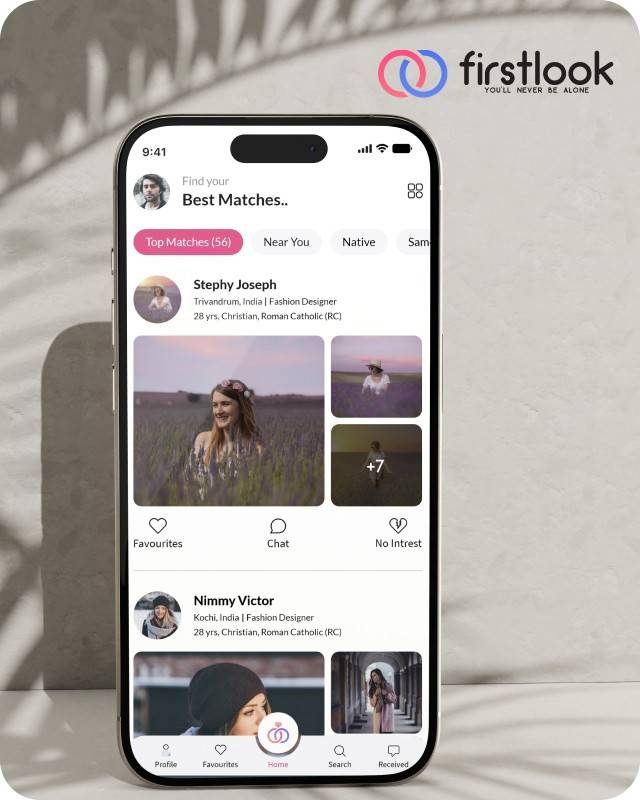
FirstLook Matrimony is a modern matchmaking app that helps you find your perfect life partner with personalized matches, easy chat options, and a secure platform built on trust.

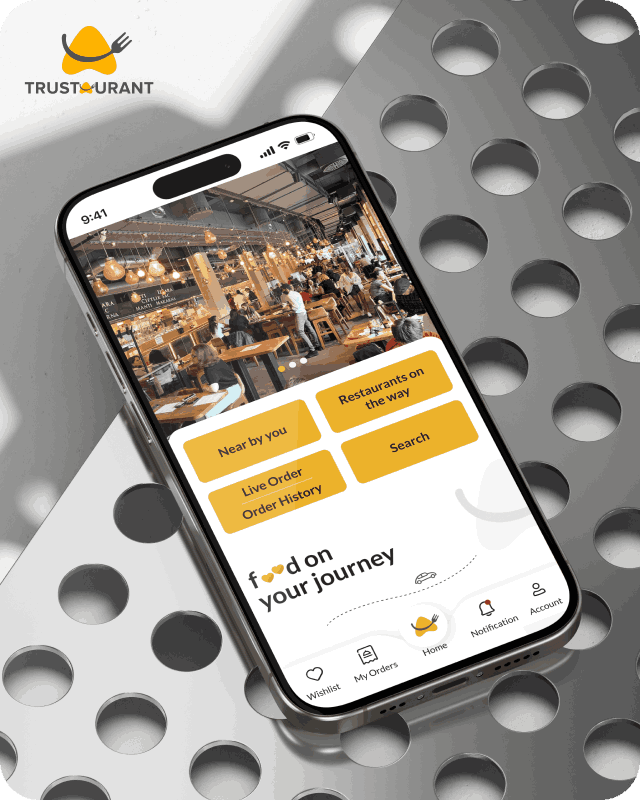
Trustaurant is a travel-friendly food app that helps you discover and order from trusted restaurants nearby or along your journey, all in real-time.
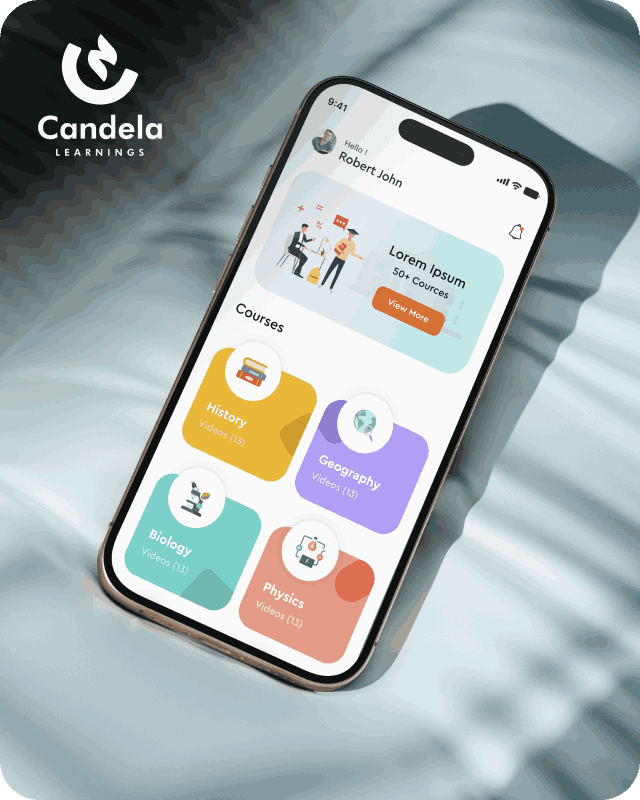
Candela Learnings is an engaging educational app offering interactive video courses in subjects like History, Geography, Biology, and Physics—all in one place.
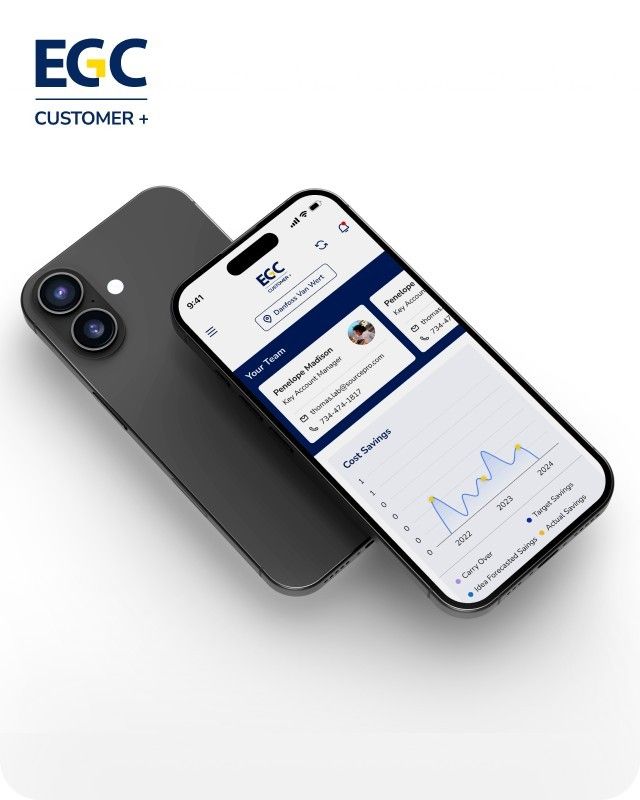
EGC Customer+ is a smart, user-friendly app designed to help you track cost savings, manage key contacts, and stay in control of your account performance—all in one place.
We are a team of highly dedicated mobile app developers that build cutting-edge mobile applications with the latest technologies.
View all WorksWe are a team of highly dedicated mobile app developers that build cutting-edge mobile applications with the latest technologies.
View more openings

Imagine a customer opening your iOS application on an older iPhone, tapping the Pay button, and finding that the screen freezes. They may not contact your support team or report the problem. They might simply close the app and choose another service.
Many businesses treat app testing as a task to complete before launch and maintenance as an expense to reduce later. However, both are important throughout an app’s life. Testing helps identify problems before users encounter them, while regular maintenance keeps the application functional, secure and compatible with newer iOS versions.
This article covers five important types of iOS app testing, common problems that can appear after launch, and Apple’s upcoming SDK requirement that businesses should prepare for in advance.
App testing helps developers identify crashes, incomplete features, navigation problems and performance issues before an application reaches customers. Without proper testing, even a small error can affect important functions such as account login, payments or registration.
Apple’s App Store Review Guidelines require applications to provide a complete and functional experience. Apps with crashes, incomplete features or placeholder content may face review issues. Apple also states that applications that stop working or provide a degraded experience may be removed from the App Store.
Apple’s App Store Improvements process also applies to older applications. Apps that have not been updated within the last three years and fail to meet Apple’s minimum download threshold may be identified for possible removal. Developers are given 90 days to submit an update after receiving the notice.
This makes ongoing maintenance important even after an application has been approved and published. Businesses need to monitor app performance, fix reported problems and release updates when necessary.
Businesses should consider five important types of testing when planning an iOS application. Each one checks a different part of the app and helps identify problems before or after release.
Unit testing: Checks individual functions or components separately. For example, developers can test whether a discount calculation returns the correct amount or whether a date format displays properly.
UI testing: Checks how users interact with the application. Developers can automate common actions such as signing in, completing a payment and registering a new account to identify navigation and display problems.
Real-device testing: Checks how the application works on actual iPhones and iPads. Developers should test on devices running supported iOS versions, including older models that customers may still use. Apple recommends testing on compatible devices rather than relying only on simulators.
Beta testing through TestFlight: Allows developers to share pre-release versions with testers and collect feedback before publishing an app. TestFlight supports up to 100 internal testers and 10,000 external testers. Each build can be tested for up to 90 days. Testers can also submit feedback and screenshots through TestFlight.
Regression testing: Checks whether existing features continue to work after code changes or bug fixes. For example, fixing an issue on the payment screen should not affect the login process or order history.
Testing should also cover situations that may interrupt normal app usage. Developers should check how the application responds when there is no internet connection, a user denies a permission request, or a phone call interrupts a payment process.
Businesses should also provide the information needed for Apple’s review team to test the application. If login is required, developers must provide valid demo account details in the App Review Information section of App Store Connect. Additional instructions, such as app-specific settings or steps to access certain features, should be included in the review notes.
Testing before release cannot identify every problem. Some issues appear only after an application reaches users with different devices, network conditions and usage patterns. Xcode Organizer helps developers monitor performance data collected from users who share diagnostics.
Some important areas to monitor include:
App hangs: A hang occurs when the application becomes unresponsive for a period of time. Xcode Organizer reports the hang rate as the number of seconds per hour that an app is unresponsive, counting periods longer than 250 milliseconds. Developers can use this information to identify responsiveness problems.
Slow app launch: Xcode Organizer measures the time between a user tapping the app icon and the first screen being displayed. Comparing launch times across app versions can help developers identify performance changes.
Memory usage and battery impact: Organizer provides performance information, including memory usage and battery impact. Developers can compare different app versions to identify changes that may affect the user experience.
Device- and iOS-specific issues: A feature may work correctly on one iPhone but fail on another device or iOS version. Developers should review available performance reports and test affected devices to identify the cause.
Third-party SDK problems: Applications often use external SDKs for analytics, advertising, payments and other services. An outdated or incompatible SDK can affect app functionality, security or performance. Developers are responsible for ensuring that third-party code included in their applications meets Apple’s requirements.
Apple also requires developers to declare approved reasons for using certain APIs through privacy manifests. Since May 1, 2024, apps that use these required-reason APIs must meet the applicable submission requirements. This also applies to relevant third-party SDKs included in an app.
Developers can use MetricKit to collect performance and diagnostic information from users’ devices and analyse issues that may not appear during pre-release testing.
Publishing an app is only the beginning of its maintenance cycle. Developers need to monitor user feedback, review performance reports and release updates to address problems and support newer iOS versions.
Bug fixes should be prioritised based on their impact on users and business operations. A practical approach is to consider the number of affected users, the severity of the issue and the number of app features or screens involved.
For example, a crash during checkout should receive priority over a minor spelling mistake in the settings screen because it can prevent customers from completing purchases.
Performance improvements should also be based on measurable results. Xcode Organizer allows developers to compare performance data across app versions. This helps them identify which release introduced a slowdown, increased memory usage or caused more hangs.
Apple regularly releases new versions of iOS and updates its development tools. Businesses should prepare their applications for these changes instead of waiting until the next release deadline.
Apple announced on September 9, 2026, that developers could submit applications built with the latest SDKs for the new Apple operating systems. It also announced an upcoming requirement: starting in April 2027, iOS and iPadOS applications uploaded to App Store Connect must be built using the iOS 27 and iPadOS 27 SDKs or later.
This requirement makes it important for businesses to review their development environment and third-party dependencies before the deadline. Consider checking these three areas:
Development environment: The iOS 27 SDK is included with Xcode 27. Check whether the Mac used for development supports the required Xcode version and whether its macOS version needs an update.
Third-party SDK compatibility: Review the external SDKs and libraries used in the application. Confirm that their developers provide versions compatible with the latest SDK and supported iOS versions.
TestFlight pipeline: Prepare a build using the newer SDK and distribute it through TestFlight before the deadline. This gives developers time to identify and fix compatibility issues before submitting the production release.
Testing early can help businesses avoid last-minute development work and reduce the risk of submission delays.
A planned maintenance process helps businesses keep their applications functional and easier to manage. The following practices can help:
Keep ownership of development accounts and source code: Register the Apple Developer account and source code repository in the company’s name. This helps the business retain access to its application and development resources.
Track third-party SDKs: Maintain a list of external SDKs, their developers, current versions and last update dates. Review them regularly for compatibility and security issues.
Monitor app performance: Review Xcode Organizer data monthly and check crash reports and feedback from TestFlight during beta testing.
Release regular updates: Fix reported problems, improve existing features and maintain compatibility with supported iOS versions. Avoid leaving an application without updates for long periods, especially if it also has very few downloads.
Test before every release: Run functional, UI and regression tests before submitting an update to the App Store.
App Store visibility is also connected to the quality of the app experience. A well-optimised store listing may attract visitors, but slow loading, crashes and payment problems can affect whether they continue using the application. Businesses should maintain the app experience alongside their App Store optimisation efforts.
Also Learn: IOS App Maintenance Costs: What Businesses Should Budget For
Appzoc is an iOS app development company based in Kerala, offering native iOS application development using Swift. Its development process includes functional, performance and security testing across different devices and screen sizes. The team also works on bug fixes, performance monitoring and updates to maintain compatibility with newer iOS versions.
Appzoc also provides App Store optimisation services, helping businesses improve their app listings through title, description, keyword and visual optimisation for the App Store and Google Play. Ongoing ranking monitoring can help businesses review their app’s search visibility.
If you are planning to improve an existing iOS application, share your latest crash reports, app name and minimum supported iOS version with Appzoc. Email info@appzoc.com to request a free app audit and discuss the updates needed before Apple’s April 2027 SDK deadline.