Flutter
Make the most of this cutting-edge technology by developing apps quickly! Our Flutter solutions have amazing features that can be used to create sleek, high-performance apps that can scale seamlessly across platforms.



We aim to build applications that excel in all aspects. We consider customer satisfaction as the best award we could receive. In that journey, we have been recognized multiple times for the exceptional products we deliver.
Faster work process

Customer Review on Google
Successful projects accross the world
We are a team of highly dedicated mobile app developers that build cutting-edge mobile applications with the latest technologies.
About us
We cater to dedicated and tailored app development to help companies expand and achieve new heights. We deliver great features focusing on the latest technological advancement.

Our expertise in hybrid application development in Kerala, comes by integrating our agile methodology. We are the leading experts in hybrid application development.

Our rank booster packages reap maximum results for ranking mobile apps higher in the highly competitive niche. We get ahead with a proper ASO strategy crafted under our years of ASO experience.

Our landing page creation in a faster mode connects seamlessly with popular marketing platforms. We build efficient landing pages that crush your revenue goals.
We are a team of highly dedicated mobile app developers that build cutting-edge mobile applications with the latest technologies.
View all Services
Make the most of this cutting-edge technology by developing apps quickly! Our Flutter solutions have amazing features that can be used to create sleek, high-performance apps that can scale seamlessly across platforms.

Explore the endless possibilities of mobile app development with our Figma services. Design compelling apps and refine your tech skills, all while leveraging cutting-edge tools to make a meaningful impact in the industry. Appzoc ensures a seamless user experience.

From startups to enterprises, we specialize in creating Android app development services that drive growth. Our team at Appzoc focuses on developing apps that provide an outstanding experience across all Android devices and wearables.

Node.js, for its high scalability, simplifies the mobile application process and is widely used for real-time applications with many open-source libraries and frameworks. The server-side and client-side switches are easy with Node.js. Node.js developers can constantly publish new code making the app possible as and when needed.
We are a team of highly dedicated mobile app developers that build cutting-edge mobile applications with the latest technologies.
View all Technologies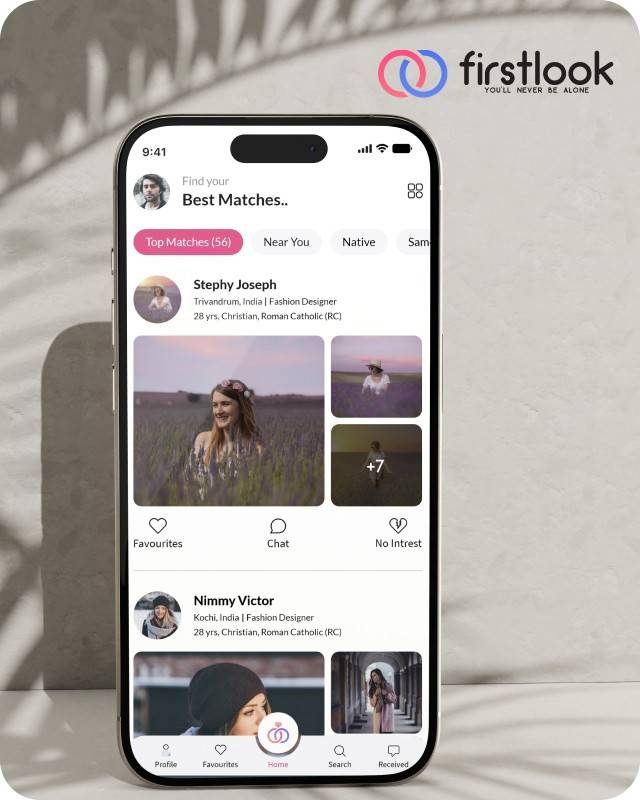
FirstLook Matrimony is a modern matchmaking app that helps you find your perfect life partner with personalized matches, easy chat options, and a secure platform built on trust.

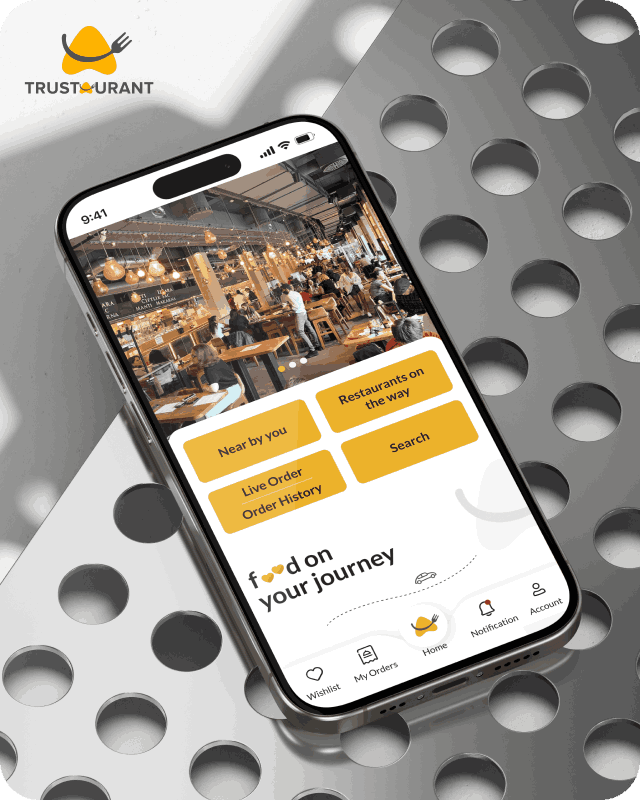
Trustaurant is a travel-friendly food app that helps you discover and order from trusted restaurants nearby or along your journey, all in real-time.
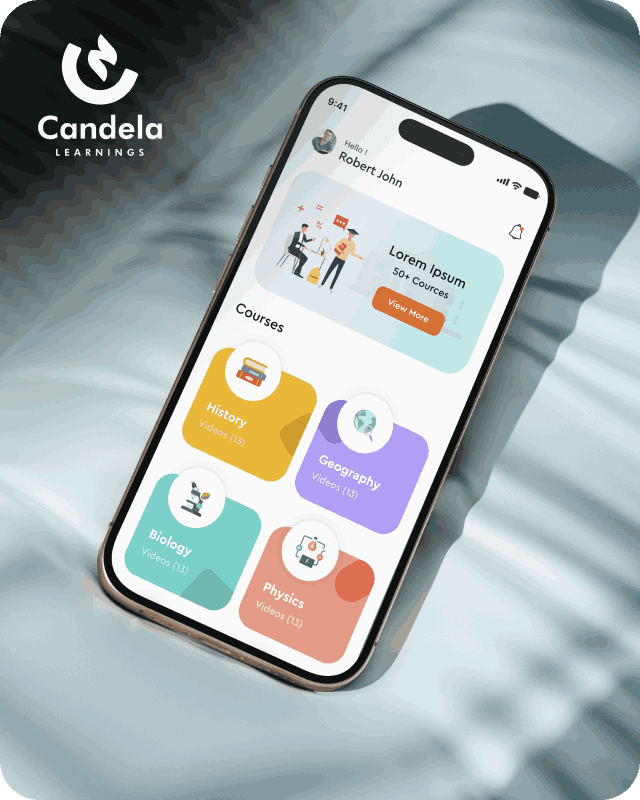
Candela Learnings is an engaging educational app offering interactive video courses in subjects like History, Geography, Biology, and Physics—all in one place.
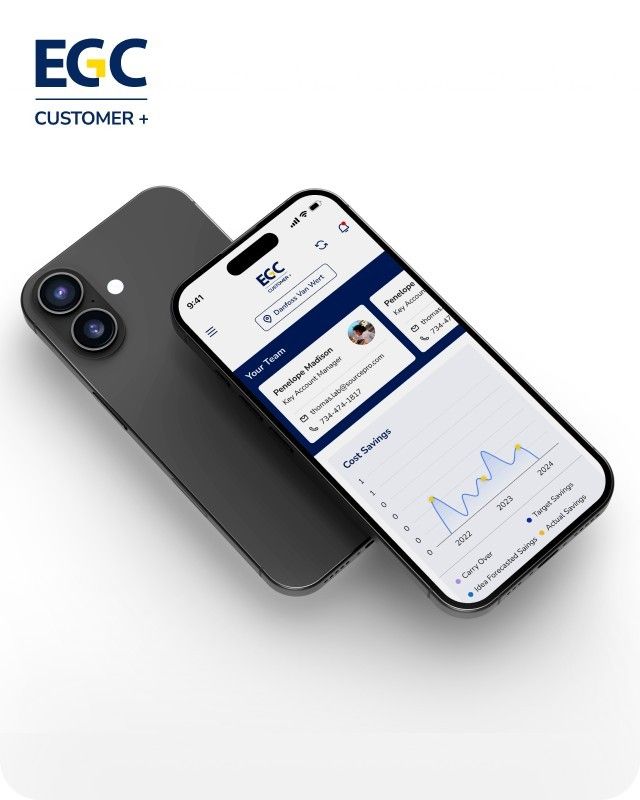
EGC Customer+ is a smart, user-friendly app designed to help you track cost savings, manage key contacts, and stay in control of your account performance—all in one place.
We are a team of highly dedicated mobile app developers that build cutting-edge mobile applications with the latest technologies.
View all WorksWe are a team of highly dedicated mobile app developers that build cutting-edge mobile applications with the latest technologies.
View more openings

A user opens a banking app, enters a password, waits for an OTP, and switches between screens to complete a login. If the session expires, the process starts again. It can be frustrating, especially when users have to repeat these steps every time they access their accounts.
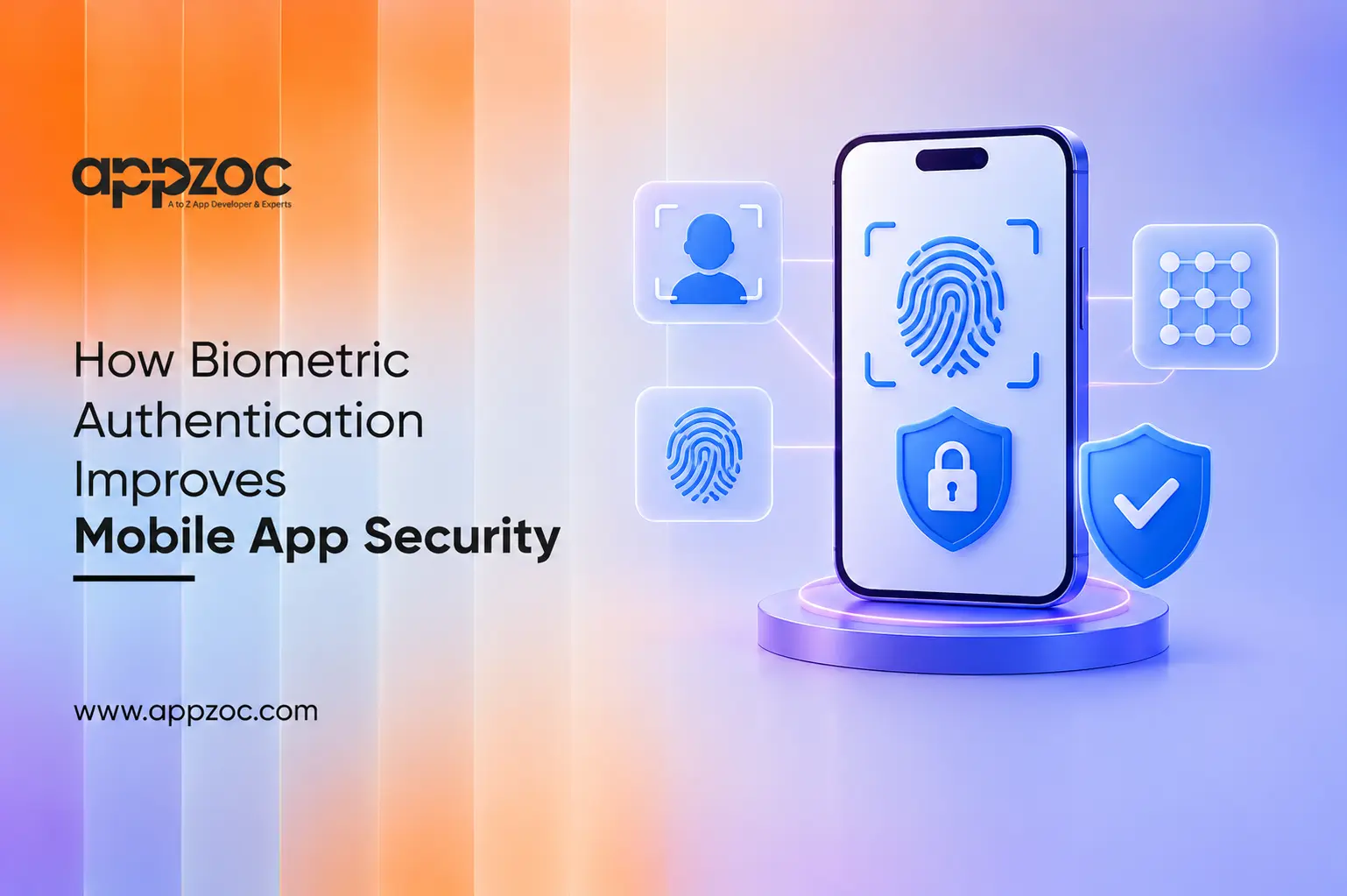
Biometric authentication offers another way to verify a user’s presence. It uses physical characteristics, such as fingerprints and facial features, to authenticate a user through a supported device. Many current smartphones support fingerprint or facial recognition, making biometric login a practical option for mobile applications.
However, adding a fingerprint or face scan does not make an app secure by itself. Developers must connect biometric verification to the device’s security features and the app’s authentication system. Here is how the technology works, where it helps, and what developers need to get right.
Biometric authentication uses measurable human characteristics to verify a person. Mobile devices support several forms, although their availability and security depend on the device’s hardware and software.
The main types include:
A biometric system generally compares a newly captured sample with an enrolled biometric template. The template is a digital representation of selected characteristics used for matching.
The process usually involves a few steps:
On supported Apple devices, the Secure Enclave protects biometric information and performs the authentication checks. Developers use Apple’s Local Authentication framework to request authentication through Face ID or Touch ID. The app receives the authentication result, not the stored fingerprint or facial data.
Developers can refer to Apple’s official Local Authentication documentation to understand how to implement Face ID and Touch ID authentication in iOS applications.
Android provides the Biometric Prompt API. Developers can specify the accepted level of biometric strength and, where supported, allow users to authenticate with their device PIN, pattern, or password. The available options depend on the Android version and the authentication configuration.
For implementation details, developers can refer to the official Android Biometric Authentication guide to learn how to add biometric login and reauthentication to Android apps.
The distinction matters. The app requests verification, while the device handles the biometric comparison.
A password can be guessed, reused, stolen through phishing, or exposed in a data breach. Biometric authentication can reduce the need to enter passwords repeatedly by allowing the device to verify the user locally.
Consider a shopping app that stores a customer’s address and payment details. If someone gets hold of the phone, biometric verification can provide an additional barrier before they access those details, provided the app requires authentication before displaying sensitive information.
It can help protect access to an app by:
The cryptographic approach deserves attention. A developer can create a cryptographic key protected by the device’s secure storage. When configured to require user authentication, the key can be used only after the required authentication succeeds.
This makes biometric verification part of a security operation rather than a simple check at the screen level. Android supports this approach through its BiometricPrompt and Android Keystore integration. Similar access controls are available through Apple’s Keychain Services.
The benefits extend beyond replacing a password field with a fingerprint icon.
There is a trade-off. Although biometric authentication can make access easier, users still need a recovery option.
If a user’s finger is injured, the sensor is damaged, or the device does not support biometric authentication, they need another way to access the app.
Developers should use the native authentication features available on each platform. Creating a custom fingerprint or face-scanning system for a standard login process introduces unnecessary security and maintenance challenges.
For iOS, the LocalAuthentication framework allows developers to request authentication through Face ID and Touch ID. Developers can also use Keychain Services to store passwords, tokens, and cryptographic keys with access controls that require user authentication. Apple’s Local Authentication documentation provides further details about these features.
Android provides the BiometricPrompt API as its system authentication interface. Android Keystore can protect cryptographic keys and enforce authentication requirements before allowing their use, provided the keys are configured with those restrictions. Android also recommends Credential Manager for initial sign-in, while Biometric Prompt can support subsequent reauthentication. Developers can refer to the Android Biometric Authentication guide for implementation guidance.
A good implementation should include:
Developers should also decide when authentication is required. The requirements for opening a low-risk screen may differ from those for changing a payment method or approving a large transaction.
A person’s fingerprint or facial characteristics are sensitive biometric information. Unlike a password, these physical characteristics cannot be changed in the same way if compromised. Although users may be able to remove an enrolled biometric and register another one, the underlying physical characteristic remains the same.
This is why mobile apps should avoid collecting raw biometric information when the device’s native authentication system can handle verification.
Apple’s Local Authentication framework does not give apps access to the underlying biometric data. It returns an authentication result instead.
Developers should follow these privacy practices:
The principle is simple. An app should request only the information it needs to perform its function.
Biometric authentication has weaknesses. Treating it as a complete security solution can create problems.
False acceptance and rejection: False acceptance occurs when a biometric system incorrectly matches an unauthorised person. False rejection occurs when it fails to match an authorised user. These errors can result from limitations in the sensor, recognition algorithm, or matching threshold.
Spoofing attempts: An attacker may try to fool a biometric sensor using a photograph, an artificial fingerprint, a mask, or another imitation. Presentation attack detection can reduce these risks, but it cannot eliminate them.
Device compromise: Malware, insecure app code, or a compromised device can weaken the authentication process and expose sensitive information.
Limited recovery options: Users cannot change their fingerprints or facial characteristics in the same way they can reset a password. They may be able to remove an enrolled biometric and register another one, depending on the device.
Accessibility issues: Some users may have physical conditions that affect fingerprint or facial recognition. Others may have devices without suitable biometric hardware.
The National Institute of Standards and Technology (NIST) explains that biometric characteristics are not secrets. Under its Digital Identity Guidelines, biometrics must be used with a physical authenticator, and users must have an alternative non-biometric authentication option. These requirements apply to the digital identity framework covered by the guidelines, rather than serving as a universal rule for every consumer mobile app.
Developers should therefore provide fallback methods, use supported security features, and apply additional controls to high-risk actions.
Both methods have a role in mobile app security. The right choice depends on the application, device, and level of risk.
| Factor | Biometric Authentication | Password-Based Login |
|---|---|---|
| User effort | Uses a supported fingerprint or face scan. | Requires typing login credentials. |
| Forgotten credentials | Does not require remembering a password for local verification. | Passwords can be forgotten. |
| Phishing exposure | Can reduce password entry, but a biometric prompt alone does not guarantee phishing resistance. | Users may enter passwords on fraudulent websites. |
| Recovery | Requires a supported fallback method when biometric authentication is unavailable. | Can use a password reset process. |
| Device dependency | Requires supported hardware and biometric enrolment. | Can be used without biometric hardware. |
| Privacy | Uses sensitive physical characteristics, usually handled by the device’s biometric system. | Uses credentials that must be stored or processed securely. |
Both approaches have limitations. Passwords remain useful for initial sign-in and account recovery. Biometrics can make subsequent access easier while adding device-level protection.
Developers should choose suitable authentication methods and risk-based checks for sensitive applications rather than relying on biometric verification alone.
Implementing biometric authentication requires more than testing whether the login works. Developers must consider what happens when authentication fails, when a device changes hands, and when someone attempts to bypass the app.
Follow these practices:
A successful biometric prompt should not be the sole basis for granting a sensitive server-side account operation. The app must connect local verification to a protected cryptographic operation or a properly secured server-side authentication process.
Biometric authentication works best when security is considered from the beginning of app development and design. Every decision, from the authentication API and key storage to session management, fallback options, and transaction controls, affects the app’s overall security.
Businesses should consider these factors before development begins. A feature that works on one device may behave differently across devices, operating system versions, and hardware configurations.
Appzoc, a mobile app development company in Kerala, develops mobile applications for iOS and Android, as well as Flutter-based solutions. Businesses can work with Appzoc to develop mobile applications with authentication and security features suited to their requirements.
Also Read: Best Security Practices in Android App Development
With the right safeguards, biometric authentication can simplify access to mobile applications while improving protection against unauthorised access. It can reduce dependence on repeated password entry, while protected keys and secure authentication flows help safeguard sensitive operations.
However, fingerprint and facial recognition cannot compensate for weak backend security or poor session management. Businesses should treat biometrics as part of a broader security strategy. The level of protection a feature provides depends on how well it is implemented.