Flutter
Make the most of this cutting-edge technology by developing apps quickly! Our Flutter solutions have amazing features that can be used to create sleek, high-performance apps that can scale seamlessly across platforms.



We aim to build applications that excel in all aspects. We consider customer satisfaction as the best award we could receive. In that journey, we have been recognized multiple times for the exceptional products we deliver.
Faster work process

Customer Review on Google
Successful projects accross the world
We are a team of highly dedicated mobile app developers that build cutting-edge mobile applications with the latest technologies.
About us
We cater to dedicated and tailored app development to help companies expand and achieve new heights. We deliver great features focusing on the latest technological advancement.

Our expertise in hybrid application development in Kerala, comes by integrating our agile methodology. We are the leading experts in hybrid application development.

Our rank booster packages reap maximum results for ranking mobile apps higher in the highly competitive niche. We get ahead with a proper ASO strategy crafted under our years of ASO experience.

Our landing page creation in a faster mode connects seamlessly with popular marketing platforms. We build efficient landing pages that crush your revenue goals.
We are a team of highly dedicated mobile app developers that build cutting-edge mobile applications with the latest technologies.
View all Services
Make the most of this cutting-edge technology by developing apps quickly! Our Flutter solutions have amazing features that can be used to create sleek, high-performance apps that can scale seamlessly across platforms.

Explore the endless possibilities of mobile app development with our Figma services. Design compelling apps and refine your tech skills, all while leveraging cutting-edge tools to make a meaningful impact in the industry. Appzoc ensures a seamless user experience.

From startups to enterprises, we specialize in creating Android app development services that drive growth. Our team at Appzoc focuses on developing apps that provide an outstanding experience across all Android devices and wearables.

Node.js, for its high scalability, simplifies the mobile application process and is widely used for real-time applications with many open-source libraries and frameworks. The server-side and client-side switches are easy with Node.js. Node.js developers can constantly publish new code making the app possible as and when needed.
We are a team of highly dedicated mobile app developers that build cutting-edge mobile applications with the latest technologies.
View all Technologies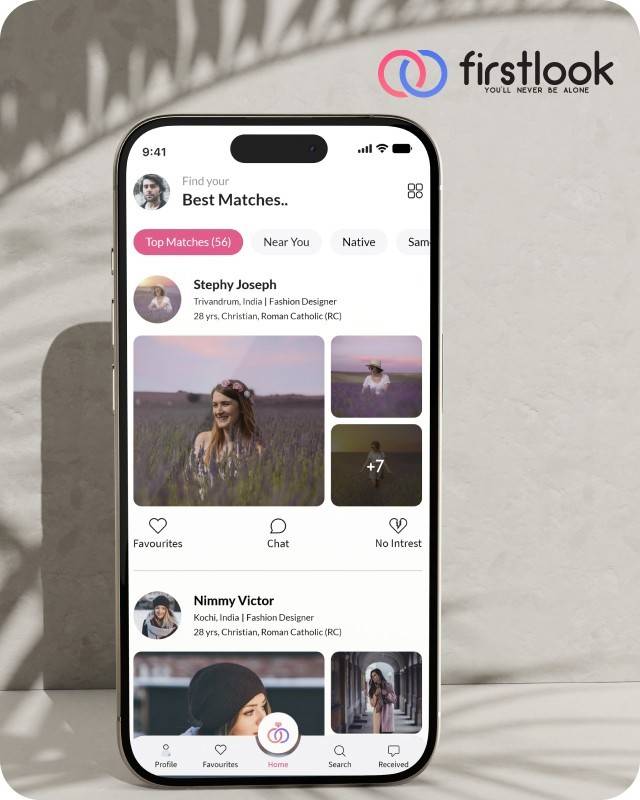
FirstLook Matrimony is a modern matchmaking app that helps you find your perfect life partner with personalized matches, easy chat options, and a secure platform built on trust.

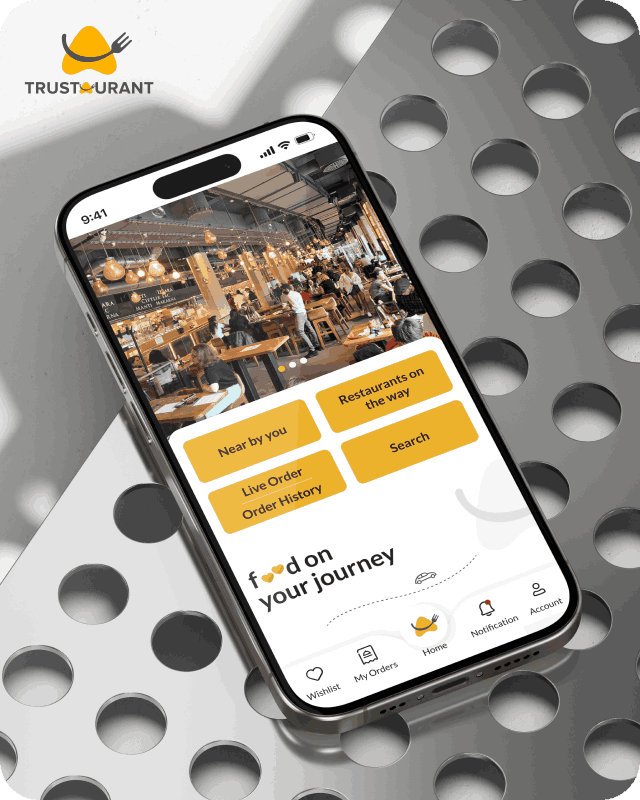
Trustaurant is a travel-friendly food app that helps you discover and order from trusted restaurants nearby or along your journey, all in real-time.
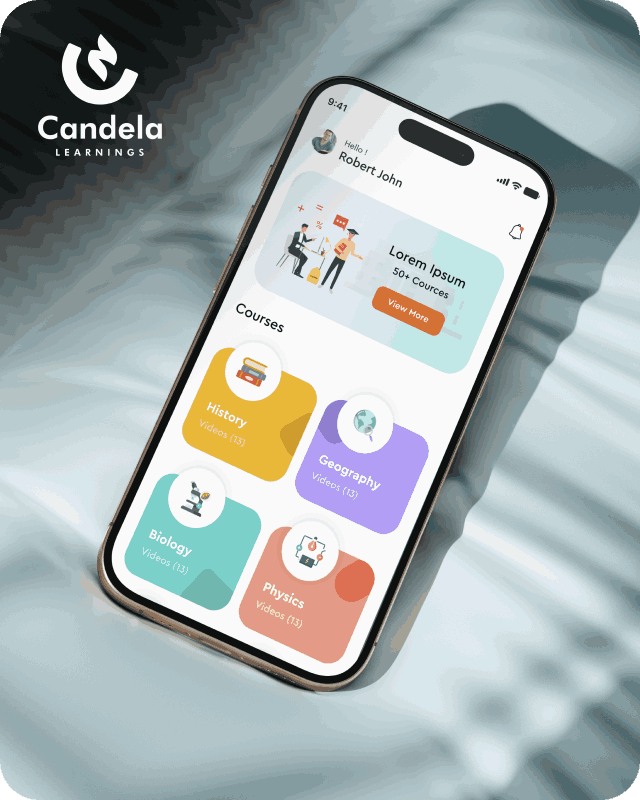
Candela Learnings is an engaging educational app offering interactive video courses in subjects like History, Geography, Biology, and Physics—all in one place.
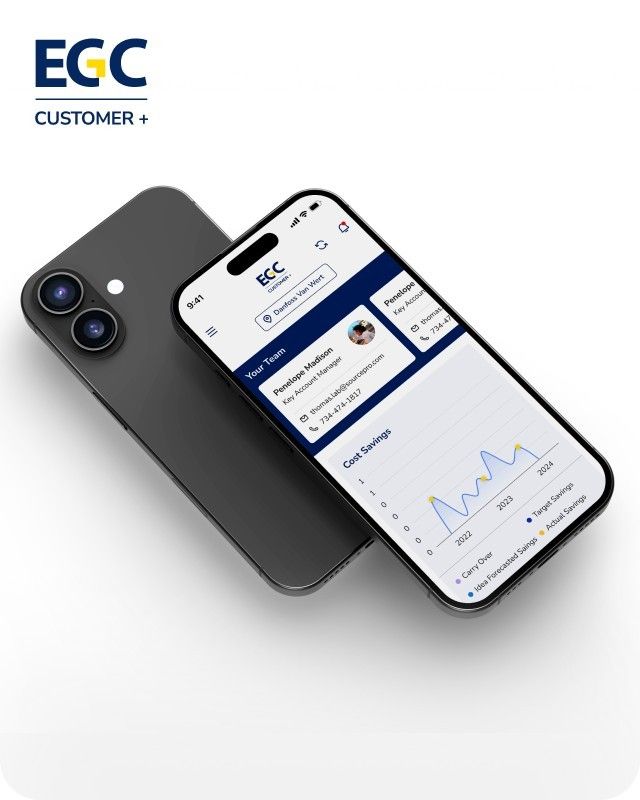
EGC Customer+ is a smart, user-friendly app designed to help you track cost savings, manage key contacts, and stay in control of your account performance—all in one place.
We are a team of highly dedicated mobile app developers that build cutting-edge mobile applications with the latest technologies.
View all WorksWe are a team of highly dedicated mobile app developers that build cutting-edge mobile applications with the latest technologies.
View more openings

Your app loads a recommendation. There’s a half-second gap before it appears. You don’t notice it once. You notice it every time, and so does every user who closes the app before that gap resolves.
That gap is the whole argument for Edge AI.
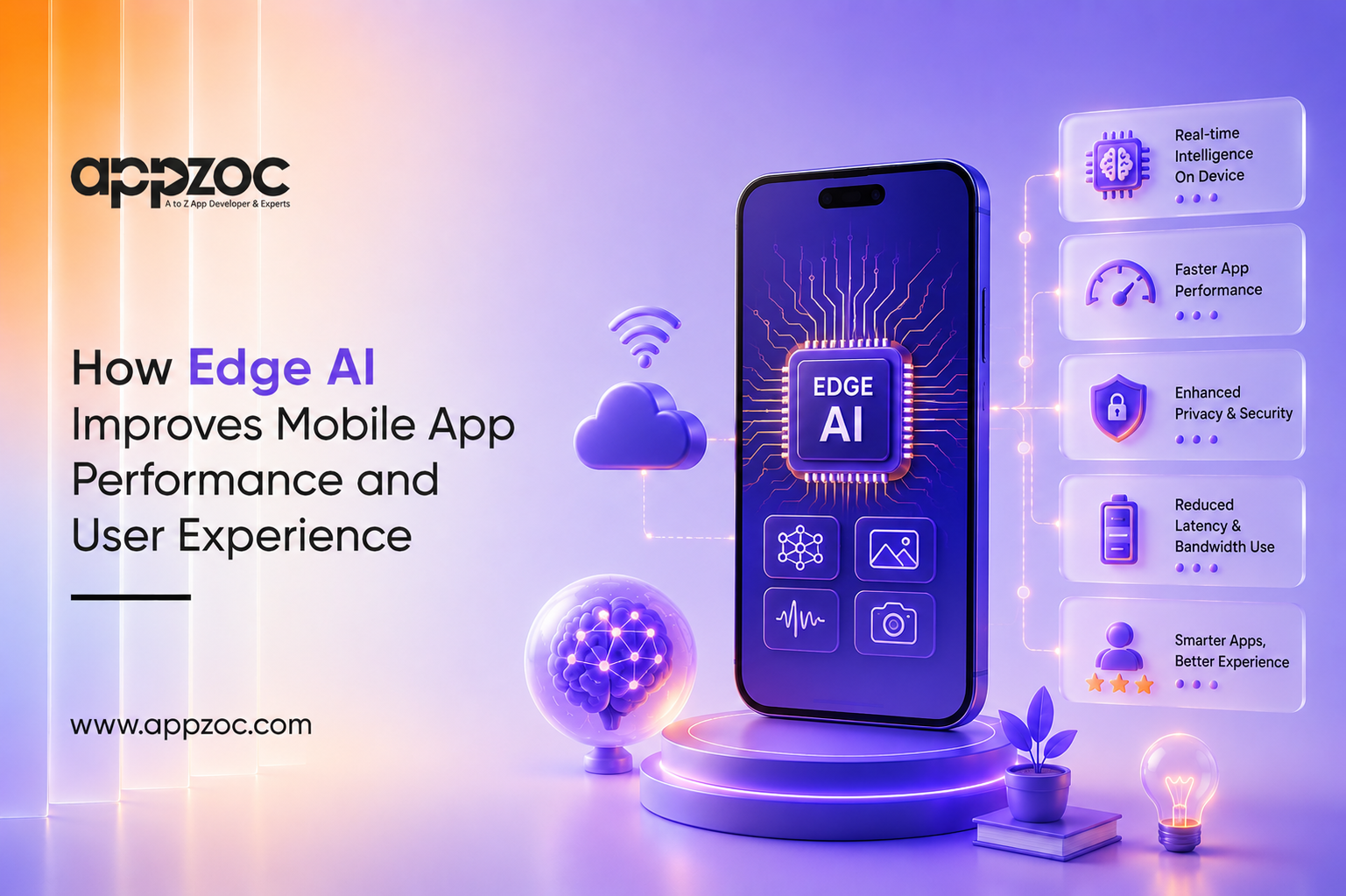
Edge AI takes AI processing out of the cloud and puts it right under your nose – literally inside your device. No need to connect to the cloud and wait for the results or for the internet signal to get strong. So, if you’re building a mobile app, you get faster responses, features that work offline, and less data sent from the device. You also get better battery life as constant network usage decreases.
If you’re creating or updating your app in 2026, incorporating the technology of Edge AI into it will still be a very current and pressing matter rather than a future consideration.
The advantages of this shift, however, may not always outweigh the disadvantages in a given instance. We also present the list of the most critical elements that an app developer should keep in mind when designing a product based on this approach.
Edge AI means running an AI model directly on a device, phone, tablet, or wearable, instead of sending data to a remote server and waiting for a response.
Cloud AI works differently. Your data travels to a server, gets processed on powerful remote hardware, and the result travels back. That round trip works fine when speed doesn’t matter much. It breaks down the moment a user expects something instantly.
Chip manufacturers have also recognized this issue. It is that piece of hardware that enables on-device AI to be scalable and real-world, not just an experiment in the lab.
Here is what sets them apart in practice:
Reduced latency due to faster processing. It is no longer necessary to wait for the server as a result of a network trip.
Features of apps built with this technique of AI can be used even without a network. It is not a matter of being at home with no internet connection; it is that in flight with a smartphone that is a bit older or in the basement, etc, such a scenario is quite common.
Lower bandwidth use. Every request that doesn’t need to leave the device is a request that doesn’t cost the user data or cost you server load. That adds up fast at scale.
Better battery efficiency. Constant network calls drain the battery faster than most users realize. Processing locally on a dedicated NPU is built to be power-efficient by design, which means less strain than repeated cloud requests over cellular.
The pattern across all four: less dependency, more control, and a smoother experience under real-world conditions, not just ideal ones.
Performance gains matter because they change how an app feels to use.
Real-time personalization: An app can adapt to a user’s behavior in the moment, adjusting recommendations, layouts, or content on the fly, without waiting for a server to catch up.
Faster AI-powered features: Voice assistants respond without a lag. Image recognition works the instant a photo is taken. Recommendation engines update as you browse, not after a delayed sync.
Better privacy by default: Sensitive data, health data, financial data, and biometric data can stay on the device rather than being transmitted and stored elsewhere. That’s a real trust advantage, not just a marketing line, especially for finance and healthcare apps.
Fewer interruptions: No spinning loaders while an app phones home for an answer it should already have. Interactions feel continuous instead of segmented.
When put together, this is the difference between an app that feels reactive and one that feels responsive. Users rarely articulate the difference. They just decide, without much thought, whether an app feels fast or feels like work.
Edge AI isn’t theoretical. It’s already running in categories most people use daily:
Each of these solves a friction point that used to be a hard limitation: no signal, no service. Edge AI closes that gap.
None of this is free, and any pitch that skips this part is selling, not informing.
Hardware limitations. Not every device has a capable NPU. Older or budget phones may not handle on-device models well, which forces a decision: build for the ceiling or build for the average device your users actually own.
Model optimization. A model trained for cloud servers doesn’t just drop onto a phone and run. It needs compression and tuning to fit the memory and processing limits of mobile hardware without losing accuracy. That’s real engineering work, not a checkbox.
Security and maintenance. On-device models still need updates, patches, and monitoring. A model sitting on millions of individual devices is harder to patch instantly than one sitting on a server you control directly.
The direction is already visible in where the industry is spending. The global Edge AI market growth isn’t speculative; it’s chip manufacturers, app platforms, and cloud providers all building toward the same shift.
A few developments worth watching:
None of this replaces cloud infrastructure. It changes what cloud infrastructure is for.
If you’re evaluating whether Edge AI fits your next app, or your current one is starting to feel slow next to competitors who’ve already made the shift, that’s a conversation worth having early, not after launch. Appzoc, one of the top mobile app development company in Kerala, building apps meant to perform under real conditions, not just in demos. Get in touch to talk through what Edge AI would actually look like for your product.
Edge AI isn’t a buzzword feature to bolt on for a press release. It solves a specific, measurable problem: apps that lag, apps that break offline, apps that drain batteries, apps that ask for more data trust than users are willing to give.
Done properly, it delivers faster performance, real offline capability, stronger privacy, and an app that feels responsive instead of reactive. Done carelessly, it’s an engineering headache with no user-facing payoff. The difference is in the planning, the hardware targeting, and the model optimization, not the marketing copy.