
Flutter
Make the most of this cutting-edge technology by developing apps quickly! Our Flutter solutions have amazing features that can be used to create sleek, high-performance apps that can scale seamlessly across platforms.



We aim to build applications that excel in all aspects. We consider customer satisfaction as the best award we could receive. In that journey, we have been recognized multiple times for the exceptional products we deliver.
Faster work process

Customer Review on Google
Successful projects accross the world
We are a team of highly dedicated mobile app developers that build cutting-edge mobile applications with the latest technologies.
About us
We cater to dedicated and tailored app development to help companies expand and achieve new heights. We deliver great features focusing on the latest technological advancement.

Our expertise in hybrid application development in Kerala, comes by integrating our agile methodology. We are the leading experts in hybrid application development.

Our rank booster packages reap maximum results for ranking mobile apps higher in the highly competitive niche. We get ahead with a proper ASO strategy crafted under our years of ASO experience.

Our landing page creation in a faster mode connects seamlessly with popular marketing platforms. We build efficient landing pages that crush your revenue goals.
We are a team of highly dedicated mobile app developers that build cutting-edge mobile applications with the latest technologies.
View all Services
Make the most of this cutting-edge technology by developing apps quickly! Our Flutter solutions have amazing features that can be used to create sleek, high-performance apps that can scale seamlessly across platforms.

Explore the endless possibilities of mobile app development with our Figma services. Design compelling apps and refine your tech skills, all while leveraging cutting-edge tools to make a meaningful impact in the industry. Appzoc ensures a seamless user experience.

From startups to enterprises, we specialize in creating Android app development services that drive growth. Our team at Appzoc focuses on developing apps that provide an outstanding experience across all Android devices and wearables.

Node.js, for its high scalability, simplifies the mobile application process and is widely used for real-time applications with many open-source libraries and frameworks. The server-side and client-side switches are easy with Node.js. Node.js developers can constantly publish new code making the app possible as and when needed.
We are a team of highly dedicated mobile app developers that build cutting-edge mobile applications with the latest technologies.
View all Technologies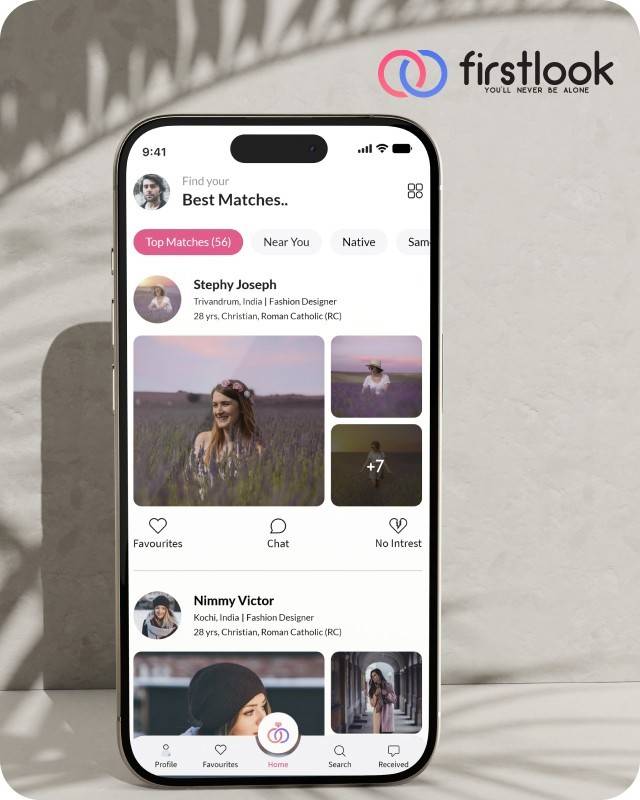
FirstLook Matrimony is a modern matchmaking app that helps you find your perfect life partner with personalized matches, easy chat options, and a secure platform built on trust.


Trustaurant is a travel-friendly food app that helps you discover and order from trusted restaurants nearby or along your journey, all in real-time.
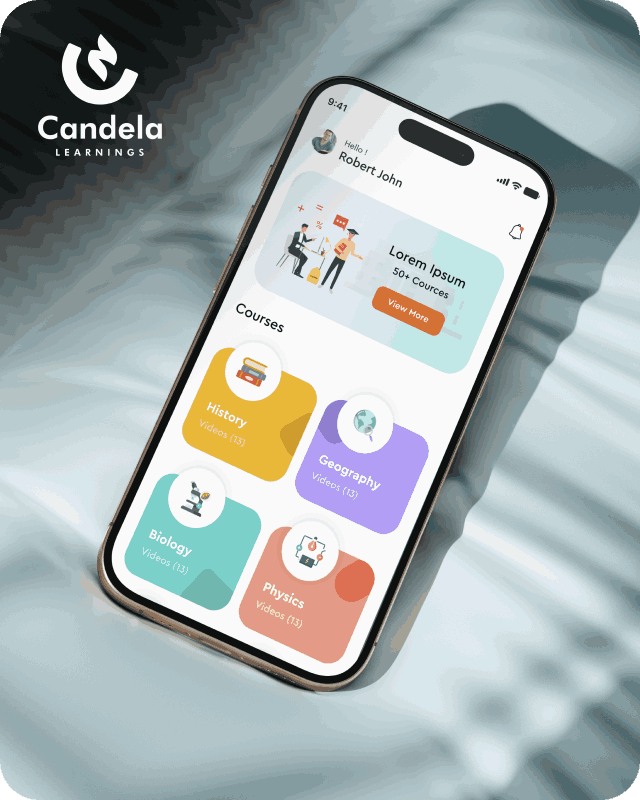
Candela Learnings is an engaging educational app offering interactive video courses in subjects like History, Geography, Biology, and Physics—all in one place.
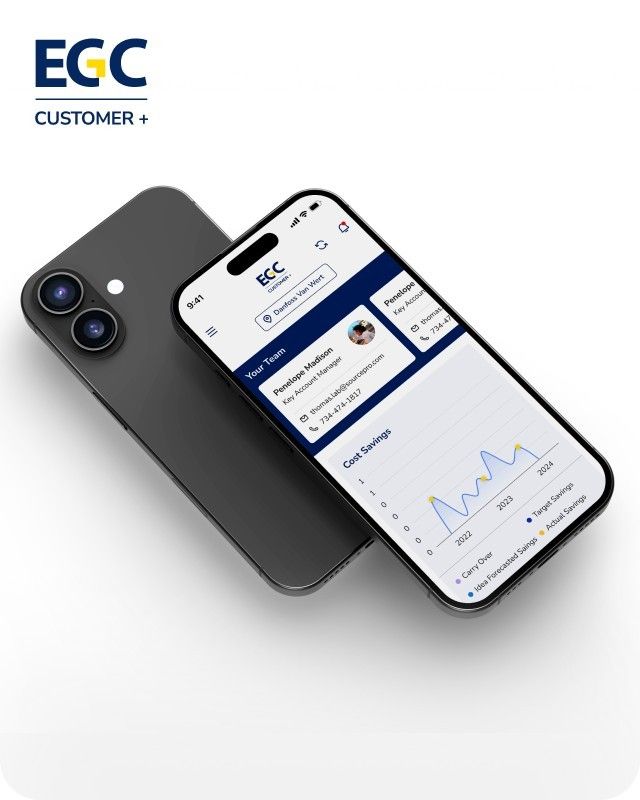
EGC Customer+ is a smart, user-friendly app designed to help you track cost savings, manage key contacts, and stay in control of your account performance—all in one place.
We are a team of highly dedicated mobile app developers that build cutting-edge mobile applications with the latest technologies.
View all WorksWe are a team of highly dedicated mobile app developers that build cutting-edge mobile applications with the latest technologies.
View more openings

Apple’s iOS 27 brings new tools for app developers, including updates to Siri, on-device AI, SwiftUI, and app integrations. These changes give developers more ways to build apps that respond to users, handle information, and work with Apple’s built-in features.
For businesses with existing iPhone apps, the update is also a good time to review the app’s design, performance, and compatibility with the latest software.
This guide covers 10 iOS 27 features and explains how developers can use them in their apps.
Apple introduced iOS 27 in September 2026. The release adds new options for building AI-powered apps, connecting app content with Siri, improving layouts, and working with graphics and media.
Apple’s developer documentation also includes updates to Foundation Models, Core AI, App Intents, SwiftUI, and WidgetKit. Some features depend on the device, language, or software version being used.
Apple’s Foundation Models framework lets developers add AI features using a native Swift API. In iOS 27, developers can work with different language models and use images alongside text in supported prompts.
For example, a shopping app could use AI to help users understand product details or find items based on a description. A productivity app could help users summarise information.
Developers should test the results carefully and make sure the feature works on supported devices. They should also explain when information is processed on the device or sent to an external service.
Core AI is a framework designed to run AI models on Apple devices. Developers can use it to load and run their own models without depending entirely on a remote server.
This can be useful for apps that need to analyse images, recognise patterns, or process information locally. Keeping processing on the device can also reduce the amount of user data sent elsewhere.
The results will depend on the model, device hardware, and task. Developers should test memory use, speed, and battery consumption before adding these features to a live app.
The App Intents framework lets developers connect app actions and content with Siri and other parts of the Apple system.
For example, users may be able to find information from an app or carry out supported actions by making a request in natural language. A travel app could expose trip details, while a task management app could make tasks easier to find.
Developers should decide which app actions are useful to expose and make sure they work correctly through the supported system features.
iOS 27 expands the ways apps can make their content available through Spotlight and Siri. With the right App Intents schemas, developers can help the system find relevant information from inside their apps.
For example, a user could search for a saved document or an item in a supported app without opening the app and searching manually.
This is useful for apps with large amounts of content. Developers should organise their app data properly and check that search results lead users to the correct information.
The View Annotations API helps developers connect parts of an app’s interface with information that the system can understand.
This allows supported Siri experiences to refer to content shown on screen and help users take action on it.
Developers working on apps with detailed information screens should review this feature and consider where it could make common tasks easier. The integration needs to be tested to ensure that the right information and actions are available.
Apple continues to improve SwiftUI, its framework for building app interfaces. The iOS 27 developer updates include support for document-based apps with direct disk access, along with changes to how views and content are handled.
These updates can help developers build apps that work with documents and large amounts of information.
Before changing an existing app, developers should check how its current data handling and screen layouts are built. They can then decide whether the newer SwiftUI features would simplify the code or improve the user experience.
SwiftUI in iOS 27 adds options for reordering content across lists and grids. It also supports lazy loading and prefetching of subviews to help content appear smoothly while users scroll.
These changes can be useful for apps with product lists, photo collections, documents, or task boards.
Developers should test how lists behave with large amounts of content, especially on older supported devices. They should also check that moving items between lists or grids works as expected.
UIKit includes new layout options for apps that need to adapt to iPhone Mirroring.
Developers should check how their app’s screens behave in supported mirrored experiences. Text, buttons, navigation, and other controls should remain easy to understand and use.
This is particularly relevant for apps with custom layouts or screens designed around a specific device size. Testing different screen arrangements can help developers find layout problems before release.
WidgetKit updates give developers more options for customising widgets through App Intents and dynamic styling.
Widgets can help users see useful information without opening the full app. For example, a task app could show upcoming tasks, while a delivery app could display an order update.
Developers should focus on showing information that users need regularly. They should also test how the widget looks with different display settings and confirm that the information stays up to date.
Apple has added new tools for game and media development. Game Porting Toolkit 4 includes resources to help developers bring games to Apple platforms. The Music Understanding framework can analyse audio on the device, while the NowPlaying framework connects supported playback features with the Lock Screen, Control Center, Dynamic Island, and CarPlay.
These tools may be useful for game studios, music apps, and other apps that work with audio or media.
Developers should check the requirements for each framework before using it. They should also test playback, graphics, and performance on the devices their apps support.
Before releasing an update, review the app and check whether it works properly with iOS 27. These steps can help:
A successful build does not guarantee that every part of an app will work as expected. Testing helps identify problems before users encounter them.
An iOS update may require changes to an app’s code, interface, or development tools. An experienced team can review the app, check compatibility, and test its main features before a new version is released.
Appzoc is a mobile development company in Kerala, based in Kochi. Its team works on iOS app development and updates to existing applications. Businesses can review their app requirements and identify the changes needed for future releases.
Also Read: Common Reasons Why iOS Apps Get Rejected by Apple
iOS 27 gives developers more ways to connect apps with Siri, use AI models, build interfaces, and improve app features. Not every app needs to use all these updates. The right choice depends on what the app does and what its users need.
Start by checking compatibility with iOS 27 and reviewing how the app performs on supported devices. Then decide which new features are useful enough to add to the next release.
Key updates include new Foundation Models and Core AI capabilities, expanded App Intents, improvements to SwiftUI and WidgetKit, and new tools for games and media apps.
Yes. Developers can use Apple’s Foundation Models and Core AI frameworks for supported AI tasks. The choice of framework depends on the model, device, and type of task.
Not every app needs a major update. However, developers should test existing apps, review compatibility, and check whether changes to APIs or app behaviour require adjustments.
They should measure launch time, memory use, battery consumption, and screen responsiveness. Testing on real devices can help identify issues that may not appear during development.
Developers can use Apple’s official iOS developer updates, API documentation, sample code, and release notes to learn more about the available features.