
Flutter
Make the most of this cutting-edge technology by developing apps quickly! Our Flutter solutions have amazing features that can be used to create sleek, high-performance apps that can scale seamlessly across platforms.



We aim to build applications that excel in all aspects. We consider customer satisfaction as the best award we could receive. In that journey, we have been recognized multiple times for the exceptional products we deliver.
Faster work process

Customer Review on Google
Successful projects accross the world
We are a team of highly dedicated mobile app developers that build cutting-edge mobile applications with the latest technologies.
About us
We cater to dedicated and tailored app development to help companies expand and achieve new heights. We deliver great features focusing on the latest technological advancement.

Our expertise in hybrid application development in Kerala, comes by integrating our agile methodology. We are the leading experts in hybrid application development.

Our rank booster packages reap maximum results for ranking mobile apps higher in the highly competitive niche. We get ahead with a proper ASO strategy crafted under our years of ASO experience.

Our landing page creation in a faster mode connects seamlessly with popular marketing platforms. We build efficient landing pages that crush your revenue goals.
We are a team of highly dedicated mobile app developers that build cutting-edge mobile applications with the latest technologies.
View all Services
Make the most of this cutting-edge technology by developing apps quickly! Our Flutter solutions have amazing features that can be used to create sleek, high-performance apps that can scale seamlessly across platforms.

Explore the endless possibilities of mobile app development with our Figma services. Design compelling apps and refine your tech skills, all while leveraging cutting-edge tools to make a meaningful impact in the industry. Appzoc ensures a seamless user experience.

From startups to enterprises, we specialize in creating Android app development services that drive growth. Our team at Appzoc focuses on developing apps that provide an outstanding experience across all Android devices and wearables.

Node.js, for its high scalability, simplifies the mobile application process and is widely used for real-time applications with many open-source libraries and frameworks. The server-side and client-side switches are easy with Node.js. Node.js developers can constantly publish new code making the app possible as and when needed.
We are a team of highly dedicated mobile app developers that build cutting-edge mobile applications with the latest technologies.
View all Technologies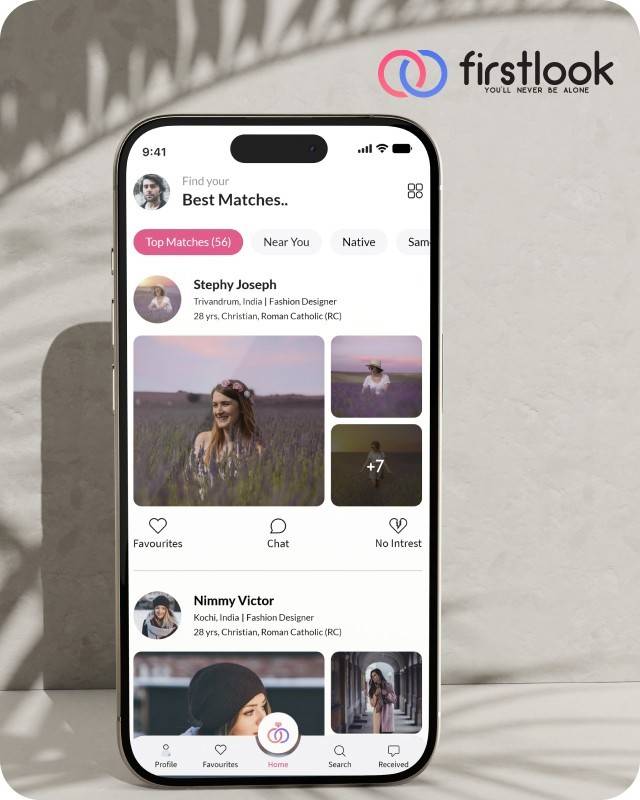
FirstLook Matrimony is a modern matchmaking app that helps you find your perfect life partner with personalized matches, easy chat options, and a secure platform built on trust.

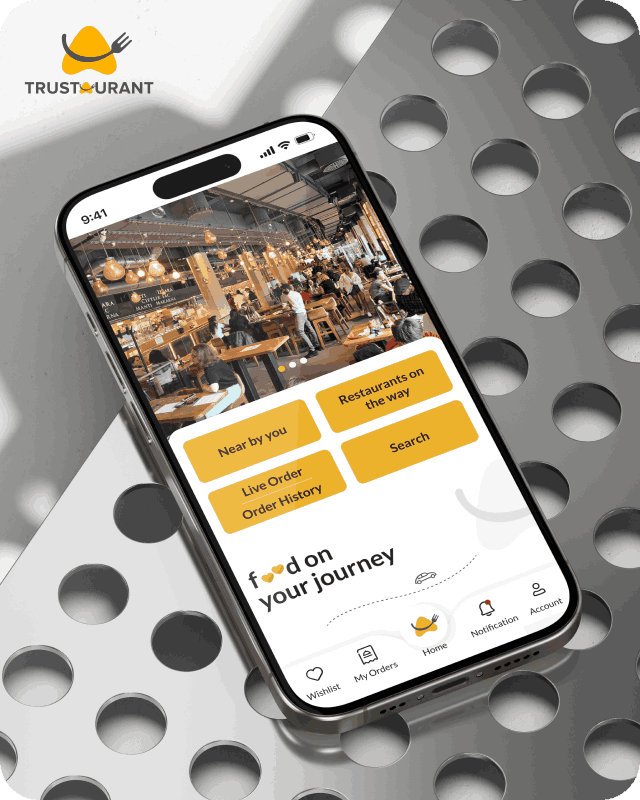
Trustaurant is a travel-friendly food app that helps you discover and order from trusted restaurants nearby or along your journey, all in real-time.
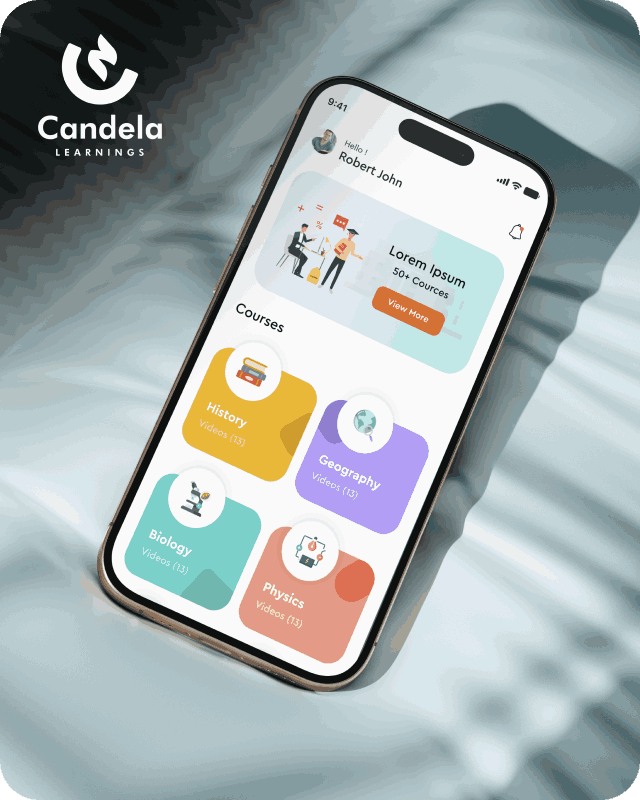
Candela Learnings is an engaging educational app offering interactive video courses in subjects like History, Geography, Biology, and Physics—all in one place.
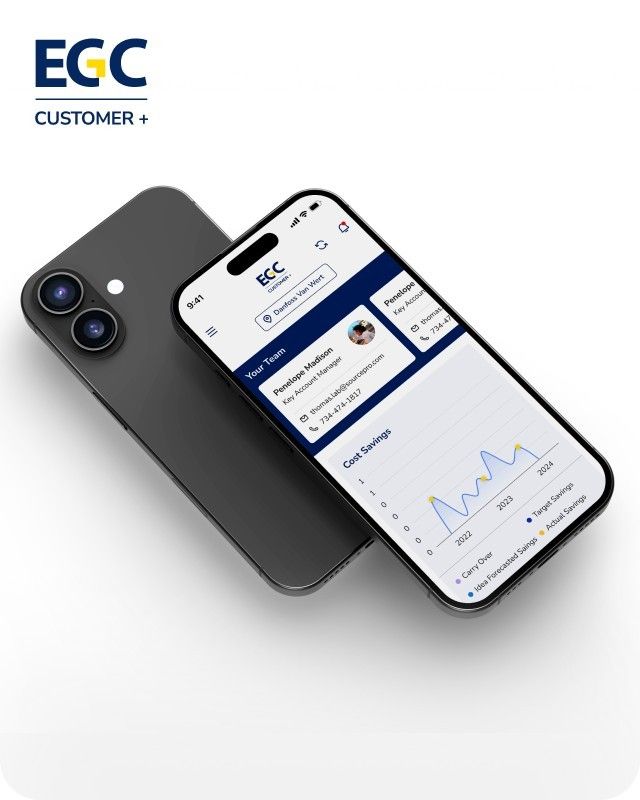
EGC Customer+ is a smart, user-friendly app designed to help you track cost savings, manage key contacts, and stay in control of your account performance—all in one place.
We are a team of highly dedicated mobile app developers that build cutting-edge mobile applications with the latest technologies.
View all WorksWe are a team of highly dedicated mobile app developers that build cutting-edge mobile applications with the latest technologies.
View more openings

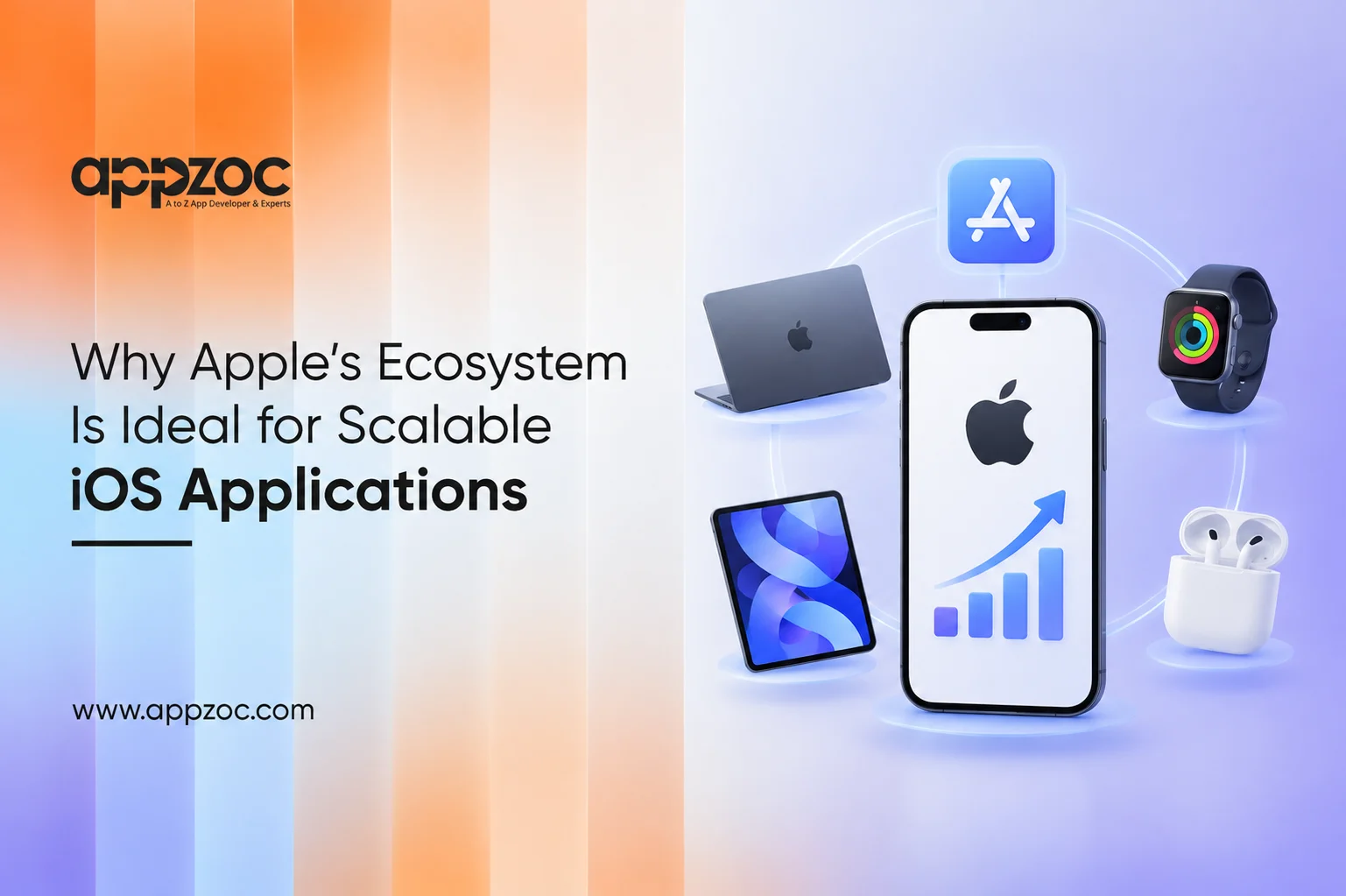
An iOS app may begin with a few thousand users, but maintaining it can become more complex as the user base grows. As usage increases, the app needs to handle more data, devices, integrations, and features, which can also introduce more points of failure.
This is where Apple’s ecosystem offers a practical advantage. Apple controls the operating system, hardware, development tools, design standards, and distribution environment. That does not guarantee scale. It gives you a more stable base for further development. If you wish to have an iOS app that can scale, build for Apple from the start. Use Apple’s own frameworks when appropriate, design for all devices, make the backend scalable, test on real devices, and work within the App Store’s guidelines and treat it as your distribution channel.
The Apple ecosystem is tightly connected. Apple’s platforms, including iPhone, iPad, Mac, and Apple Watch, share core technologies. To developers, it means building for several platforms on a common set of technologies, though each platform still needs its own design and testing.
Apple offers:
Once an application is ready to launch, the App Store gives it a large distribution channel. The real benefit is the consistency that comes from developing applications for a single ecosystem. Developers are working within a defined set of hardware and software environments, which makes testing and optimisation more manageable than supporting a wide range of varied device configurations.
Scalability means handling more users and data, and adding features and complexity, without a matching rise in maintenance effort.
Apple’s platform enables this in various ways:
None of this removes the need for well-structured engineering practices. A badly structured application will still become difficult to maintain. Apple’s ecosystem provides the foundation. The development team has to build on it properly.
Apple Intelligence creates another opportunity for developers. Instead of keeping every intelligent function inside an app’s own interface, developers can connect to certain app capabilities with Apple’s broader system experience.
Apple’s Foundation Models framework gives developers access to Apple’s on-device foundation model through Swift APIs. With iOS 27, it also covers Apple’s model on Private Cloud Compute and third-party model providers. Apple also provides App Intents, which can make app actions and content available to system experiences such as Siri, Spotlight, Shortcuts, and Apple Intelligence.
This can support features such as:
For scalable applications, this is important because new capabilities can become part of the wider user experience instead of sitting behind another function in the app.
There is also a practical benefit to processing appropriate tasks on the device. Not every interaction needs to send data elsewhere for AI processing.
Developers will still have to consider model limitations, device compatibility, privacy, and performance when using this approach.
The biggest scalability mistakes tend to happen before launch.
Start with the architecture.
A scalable iOS application needs:
Application size also deserves attention. Apple provides guidance on reducing app size because smaller apps reach more users and install faster.
For businesses, the practical benefits include:
There is another advantage that might not be so obvious. Planning for the broader ecosystem from the start reduces later rework.
That does not mean that every app must support every Apple technology; in fact, it is better to avoid the temptation to bloat your application with unnecessary technologies. Instead, select the tools that best fit the problems you and your users need to solve.
Apple’s controlled ecosystem has a direct impact on how iOS applications are designed, developed, and maintained. Every app and update submitted to the App Store goes through Apple’s review process. Applications that do not meet its requirements may be rejected. The App Review Guidelines cover areas such as safety, performance, business practices, design, and legal compliance.
Understanding these guidelines early can help development teams avoid issues during the submission process. Developers can also refer to our guide, Common Reasons Why iOS Apps Get Rejected by Apple, for a closer look at common issues that can lead to App Store rejection.
There are other practical concerns:
Choosing Apple does not remove technical risk. It gives developers a framework with defined tools and platform standards. How well the team implements the app determines how much technical debt it carries as it grows.
Designing with scalability in mind also involves avoiding the temptation to overbuild. A product does not need every Apple framework on day one. It needs an architecture that can take on the capabilities it will require later.
As a mobile development company in Bangalore, Appzoc works with businesses to plan and develop mobile applications around their product requirements that target users, and long-term goals. The team considers factors such as application architecture, backend integration, testing, and future updates during the development process.
Appzoc also provides iOS app development in Bangalore, with a focus on native iOS applications built using Apple’s development tools and technologies. The approach is designed to give businesses a solid technical foundation that can accommodate new features and changing product requirements as the application grows.
Apple’s ecosystem offers developers a controlled environment, mature development tools, native frameworks, and an opportunity to expand applications across devices and user experiences. However, the ecosystem alone does not deliver a scalable application. The difference lies in design and implementation that account for future requirements.
Sound architecture, a backend that supports scale, testing, data management, and a sensible release strategy are no less important than the technical tools provided by Apple. Businesses looking to develop iOS applications should begin the conversation about application requirements around future state and not just the initial launch.