Flutter
Make the most of this cutting-edge technology by developing apps quickly! Our Flutter solutions have amazing features that can be used to create sleek, high-performance apps that can scale seamlessly across platforms.



We aim to build applications that excel in all aspects. We consider customer satisfaction as the best award we could receive. In that journey, we have been recognized multiple times for the exceptional products we deliver.
Faster work process

Customer Review on Google
Successful projects accross the world
We are a team of highly dedicated mobile app developers that build cutting-edge mobile applications with the latest technologies.
About us
We cater to dedicated and tailored app development to help companies expand and achieve new heights. We deliver great features focusing on the latest technological advancement.

Our expertise in hybrid application development in Kerala, comes by integrating our agile methodology. We are the leading experts in hybrid application development.

Our rank booster packages reap maximum results for ranking mobile apps higher in the highly competitive niche. We get ahead with a proper ASO strategy crafted under our years of ASO experience.

Our landing page creation in a faster mode connects seamlessly with popular marketing platforms. We build efficient landing pages that crush your revenue goals.
We are a team of highly dedicated mobile app developers that build cutting-edge mobile applications with the latest technologies.
View all Services
Make the most of this cutting-edge technology by developing apps quickly! Our Flutter solutions have amazing features that can be used to create sleek, high-performance apps that can scale seamlessly across platforms.

Explore the endless possibilities of mobile app development with our Figma services. Design compelling apps and refine your tech skills, all while leveraging cutting-edge tools to make a meaningful impact in the industry. Appzoc ensures a seamless user experience.

From startups to enterprises, we specialize in creating Android app development services that drive growth. Our team at Appzoc focuses on developing apps that provide an outstanding experience across all Android devices and wearables.
Node.js, for its high scalability, simplifies the mobile application process and is widely used for real-time applications with many open-source libraries and frameworks. The server-side and client-side switches are easy with Node.js. Node.js developers can constantly publish new code making the app possible as and when needed.
We are a team of highly dedicated mobile app developers that build cutting-edge mobile applications with the latest technologies.
View all Technologies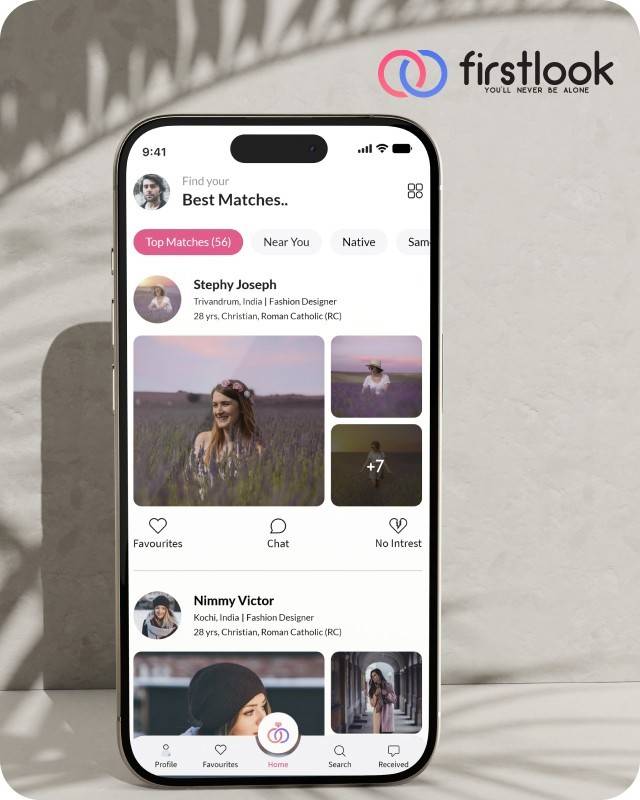
FirstLook Matrimony is a modern matchmaking app that helps you find your perfect life partner with personalized matches, easy chat options, and a secure platform built on trust.

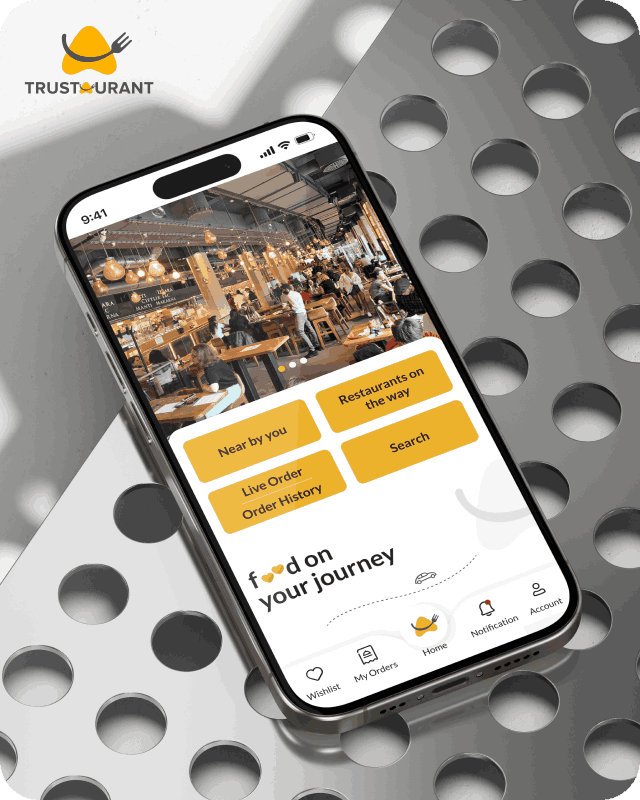
Trustaurant is a travel-friendly food app that helps you discover and order from trusted restaurants nearby or along your journey, all in real-time.
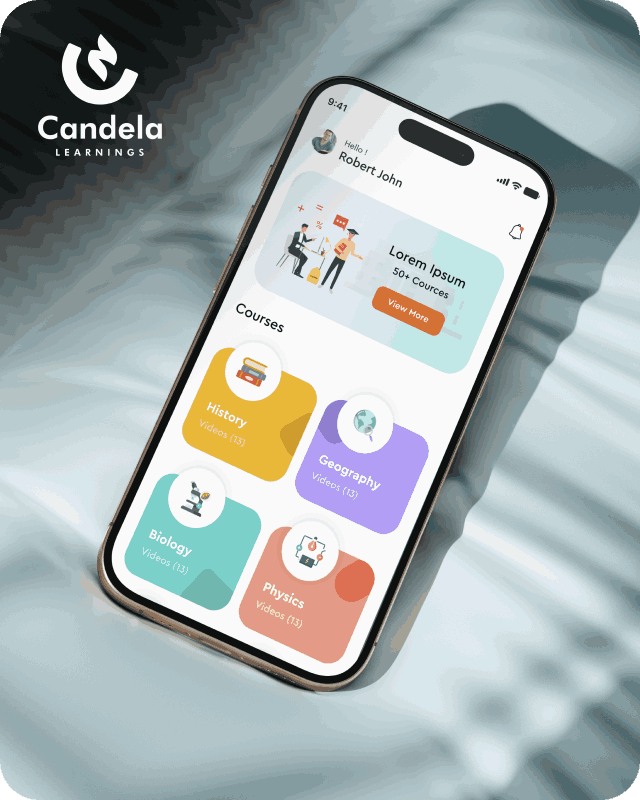
Candela Learnings is an engaging educational app offering interactive video courses in subjects like History, Geography, Biology, and Physics—all in one place.
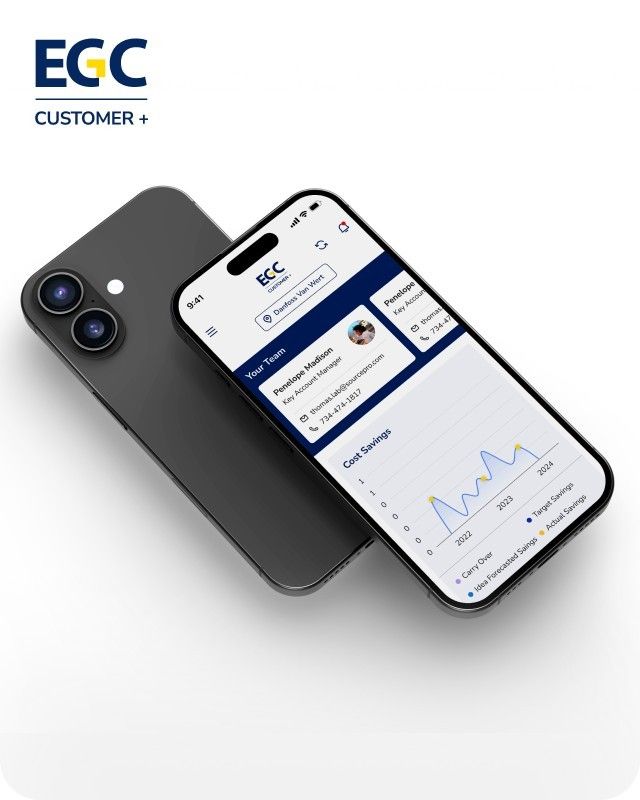
EGC Customer+ is a smart, user-friendly app designed to help you track cost savings, manage key contacts, and stay in control of your account performance—all in one place.
We are a team of highly dedicated mobile app developers that build cutting-edge mobile applications with the latest technologies.
View all WorksWe are a team of highly dedicated mobile app developers that build cutting-edge mobile applications with the latest technologies.
View more openings

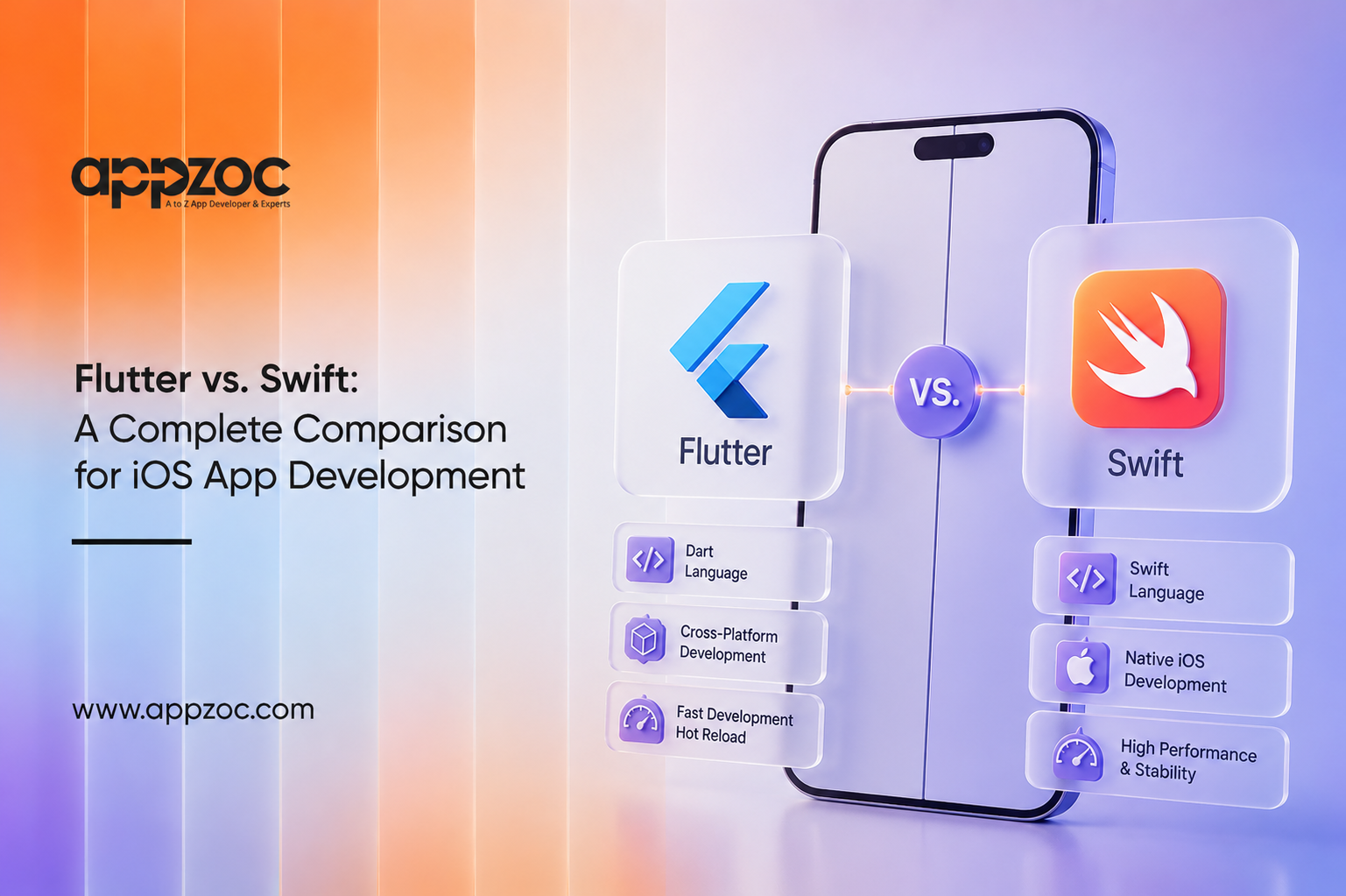
If you are planning to build an iOS app, one of the first questions you will run into is this: should you go with Flutter or Swift? Both are popular, both are backed by strong communities, and both can help you build a great app. But they work in very different ways, and picking the wrong one can cost you time, money, and a lot of headaches later.
Flutter is Google’s open-source toolkit for building apps that run on iOS, Android, and beyond, all from one codebase. Swift is Apple’s own programming language, built specifically to create native iOS, iPadOS, and macOS apps.
Choosing the right technology matters more than most people think. It affects how fast you can launch, how much you will spend on development, how smooth the app feels to users, and how easy it will be to maintain in the years ahead. In this blog, we will break down both options in simple terms so you can make the right call for your project.
Flutter is an open-source UI toolkit created by Google. It lets developers build apps for iOS and Android using a single codebase written in Dart, Google’s own programming language.
Key features:
The biggest advantage of Flutter is efficiency. Instead of hiring separate teams for iOS and Android, a business can build one app that works on both. This cuts down development time and cost significantly, which is why Flutter has become a favourite for startups and businesses that want to launch on multiple platforms quickly.
Swift is Apple’s modern programming language, introduced as a faster and safer replacement for Objective-C. It is the go-to language for building native apps across the Apple ecosystem, including iOS, iPadOS, macOS, watchOS, and tvOS.
Native iOS development:
Because Swift is built by Apple for Apple devices, it has direct access to every native API and framework, including the latest features Apple rolls out with each iOS update. Apps built with Swift, especially using SwiftUI, tend to feel right at home on iPhones and iPads.
Flutter is a strong choice when:
Business scenarios: Flutter works well for e-commerce apps, booking platforms, content and subscription apps, and internal business tools, basically any app where reaching more users quickly matters more than squeezing out every bit of native performance.
Swift is the better fit when:
Performance-focused apps: Gaming apps, apps with heavy animations or AR features, apps for healthcare or finance that need high reliability, and apps meant to showcase the absolute best of what iPhone can do are all better suited to Swift.
If you are looking for an iOS app development company in Kerala, Appzoc is worth considering. The team works with both Swift and Flutter, recommending whichever fits your budget, timeline, and business goals rather than pushing a single technology, and being based in Kochi means easier communication and competitive costs without compromising on quality.
There is no single winner in the Flutter vs. Swift debate, it really depends on what your business needs. Flutter offers speed, cost savings, and the convenience of one codebase for multiple platforms. Swift offers unmatched performance, full access to Apple’s ecosystem, and a truly native experience.
If your priority is launching fast and reaching both iOS and Android users on a tighter budget, Flutter is likely your best bet. If you are laser-focused on iOS, need deep native integration, or are building a performance-critical app, Swift is the way to go.
Before deciding, take a step back and look at your business goals, budget, timeline, and target audience. That, more than any technical comparison, is what will point you to the right choice.
For a deeper technical dive into how Flutter’s rendering engine and widget system work under the hood, check out Flutter’s official documentation.